On this page

Scott
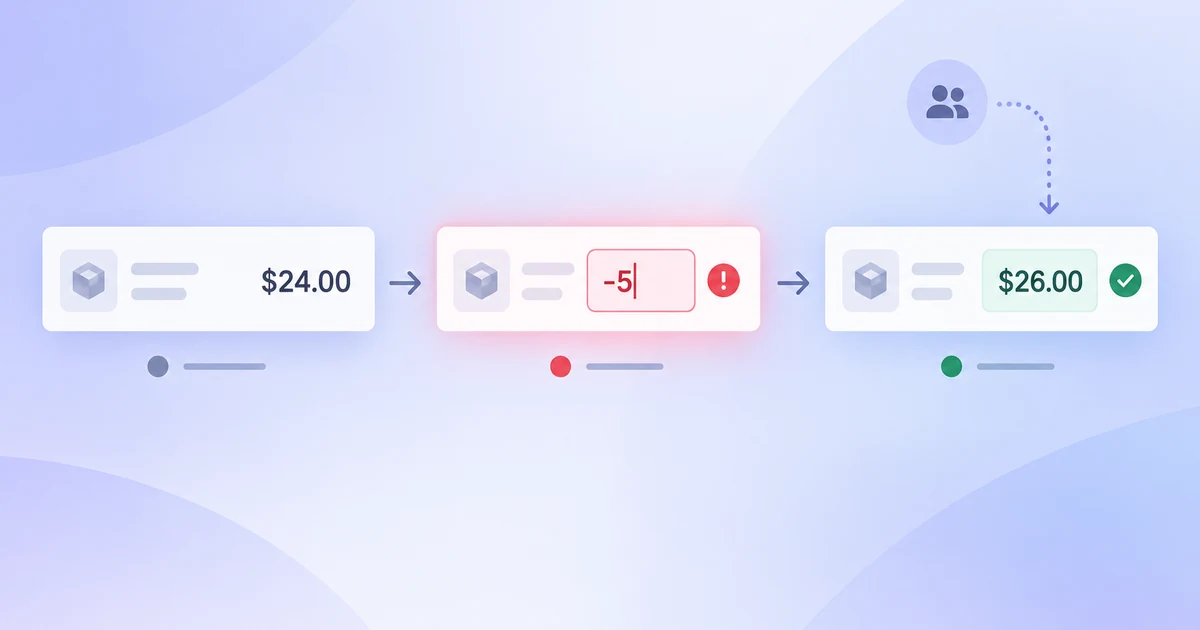
A design comment is not resolved merely because someone has replied or hidden its pin. A useful resolution says what changed, which screen now shows it, who accepted the trade-off, and what remains for implementation. Consider a checkout error screen that says only “Payment failed” while its main button still says “Continue.” The reviewer cannot tell whether the customer should retry, change payment method, or contact support. The team needs a decision, not another round of vague reactions.
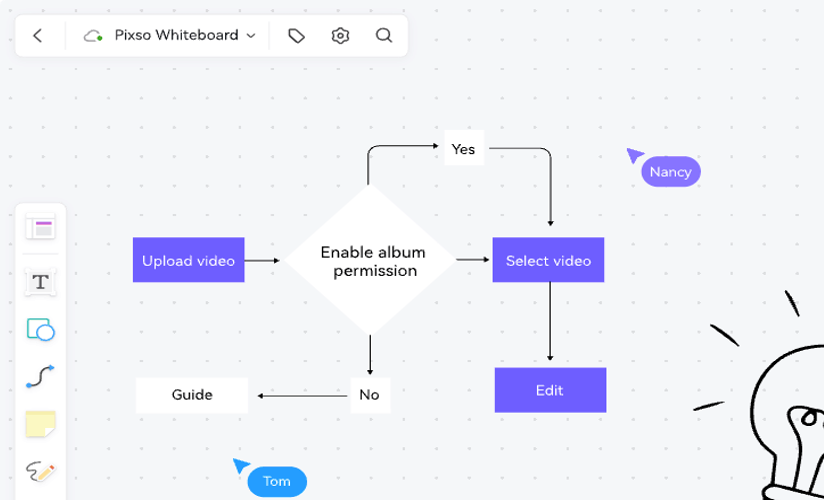
Keep the discussion beside the relevant screen in a shared UX design workspace such as Pixso. This guide follows the same comment from the first observation through a revised error state, an agreed decision, handoff and a later regression. The review process below is a team policy to design and test; it is not a claim that a comment tool automatically approves a design or ships code.
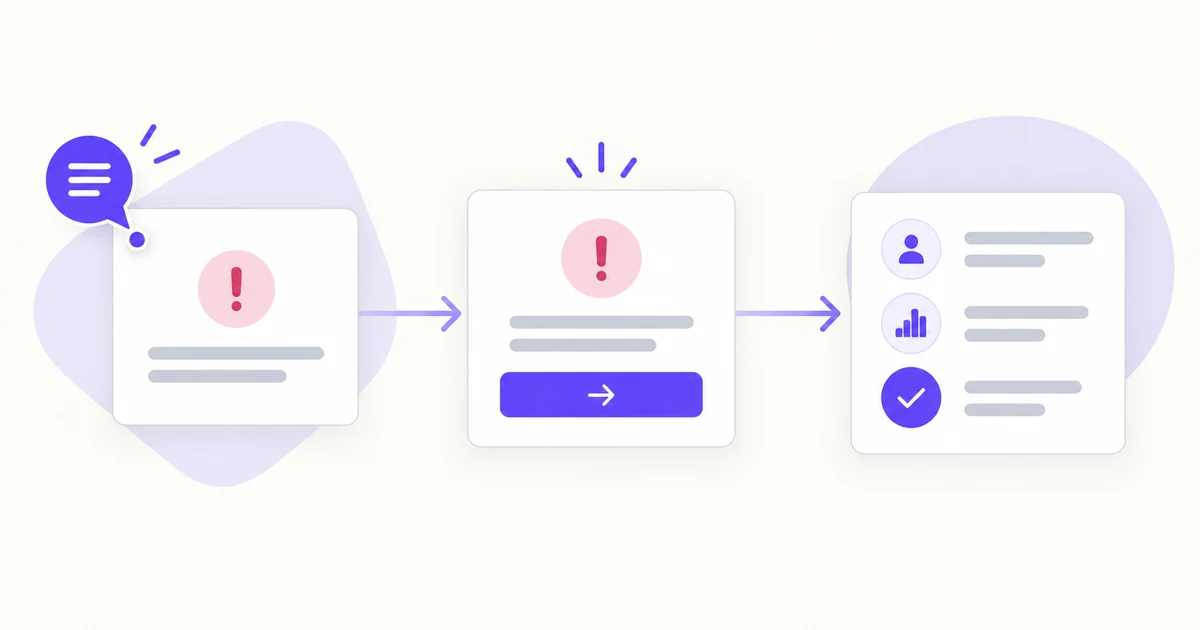
Separate discussion, design decision and shipped behavior
“Resolved” is often overloaded. In the comment thread, it may mean the conversation no longer needs attention. In the design file, it may mean a revised screen has been accepted. In the product, it would mean the change has been built and checked. Those are three different events. If a designer closes a pin as soon as they move a button, the reviewer may never see the new wording; if a developer treats the closed pin as release approval, an untested behavior can slip through.
| State | Evidence to show | What it must not imply |
|---|---|---|
| Open feedback | Location, observed problem, owner and question | A preference is already an approved requirement |
| Design decision accepted | Revised frame, reason, reviewer and remaining conditions | The application has been implemented or tested |
| Implementation accepted | Built behavior and its test result | Every future version will stay correct without review |
Teams can use different labels, but they should not collapse these states into one green tick. A small sentence such as “Design approved; implementation still open” removes more ambiguity than an elaborate status color system.
Attach feedback to a specific state and version
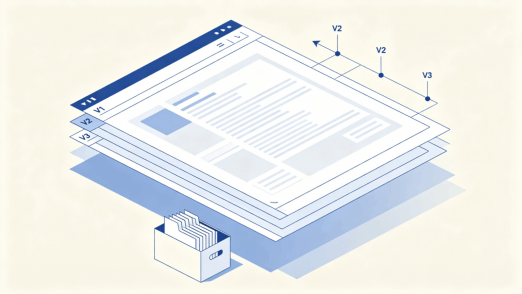
“The error message is unclear” is easy to agree with and hard to fix. A better comment identifies the checkout frame, the failed-payment state, the text the reviewer saw, and the customer question it fails to answer. A screenshot or pinned area helps when several error states share one page. If the file changes during review, include the relevant version or frame link so the designer does not repair an old draft while another reviewer comments on a newer one.
For this example, the comment might read: “On Checkout / Payment error, the customer sees ‘Payment failed’ and a Continue button. What should they do if this payment cannot proceed?” That wording leaves room for the team to investigate the actual payment response. It does not invent a bank decline or promise that no charge occurred. A specific bank reason or charge status belongs in the final message only if the service can reliably provide it.
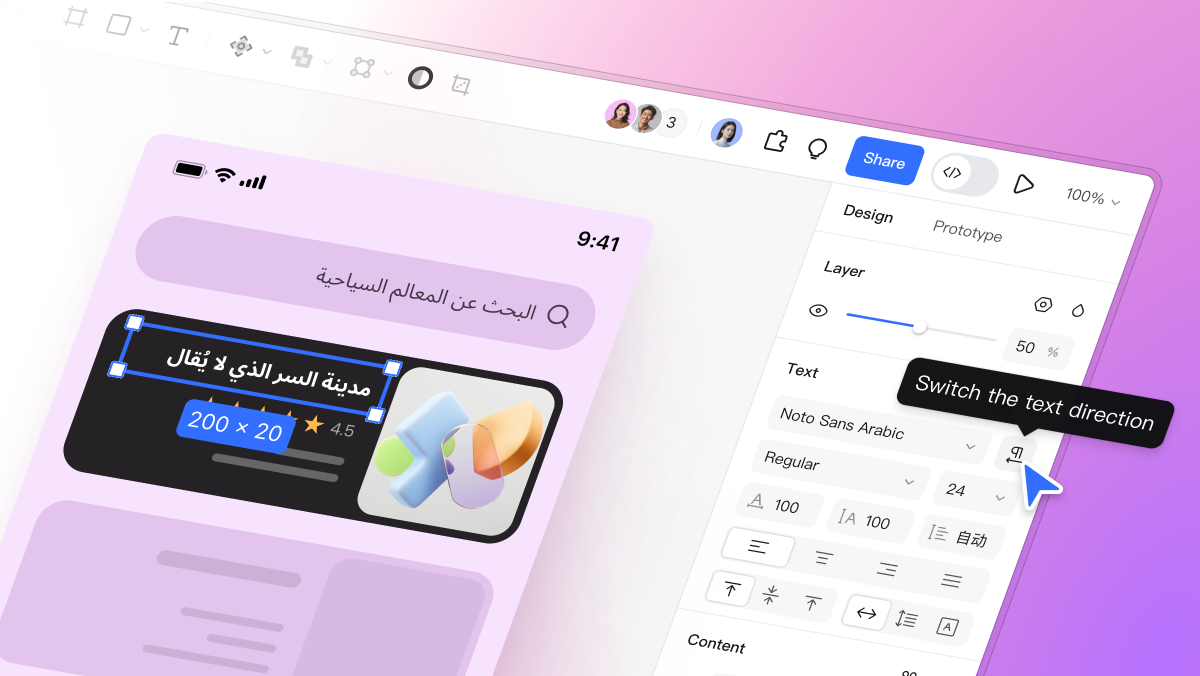
Pixso's visual-comments release describes contextual comments with text and images. Use that context to keep the observed state and proposed revision together; the team still owns the decision and its evidence.
Turn the comment into a testable request
The designer and product owner first agree on the customer outcome: a person whose payment was not completed should understand that the attempt needs attention and should have an available next action. They then check the service contract. Can the product safely say why the attempt failed? Is retry permitted for this failure type? Is choosing another payment method available? Could repeating the action create a duplicate charge? These are product and engineering questions, not copywriting details to guess from the mockup.
Where the system cannot safely identify the cause, a revised design could say “We couldn't complete this payment” and offer “Try again” and “Use another method” only when those actions are actually supported. A specific “Your bank declined this payment” message is appropriate only when the backend confirms that reason. The acceptance condition is not “make the message friendlier”; it is “in the failed-payment state, the person can identify the result and choose an available recovery path without mistaking the failed attempt for a completed order.”
Make the condition visible on the frame. The error copy, primary and secondary actions, focus order, and small-screen wrapping all affect whether the revision answers the comment. A single polished desktop frame may hide a button that wraps below the fold on mobile or a focus path that skips the alert.
Record the decision, including disagreement
After the revision, reply in the original thread with a link to the changed frame and a short decision: “Use a neutral failure message until the service supplies a verified reason. Show Try again for retryable failures; show Use another method when another method is available. Product owns the copy rule, engineering owns the response mapping.” Name who agreed and when. If the team chooses not to act, record why—for example, the supposed button is already present in a later approved version. “Won't fix” without a reason simply invites the same comment next week.
When reviewers disagree, preserve the disagreement long enough to decide what evidence would settle it. A researcher may worry that two actions compete; a payments engineer may know that retry is unsafe for one code. The owner should choose the relevant failure types and a tested message/action mapping, rather than collecting votes on visual preference. The outcome may be a small decision table attached to the design, not a single universal error screen.
Close the review thread with evidence, not disappearance
Before closing the comment, the reviewer checks the revised frame against the original question. Can they tell what the customer sees and what happens next? Are the remaining conditions explicit? If the reviewer cannot access the frame, resolving the thread does not create agreement. Keep the link and owner in the reply so a later developer can find the decision without scrolling through every message.
In tools that hide resolved pins, hiding is a display behavior, not proof of a built change. Figma's comment documentation, for example, distinguishes resolving a thread from deleting it and provides a way to show resolved comments again. The general lesson is to preserve the reasoning and revised artifact. In Pixso, use the current comment controls available to your workspace and verify the agreed result in the design file; do not infer a release status from the visibility of a pin.
Reopen when a regression changes the answer
Suppose a later responsive revision removes “Use another method” from the narrow checkout screen. The old review decision no longer describes what a customer can do on a phone. Reopen the original discussion when the same issue and artifact are still recognizable; create a new linked issue when the cause or flow is different. Mention the affected version and the exact mismatch. “Mobile screen lost the second recovery action after the layout change” is more useful than “still broken.”
Reopening is not an accusation that the original reviewer failed. A design decision was valid for the reviewed state; new evidence changed the state. Leave the old decision visible, add the new observation and repeat the acceptance check. The work is complete only when the design decision, implemented behavior and their owners agree again.
Review the complete decision path in Pixso
Place the original checkout error, the revised version and the review decision beside one another in the same Pixso file. Add the narrow-screen version and an error path where retry is unavailable. Attach the comment to the affected state, then use the revised frame link in the thread. When the design is accepted, hand the engineer the message rules, action availability, focus order and unresolved service questions—not only a screenshot of the approved color and spacing.
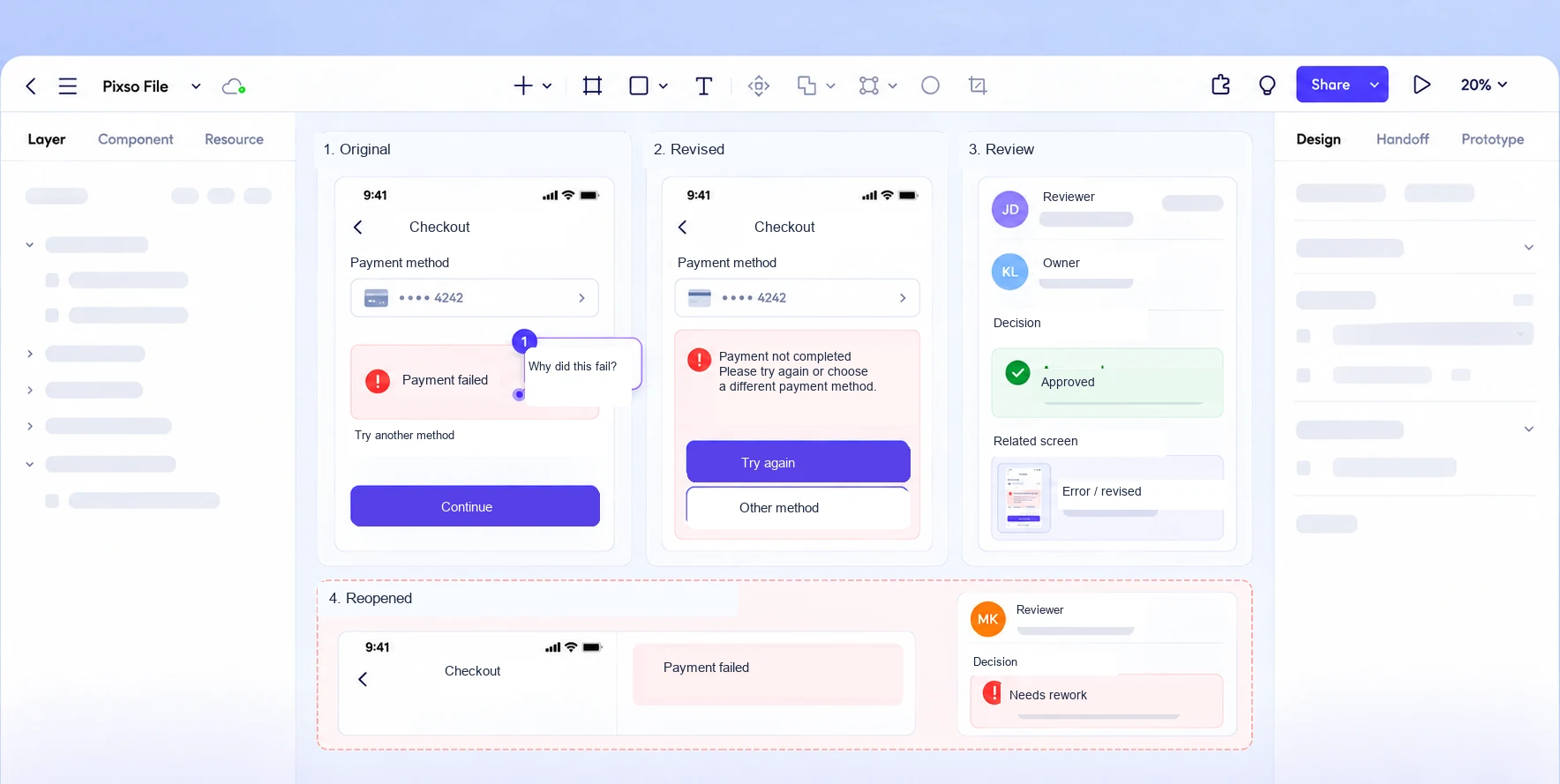
Ask the reviewer to answer three questions without a designer narrating the file: What problem was raised? Which screen addresses it now? What is still for engineering to validate? If those answers are scattered across comments, tickets and screenshots, the review is not yet ready to hand off. A resolved conversation should make the next decision easier to find, not merely make the canvas look cleaner.