Scott
Have you encountered an SVG file and felt unsure which software to use? Opening an SVG file is straightforward once you understand its underlying structure. Scalable Vector Graphics (SVG) is an XML-based vector image format widely praised for its minimal file size and infinite scalability without any loss of visual quality.
In modern UI/UX design and front-end development, SVG is the industry standard for icons, logos, and illustrations. As a result, there are many versatile ways to handle this format, ranging from everyday web browsers to professional vector design tools. This guide explains how to open SVG files using software and online tools for different workflows.
1. Vector Graphics Editors (Recommended for Editing)
If your goal goes beyond simply viewing a graphic to manipulating vector paths, adjusting colors, or editing anchor nodes, opening your SVG file in specialized vector design software is the best approach.
1.1 Pixso
Pixso serves as a modern web-based alternative to heavy desktop design suites. It allows you to open SVG files online directly in your web browser without consuming local storage or installing software. Pixso provides a full-featured UI/UX design environment where you can edit vector nodes, adjust design components, import design systems, and collaborate in real time with product teams.

1.2 Inkscape
Inkscape is a powerful open-source vector graphics editor that uses SVG as its native file format. To open an SVG file in Inkscape, simply drag and drop the file onto the canvas or use the standard File menu.

1.3 GIMP
Although GIMP is primarily a raster image editor, it can import SVG files easily. Upon importing, GIMP prompts you to render vector paths at a specific resolution, which is useful when preparing raster assets for social media or web publishing.

2. Web Browsers (For Quick Viewing)
Since SVG graphics are structured as XML code, modern web browsers render them natively with high precision. Browsers offer the fastest viewing method if you do not have dedicated design software installed.
2.1 Google Chrome
Chrome offers one of the quickest ways to view an SVG graphic. Simply drag the file into a new browser tab. By opening Developer Tools, you can also inspect the underlying XML markup structure directly.

2.2 Mozilla Firefox
Firefox renders vector paths with high fidelity. It works well for inspecting visual details, though keep in mind that browsers function as read-only viewers and do not support vector editing or file exports.

2.3 Apple Safari
Safari and other modern web browsers handle SVG files natively without requiring third-party extensions or plugins.
3. Operating System Native Viewers
Modern operating systems support SVG files natively for basic file management and quick previews. If you simply need to verify the contents of a graphic asset, native OS tools are very convenient.
- Windows: The native Windows Photos application in recent OS versions supports basic SVG rendering.
- macOS: The macOS Quick Look feature (activated by selecting a file and pressing the Spacebar) provides instant SVG previews without launching heavy applications.
Note: Native OS viewers serve for quick inspection only and do not provide vector editing tools.
4. Code Editors (For Direct XML Inspection and Optimization)
When you need to clean up SVG code, optimize file size, or adjust XML attributes directly, opening SVG files in code editors is the preferred workflow for developers.
4.1 Sublime Text
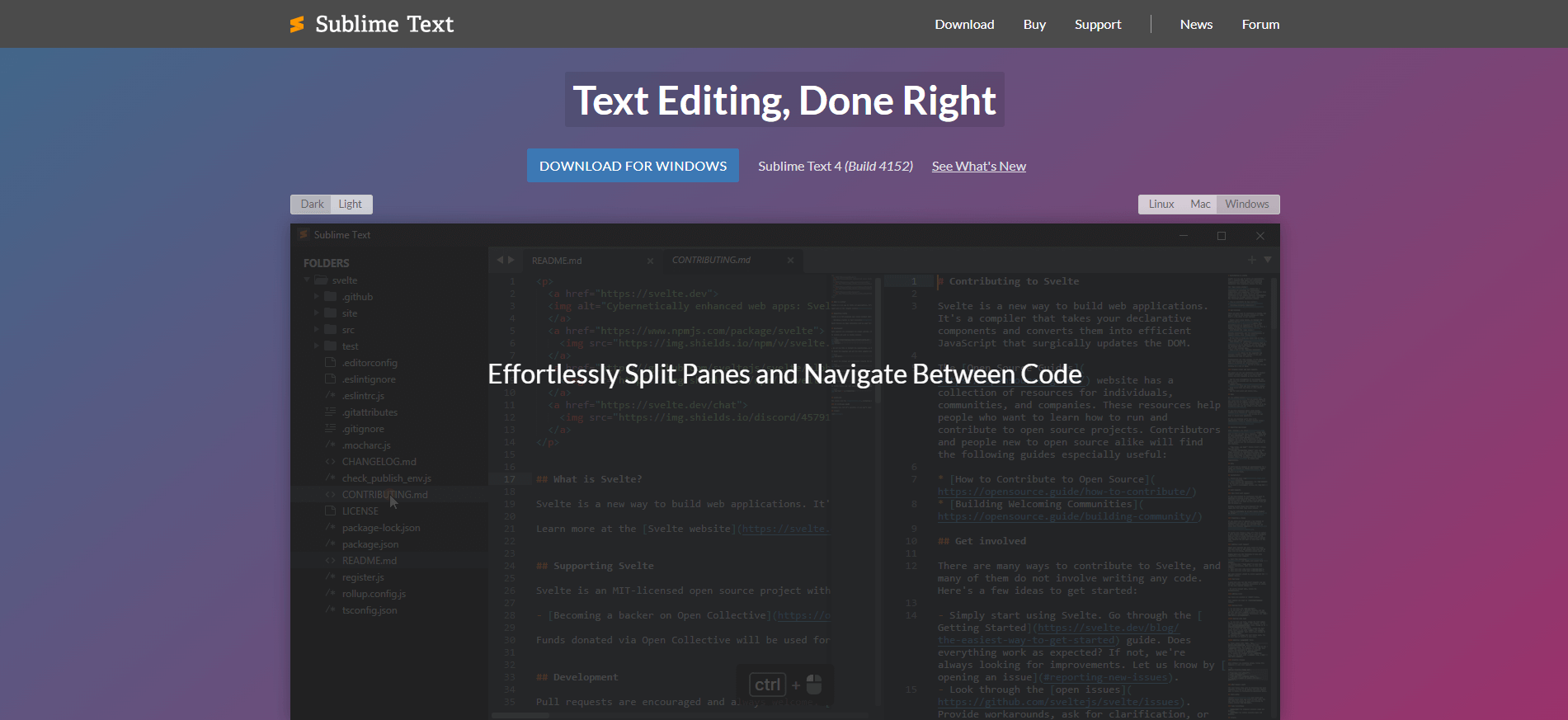
Sublime Text is a lightweight text editor that allows developers to inspect XML markup, strip unnecessary metadata tags, and manually optimize SVG file sizes.
4.2 Visual Studio Code
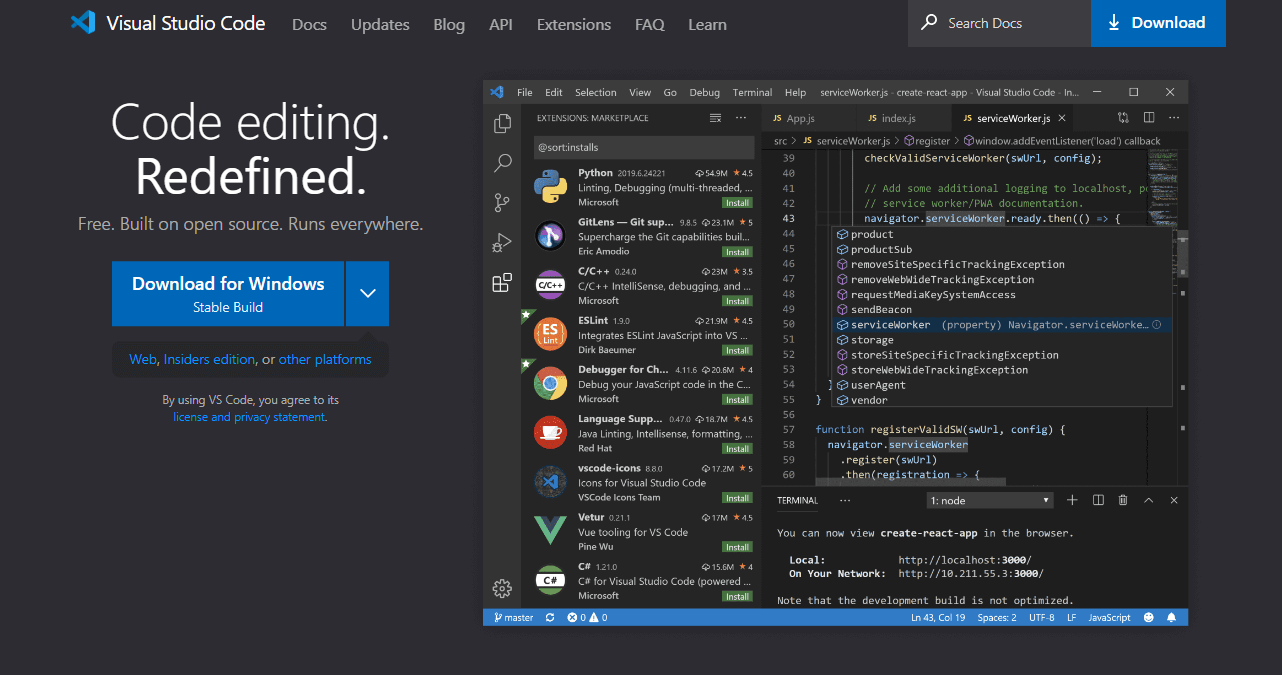
By installing extensions like SVG Preview, VS Code enables developers to edit raw XML code while viewing real-time graphic updates side by side. This setup represents an ideal SVG editing environment for front-end engineers.
Summary and Final Recommendations
Choosing the right software depends entirely on your project goals. For a quick visual check, any modern web browser is sufficient. For raw code adjustments, code editors like Visual Studio Code excel.
However, if you are working on UI/UX design and need speed, flexibility, and powerful vector editing tools, opening SVG files online in Pixso provides a complete professional design environment from any device. Explore Pixso for free today to streamline your vector graphics workflow.