On this page

Sherry
In the ever-evolving landscape of the internet, UI design programs are constantly being updated to keep pace. With the proliferation of digital products, there's a growing need for intuitive and user-friendly interfaces. This has made UI and UX design crucial elements in software development, and it's a major reason why UI-related jobs are highly sought-after these days. As the saying goes, "A craftsman must first sharpen his tools if he wants to do his work well." To be an outstanding UI designer, you definitely need some powerful UI design programs at your disposal. In this article, we'll compare five UI design programs with different strengths in interface design, prototyping and wireframing. Each of these can offer a smooth UI design experience. Let's take a look!
1. Pixso
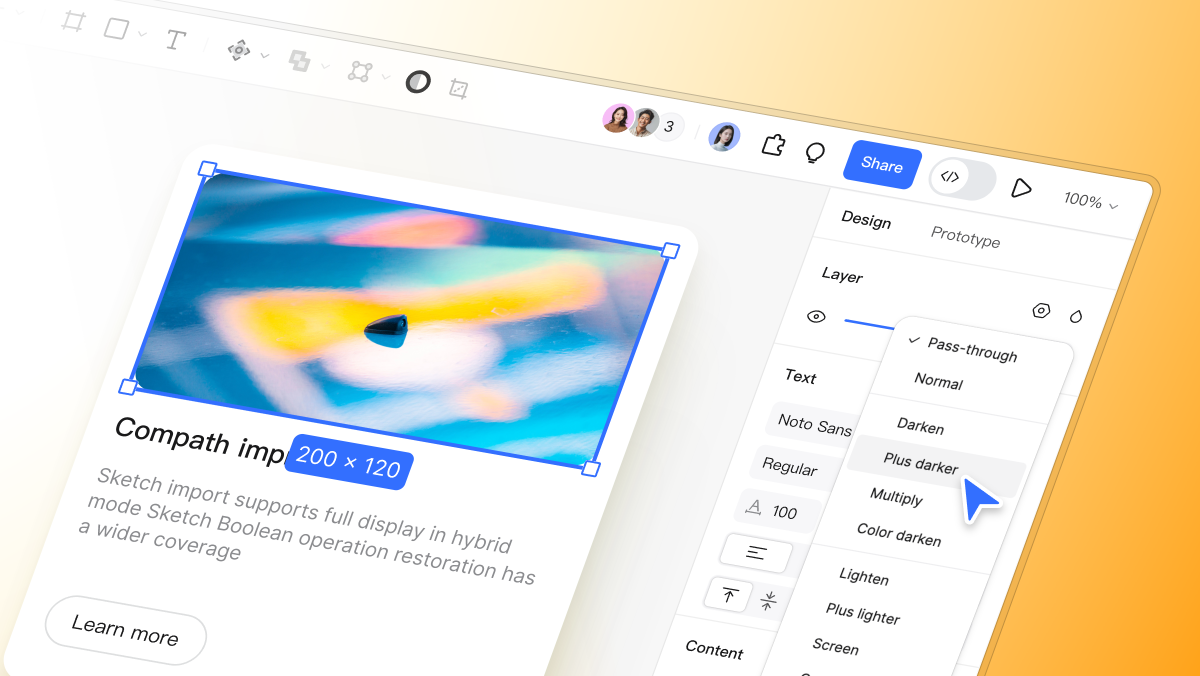
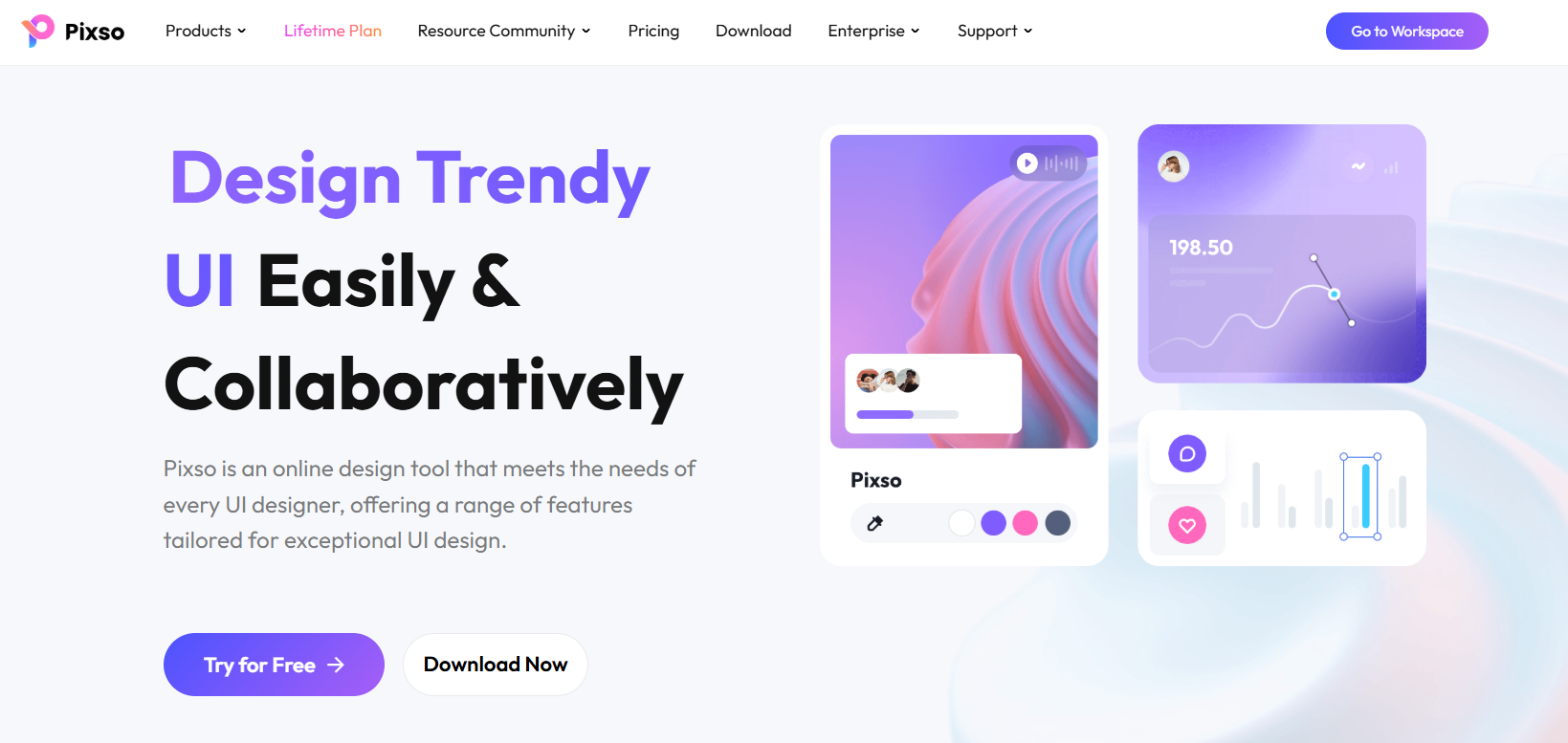
Pixso is a professional UI design program widely used by designers and product managers. It comes with built-in design system resources for iOS and Android, which can kick-start your UI design projects in no time. This all-in-one program combines functions like prototyping, UI design, interaction, delivery, and resource management. Equipped with professional design tools, it provides a seamless creative experience, making it an excellent choice among UI design programs.
Platform-Agnostic and User-Friendly
Pixso supports both Windows and macOS and can be operated online without the need for downloads. It synchronizes and updates modified content in the cloud, breaking down the information silos within teams. With its intuitive interface, it's so clear and straightforward that even beginners can easily get the hang of it. Pixso offers a free plan, with paid options for additional team features. Why not give it a try right away?
Real-Time Collaboration for Enhanced Efficiency
When dealing with complex UI design projects, you can invite team members via a link for multi-person cloud-based collaborative design. Team members can share the work interface according to the task-allocation process and synchronize every detail in real time, such as font sizes, borders, and colors. Comments are also part of the collaboration, making it easy to provide feedback and make corrections to all projects.
Seamless Link-Based Delivery
Pixso supports prototyping, interface design and developer handoff. Team members upstream can send a link for delivery with just one click, and downstream members can review the work simply by opening the link in a browser. Reviewers can open shared prototypes in a browser, while file permissions determine what they can view or edit.
Abundant Design Resource Library
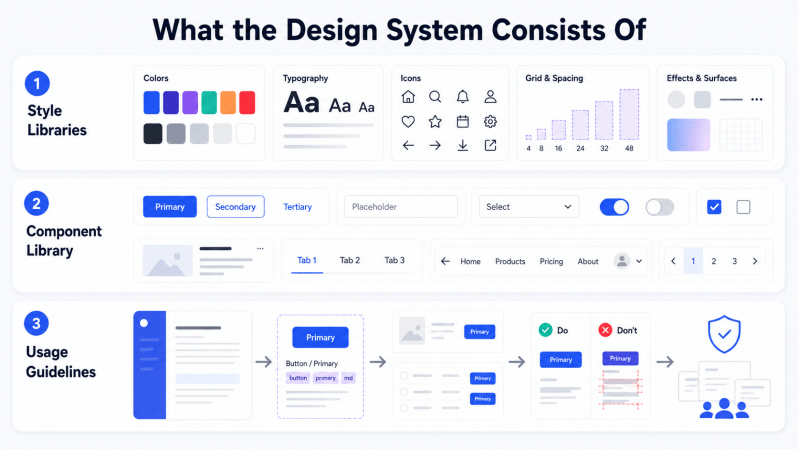
The Pixso Resource Community integrates various design systems. You can directly drag and reuse component materials. Team members can also publish styles and components to the team library for quick reuse, saving a great deal of repetitive work. Choose resources that fit your project's components and visual style. Head over to the Pixso Resource Community now!
2. Adobe XD
Adobe XD combines UI design and prototyping and is currently in maintenance mode. Existing projects can use features such as Responsive Resize, Repeat Grid and Auto-Animate to create screens and interactive prototypes. Users can use Adobe XD for UI design, mobile app design, and wireframe drawing. It integrates with other Adobe Creative Cloud applications. Its simple and efficient interface also makes it a popular choice among many product designers.
Pros
- Compatible with multiple systems.
- Can integrate with other Adobe software.
- Supports vector editing, including custom paths drawn with the Pen tool.
Cons
- New features are no longer being developed while XD is in maintenance mode.
- Editing requires a supported Windows or macOS installation.
3. Sketch
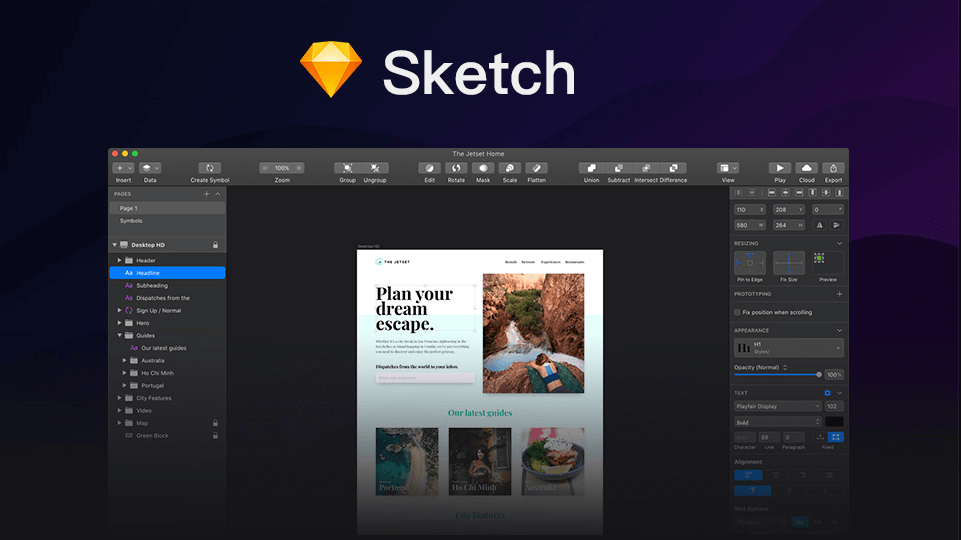
Sketch is a UI design program tailored for Mac. It has helped numerous product designers create outstanding works. In Sketch, iOS developers can easily perform common layer operations like those on the design drawing panel. Sketch is known for its simplicity and ease of understanding. For designers with UI design experience, the learning curve is relatively low. The design editor requires macOS; collaborators on other systems can view, comment on and inspect documents in the web app.
Pros
- Vector-based, enabling digital design with perfect pixel quality.
- Allows the creation of reusable resources.
- Facilitates easy code and preset exports.
Cons
- Not very beginner-friendly.
- Creating and editing designs requires the Mac app.
- Grid and layout settings can be inspected in the browser but edited only in the Mac app.
4. Figma
Figma is a browser-based product design program that supports cross-platform use across macOS, Windows, and Linux. Similar to Pixso, it is a collaborative UI design tool that can be operated in the cloud without the need for installation. It enables online editing and multi-person synchronous collaboration, and it has a well-developed plugin ecosystem, making it a popular choice in UI design. It brings interface editing, reusable components and prototype review into a shared workspace.
Pros
- Allows the creation of animated prototypes.
- Comes with built-in cloud storage.
- Enables multi-person collaboration.
Cons
- Publishing shared component and style libraries is not available on the Starter plan.
- Paid design and developer seats add to the cost of a shared team workflow.
5. Balsamiq
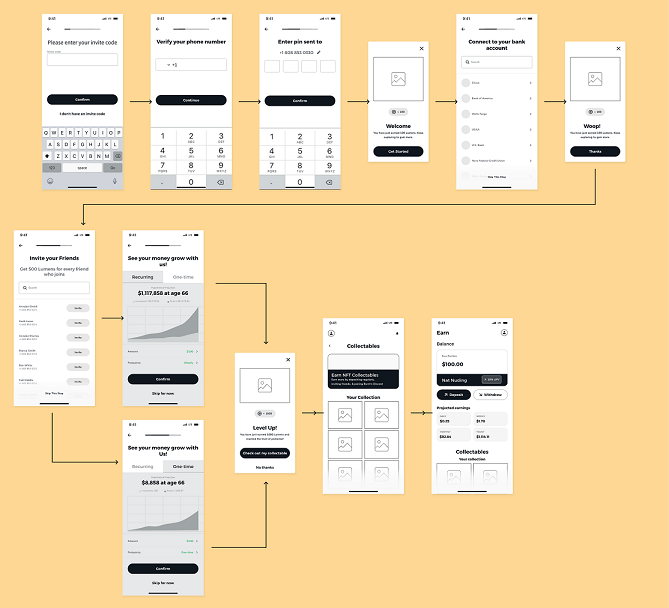
If you need to quickly create wireframes without using full-fledged web-based UI design programs, Balsamiq is a good option. With it, you can efficiently design the structure and layout of user interfaces. The drag-and-drop elements and buttons for linking multiple pages greatly simplify the UI design process. Balsamiq's simple work interface is designed specifically for creating low-fidelity wireframes, and even beginners can master it easily.
Pros
- Features a drag-and-drop mechanism.
- Allows linking buttons to other pages.
- Ideal for creating low-fidelity wireframes.
Cons
- Sales of Balsamiq for Desktop are scheduled to end on December 31, 2026, with support continuing through December 31, 2027.
- Real-time co-editing and comments are available in Balsamiq Cloud, but not in Balsamiq for Desktop.
Final Thoughts
When choosing a UI design program, it's important to consider your specific needs. If you value real-time collaboration and a rich resource library, programs like Pixso and Figma might be great. Adobe XD remains an option for existing projects, but it is in maintenance mode with no ongoing feature development. If you're a Mac user looking for simplicity and vector-based design, Sketch is worth considering. If you just need to quickly create wireframes, Balsamiq offers a simple solution.
Each of these UI design programs has its own set of features, pros, and cons. Understanding your project requirements, team setup, and personal preferences will help you make an informed decision. Whether you're working on a small personal project or a large team-based design task, the right UI design programs can improve your efficiency and the quality of your work. So, take the time to explore these options and test them out. This will help you find the right program to bring your UI design ideas to life. Remember, the world of UI design is always changing. New programs and features are always being created. Stay updated, keep experimenting, and make the most of these UI design programs to create interfaces that are easy for users to interact with and look good.
Choose UI design software by task
Individual designers may prioritize drawing and layout controls, while product teams also need shared files, components, prototypes, review permissions, and developer inspection. Separate must-have workflow requirements from optional features.
Before adopting a program, test a representative file and document the platforms, plan limits, import or export behavior, and collaboration steps. Pixso combines interface design, prototyping, and team review in one UI design workspace.