On this page

Scott
A user journey map shows how one person moves toward a goal over time: what they do, which touchpoints they use, what they need, and where the experience breaks down. Build it from evidence about a specific situation. A polished timeline is useful only when the team can explain the decisions it should change.
Start by choosing the person and goal, collect observations, arrange the experience into phases, and connect the most important gaps to an owner and next action. Bring the proposed changes into your UX design and prototype review so the map influences what people will actually use.
Choose a journey map when the problem crosses touchpoints
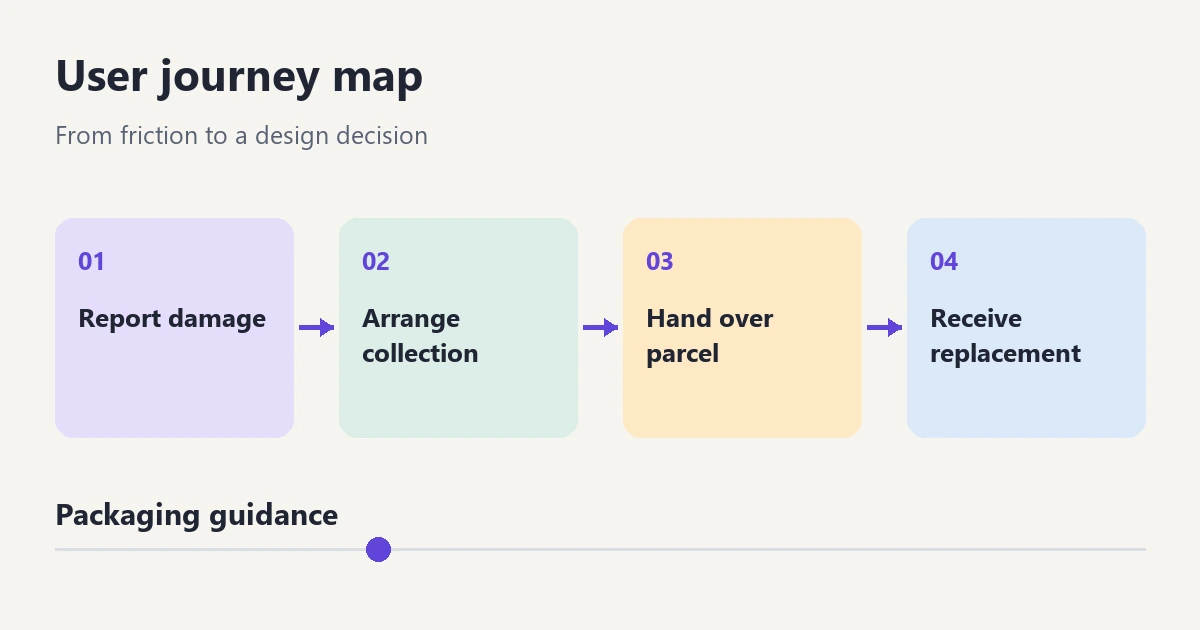
A journey map is especially useful when an experience extends beyond one screen. A customer might report a damaged item through an account page, receive instructions by email, arrange collection, and wait for a replacement. Each interface could look reasonable in isolation while the overall experience still leaves the customer unsure what to do.
For a screen-by-screen route, use a user flow diagram. It describes actions, decisions and system branches. A service blueprint adds another perspective: the people, processes and systems behind service delivery. A journey map stays centered on the person's experience. These artifacts can connect, but they answer different questions.
NN/g's journey-mapping guide identifies an actor, a scenario, phases, actions and mindsets, and opportunities as central parts of a map. The format can vary. The important constraint is keeping a clear viewpoint rather than merging everyone involved into one fictional average customer.
Define the person, goal and boundaries
Consider an online retailer's damaged-item replacement journey. The actor is an existing customer who wants a usable replacement for a delivered item. The map starts when they discover the damage and ends when the replacement arrives and they know the request is complete. It does not include their original product research or every possible refund policy.
Write that scope above the map. Also record the service version and the conditions that change the experience: eligible item, domestic delivery, and collection offered by the retailer. A customer arranging an international return may need a different map because customs, carriers and available remedies change the task.
Decide whether you are describing the current experience or a proposed future one. Keep these in separate views. Putting a desired confirmation message into the current-state map can make the team believe a missing step already exists.
Collect evidence for the journey, including what happens between screens
Useful inputs include observed sessions, interviews about a recent replacement, support conversations, the actual emails customers receive, and the current account interface. Each source answers a different question. Analytics might show that people reopen a request; an interview can help explain what they were trying to find.
Capture an event with its context and source reference. For example, “Customer opens the collection email again after closing the request page” is an observation. “Customer is worried” is an interpretation unless the person expresses that concern. Do not draw an emotional low point simply because the process looks inconvenient to the team.
Keep personal order details out of a widely shared board. Use de-identified source references that authorized teammates can trace to the original record. Where there is no evidence, label the question as unknown. A map can still be useful with an empty cell; an invented answer is harder to correct later.
A worked example: replacing a damaged item
The following is an illustrative map, not a report of customer research. It shows how a team could connect touchpoints to a specific design question. In a real project, replace the example observations with your own evidence.
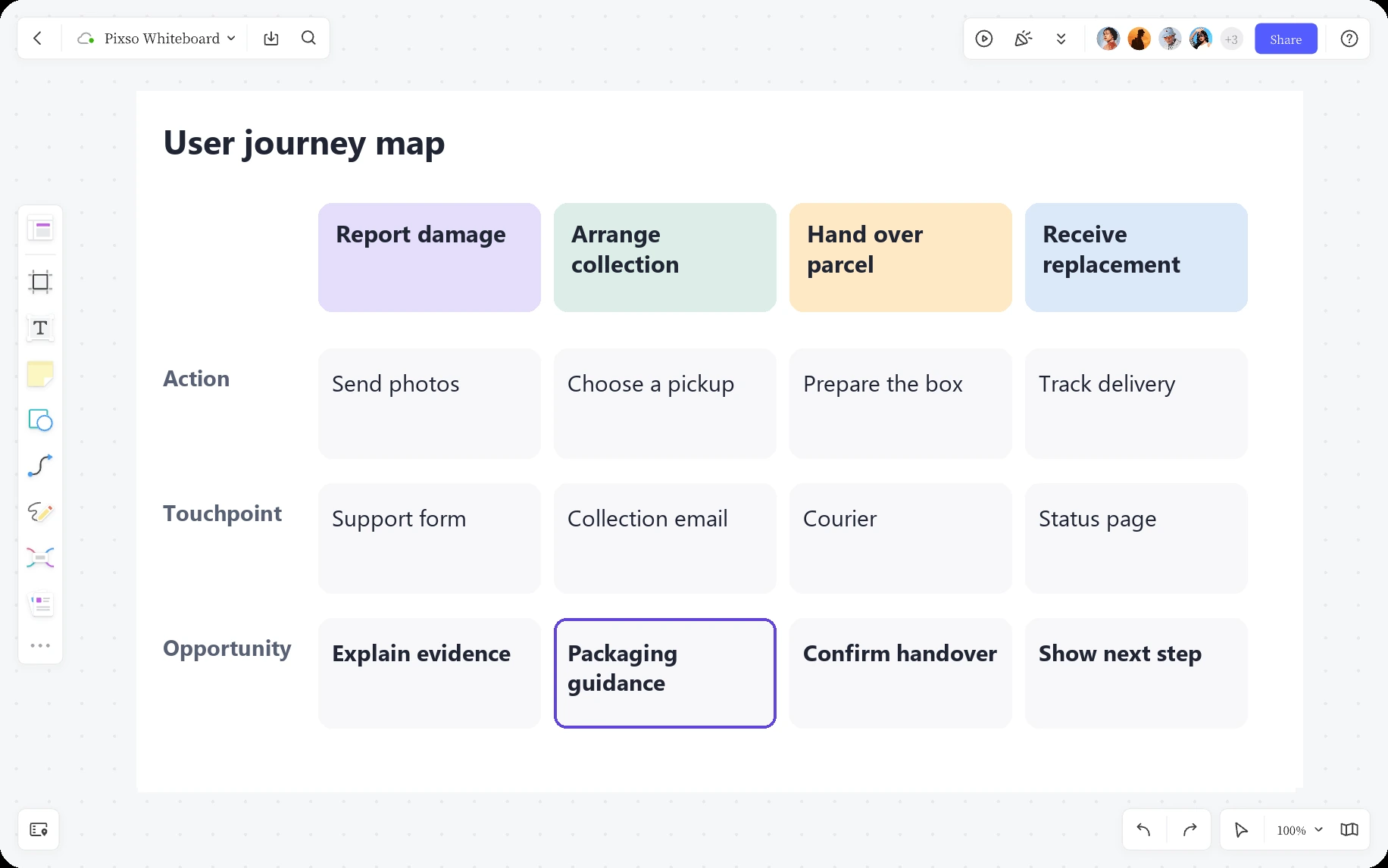
| Phase | Action and touchpoint | Question or gap | Next design opportunity |
|---|---|---|---|
| Report damage | Open the order page, select the item and add a photo. | Does the customer know whether replacement or refund is available? | Explain eligible options before requesting supporting details. |
| Arrange collection | Choose a collection date and read the confirmation email. | The email omits packaging instructions that appeared briefly on the website. | Show packaging guidance before confirmation and include it in the saved instructions. |
| Hand over parcel | Prepare the item and meet the carrier. | Can the customer identify the parcel and recover the collection instructions? | Provide a clear, persistent route to the collection reference and preparation details. |
| Receive replacement | Track the replacement and inspect the delivered item. | Is the replacement shipment distinguishable from the original order? | Label the shipment and make the completion state understandable. |
Notice that the opportunities are not all new screens. A clearer email, a better label and a persistent reference can matter as much as a redesigned request form. The map makes the handoff between channels visible.
Do not compress every customer into this one route. Someone who no longer has the original packaging may need a different preparation path. Someone who cannot be home for collection may need a different service option. Add a branch or a separate map when the difference changes the goal, steps or service decision; avoid duplicating the entire diagram for a minor wording preference.
Separate the observed gap from its possible explanation
Suppose actual research later shows customers returning to the account page after receiving the collection email. That behavior alone does not prove the email is confusing. They may be checking the date, changing an address, finding a reference, or looking for packaging instructions.
Compare the email with what the interface promised. Then ask people what they expected to find. If missing packaging guidance is supported by the evidence, define the gap precisely: “The confirmation gives a collection date but does not preserve the preparation instructions.” This is more actionable than “Customers feel frustrated during returns.”
Keep the strength of the finding visible. One observed case can identify a real failure, but it cannot establish how common that failure is. Record contradictory cases too, such as customers who already know the procedure. That helps the team choose whether to make guidance always visible, available on demand, or specific to a condition.
Build a readable map in Pixso
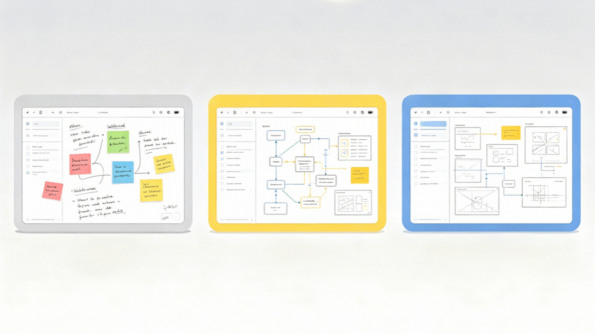
Use Pixso Whiteboard to arrange the phases as columns and the actions, touchpoints, evidence and opportunities as rows. Notes, text, shapes and connectors are enough to make the relationships visible. Keep a short scope statement above the columns and a key explaining evidence labels beside the map.
Use the same visual treatment for information of the same kind. A note marked “Observed” should not look identical to a future proposal. Make that distinction with words as well as color, so a monochrome export or a reader with color-vision differences can still understand it.
Place the current collection confirmation beside the relevant phase, then add a proposed version showing the preparation guidance and collection reference. Link to the detailed screen or prototype where the interaction is being designed. The board organizes the evidence and discussion; it does not automatically collect research data or verify the proposed experience.
Choose an opportunity the team can act on
For the packaging gap, assign two related actions. The service owner confirms the actual preparation requirements. The designer adds the approved guidance before confirmation and makes it available afterward. This avoids solving a policy uncertainty with attractive but inaccurate interface copy.
Prototype the relevant part of the journey and ask a representative participant to prepare for collection using the information provided. Observe whether they can explain what to do, find the reference again, and identify their next step. A successful click on “Confirm” is too narrow a measure for this problem.
After the change, return to the map. Mark which touchpoint changed, link the evidence from the follow-up, and keep unresolved questions open. The useful deliverable is a shared account of the experience that helps the next decision—not a decorative timeline that stops changing when the workshop ends.