On this page

Scott
A user persona is a representative profile built from patterns in user research. It helps a team remember whose goals, behaviors and constraints should shape a product decision. Its value comes from the design choices it clarifies, not the realism of a name, portrait or biography.
To create one, define the decision, gather evidence from relevant users, compare recurring behaviors, and describe the differences that affect the interface. Use the profile in your UX design work by connecting each important need to a screen, interaction or test. If the same design would serve every profile equally well, the personas may not be distinguishing anything useful yet.
What a persona represents
A persona is not one interview participant, a job title, or an imagined ideal customer. It summarizes a meaningful pattern across people while preserving the context in which that pattern matters. A person may behave differently at work, while traveling, and when completing an unfamiliar task.
NN/g's guidance on personas describes them as research-based representations that make user groups memorable. Relevant goals, concerns, experience and context matter more than a detailed fictional life story. Add a personal detail only when it helps the team understand the task or remember a useful distinction.
Keep an assumption-based profile visibly different. Teams sometimes call this a proto-persona: a working hypothesis about likely users before enough research exists. It can help plan recruiting and questions, but it should not be presented as a validated user segment. AI-generated biographies are also hypotheses until supported by evidence.
Start with a design decision, not a blank profile template
Imagine a team redesigning an expense-submission app. The decision is how people should capture receipts, complete missing information and send a claim for review. The team is not trying to describe every employee's personality or predict their spending.
Study the work that surrounds the form. When do people get a receipt? Which information do they have at that moment? Do they submit one expense immediately or reconcile several later? Who resolves a missing category or unreadable image? These questions reveal constraints that can change the design.
Role labels alone may hide the important distinction. Two people called “consultant” could submit expenses in very different ways. Conversely, a salesperson and a field engineer may share a need to capture a receipt on a phone now and finish the details later. Look for the behavior before choosing the profile name.
Collect and compare evidence without inventing a typical user
Use interviews about recent submissions, observation of the current process, relevant support requests and appropriately collected product data. Ask people to describe a real occasion rather than speculate about which features they might like. A receipt they struggled to submit can reveal more than an abstract preference for a “simple app.”
Keep a compact evidence matrix. Put participants or sessions in rows and meaningful dimensions in columns: submission frequency, capture context, missing information, coordination needs and recovery behavior. Record observations with de-identified source references. Treat an unanswered question as unknown rather than assuming everyone shares the most vivid interview story.
Then compare patterns across dimensions. Submission frequency may matter, but so may whether the person can retrieve the receipt later or must coordinate with a colleague. Do not turn one variable into a complete persona automatically. Use the research-synthesis process to keep observations, interpretations and counterexamples connected.
A user persona example for an expense app
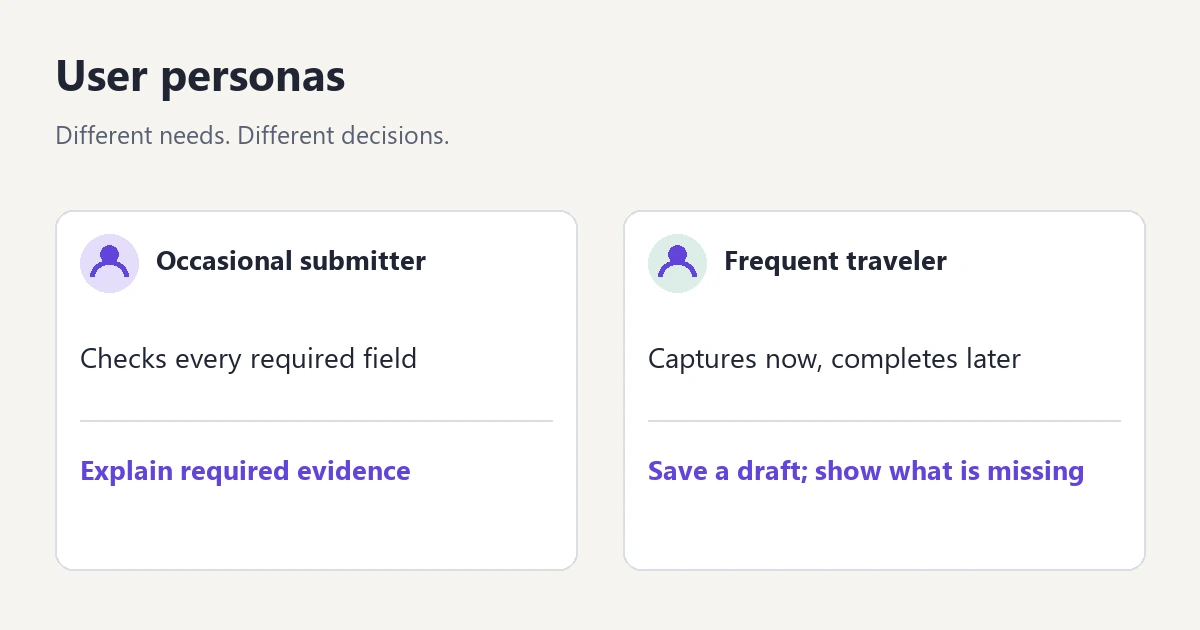
The profiles below are hypothetical teaching examples. They show how behavior can inform design; they are not findings about Pixso customers or measured segments of an expense product.
| Relevant dimension | Occasional submitter | Frequent traveler |
|---|---|---|
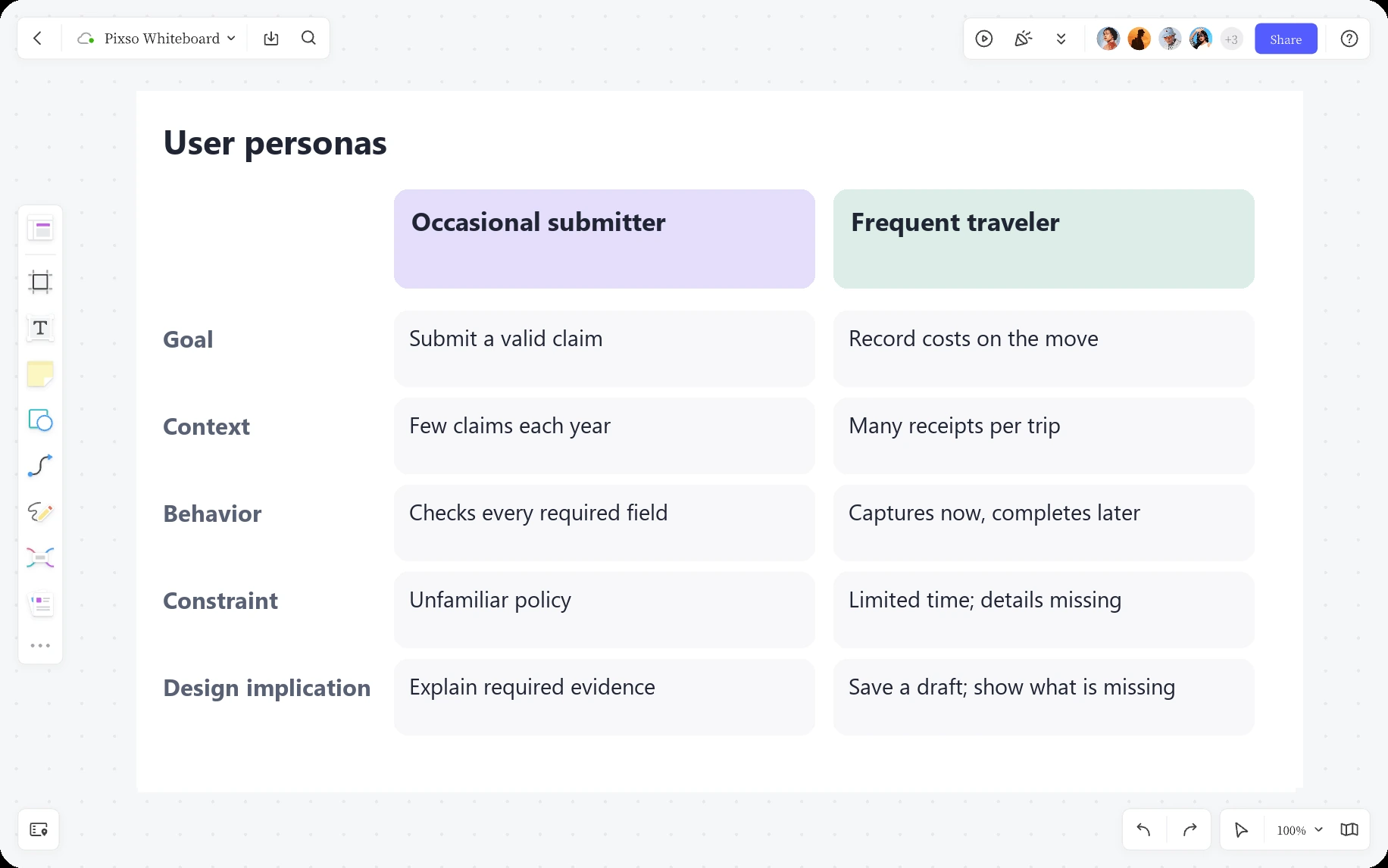
| Goal | Submit a correct claim without having to learn the policy again. | Capture expenses during travel and complete a reliable claim later. |
| Context | Returns to the app infrequently, often with a receipt already available. | Uses a phone between other tasks and may have incomplete information. |
| Behavior | Checks what evidence is required and asks where an unfamiliar expense belongs. | Collects several receipts, then reviews missing details before submission. |
| Constraint | Low familiarity with categories and reimbursement rules. | Limited attention during capture; some details become available afterward. |
| Design implication | Explain required evidence and category choices in context. | Support clear draft states and an efficient route back to incomplete items. |
These profiles do not require a fictional age, salary, favorite brand or personality score. Those details would take up space without explaining why the form should behave differently. A short descriptive label is enough to make the distinction easy to discuss.
The difference also does not mean building two separate apps. Both people need accurate totals and a clear submission result. The design can offer a shared capture path with contextual guidance for an unfamiliar task and a resumable draft for interrupted work. Personas help choose where flexibility matters.
Turn a profile into a specific interface decision
For the occasional submitter, consider a required-receipt message next to the upload field, a short explanation of expense categories, and an example of the information a reviewer needs. Do not solve unfamiliarity by adding a long compulsory onboarding tour before someone can submit one receipt.
For the frequent traveler, consider a clear distinction between Saved as draft and Submitted for review. Show which details are still missing and provide a route back to that item. A draft should not look submitted simply because the receipt upload succeeded.
For both profiles, show the consequence of the final action. A confirmation can identify the claim and explain where to find its review status. If a receipt fails to upload, keep the typed information and offer a retry path. These shared requirements should not disappear just because the team is presenting differences.
Write the reasoning beside the proposal: “Interrupted capture is part of this profile's context, so the design preserves an incomplete item and makes it easy to resume.” That statement is useful in review because the team can challenge either the evidence or the proposed response.
Make a useful persona board in Pixso
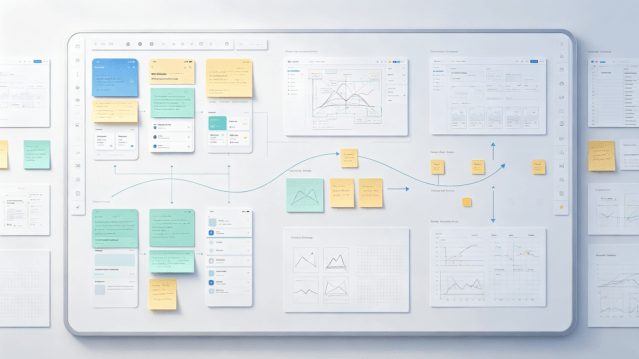
On a Pixso Whiteboard canvas, give each profile a concise goal, context, behavior, constraint and design-implication section. Place the supporting research references nearby rather than burying them inside a decorative biography. Keep sensitive participant material in the appropriately restricted research record.
Arrange the profiles side by side so differences remain visible. Under each one, place the proposed screen or a link to the design: required-evidence guidance for the occasional submitter, and capture/resume states for the frequent traveler. Use comments to discuss whether the screen actually addresses the need.
A shared canvas helps organize the comparison. It does not establish that the segments are valid or replace research analysis. If evidence changes, update the profile and the linked decision together.
Check the personas by using them
Recruit for the relevant behaviors and constraints, not for a fictional persona's name or exact biography. Ask an infrequent submitter to complete an unfamiliar expense and explain what evidence is needed. Ask someone who captures expenses during travel to save an incomplete item, leave, and resume it later. Observe what they do with the proposed design.
Keep the results tied to the task. A successful draft-resume test supports that interaction; it does not prove the entire persona is correct. If people move between the two behaviors depending on the situation, the team may need context-based scenarios rather than rigid user categories.
Also examine who the profiles leave out. An assistant submitting on behalf of someone else, a person using assistive technology, or a reviewer handling a disputed claim may have requirements the two examples cannot represent. Add a profile or scenario when it changes the decision, not to make the presentation look comprehensive.
Keep the profile current and connected to work
Record the research period, scope and owner with each persona. Revisit it when the product changes, the audience expands, or new evidence contradicts a central behavior. Retire profiles that no longer help the team decide; a familiar poster is not a reason to keep outdated assumptions.
For the expense app, the immediate output is a design decision: preserve a clear draft that can be resumed, while making required evidence understandable at the point of entry. The persona earns its place when it helps explain that decision and guides the next test.