Scott
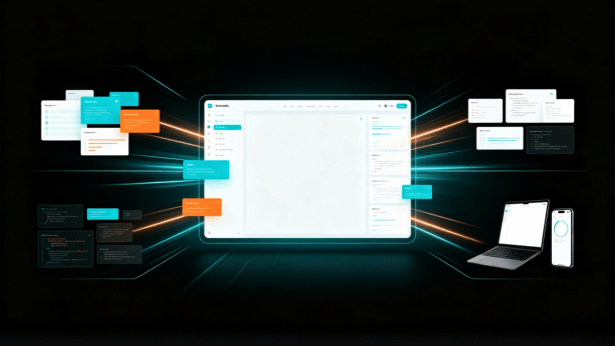
GenUI uses generative AI to turn a description into an interface. Its clearest benefit is an earlier draft: a team can discuss a visible layout instead of working only from a written brief. Here, we focus on generating UI designs during product development, using Paico as an example.
Part 1. What is GenUI? Why AI-Generated UI is Becoming the Next Development Trend
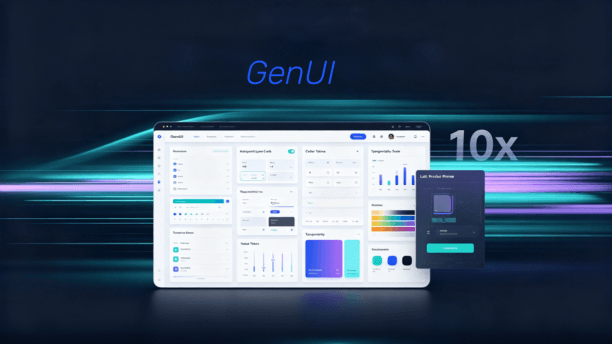
GenUI, short for Generative UI, is a modern interface construction approach powered by generative artificial intelligence. The core value of GenUI goes far beyond producing visually appealing static mockups. It enables AI to actively participate in building product user interfaces.
A written requirement leaves room for interpretation. A generated draft can make those differences visible: where the main action sits, which information has priority and what a screen is missing.
Describe the page’s user, main task and required content. The resulting draft gives you something to change and discuss, rather than a reason to skip design decisions.
This approach is useful for early prototypes and alternative layouts. It is less helpful when the brief is unclear and the team treats the first result as a finished solution.
Part 2. How AI-Generated UI Transforms Traditional Product Development Workflows
Product, design and engineering teams often interpret the same brief differently. Showing an early screen can expose those differences before the team invests in detailed implementation.
Instead of waiting for a polished mockup, describe the page and use the generated draft to discuss the hierarchy and content. Keep the decisions that work and change the ones that do not.
For an internal management page, start with the records users need to find, the filters they use and the action they take most often. A first draft can reveal that the main action is hidden or that the table is too dense. Those are specific design decisions to resolve.
Part 3. How Paico Helps Users Achieve AI-Generated UI
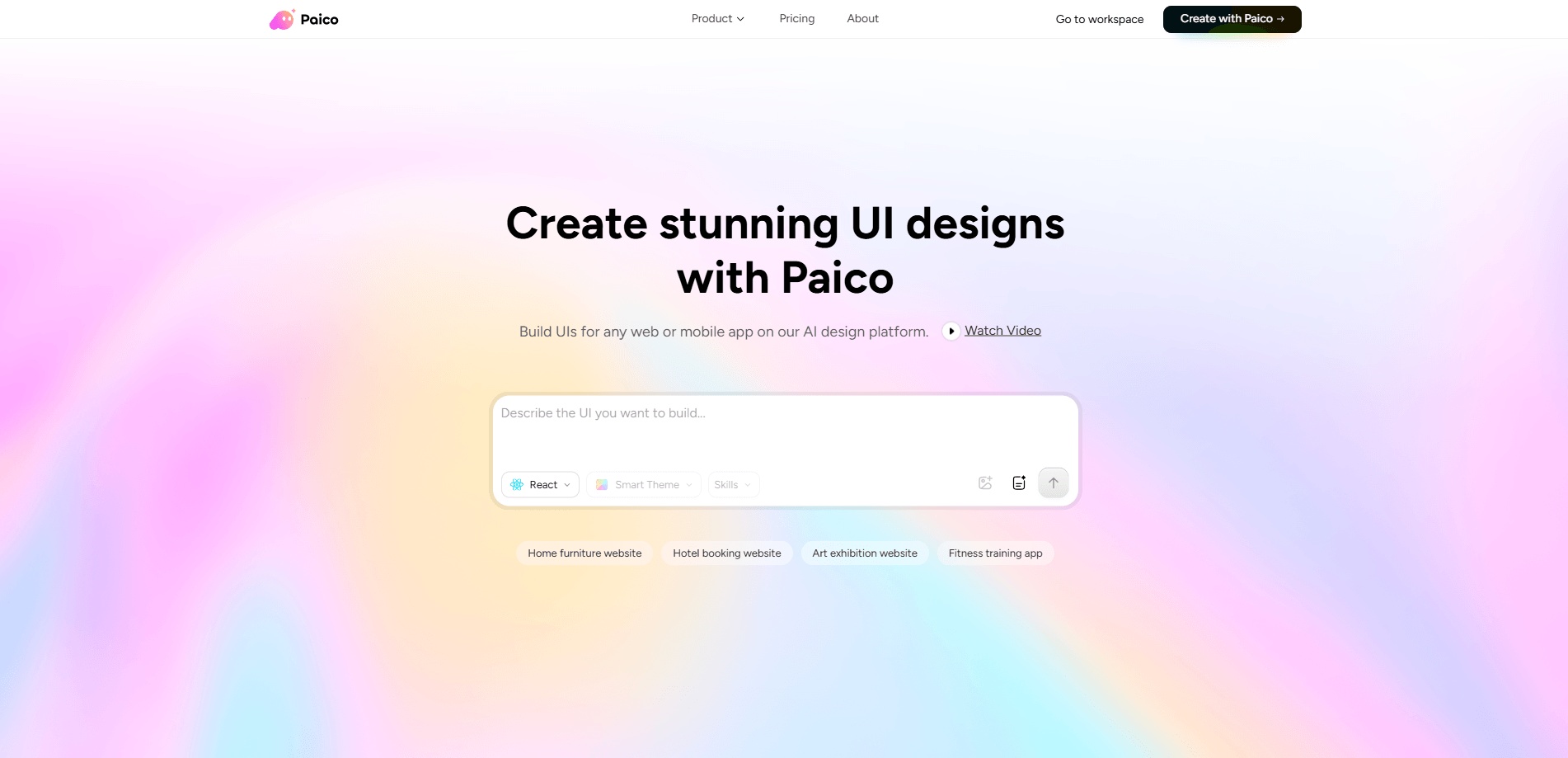
Paico accepts prompt descriptions and rough sketches as starting points for UI drafts. Use a draft to discuss a proposed screen before spending time on its details.
3.1 Input Requirements to Generate UI Pages Rapidly
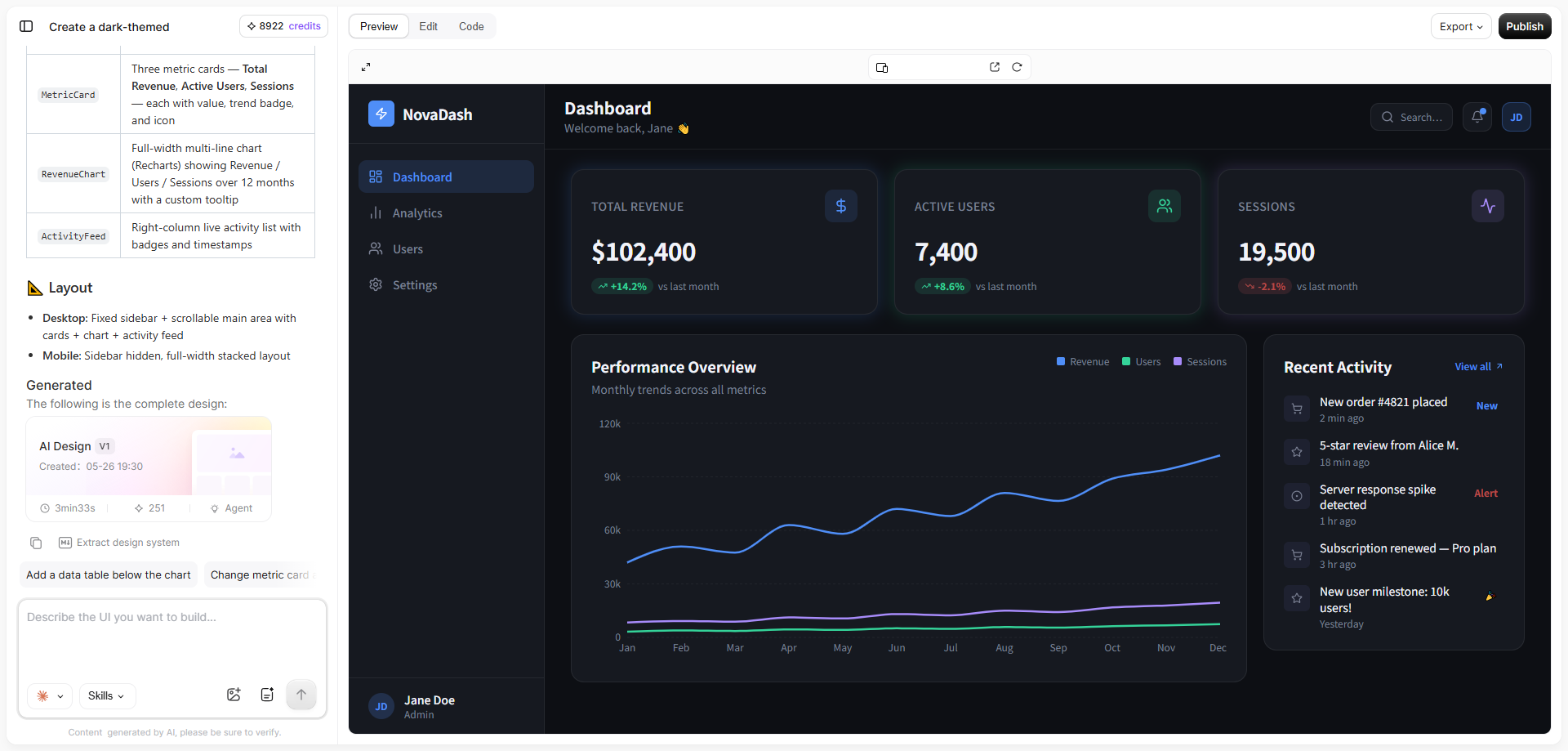
Paico supports AI-generated UI through simple natural language descriptions. Users can tell Paico what page they want to create and what features to include, and Paico automatically generates responsive page layouts, UI components, and visual styling. This removes the hassle of building canvases from scratch, making it ideal for rapid prototyping, feature validation, and early-stage visual exploration.
3.2 Sketch to UI: Convert Rough Sketches into Clean Designs
During early product ideation, many ideas start as simple hand-drawn sketches or wireframe drawings. Paico supports sketch to UI conversion by recognizing visual layout structures, automatically inserting standard UI elements like buttons, cards, and forms, and optimizing spatial padding and aesthetics. For product managers and UI designers, sketch to UI capabilities quickly bring rough concepts to life, transforming initial sketches into actionable design proposals.
3.3 Smart Design System Adaptation for Production Alignment
Paico offers component-library choices including TDesign, shadcn UI, Ant Design, Material UI and Arco Design. Select the library your team uses so the draft starts with a familiar visual vocabulary. The implementation still needs to match the actual components and behavior in the project.
3.4 Conversational Editing for Efficient Iteration
Product design requires continuous iteration based on stakeholder feedback. Paico enables users to modify AI-generated UI results conversationally. You can request style updates, layout adjustments, or new UI modules through natural language chat. Conversational editing accelerates design refinements and boosts overall iteration velocity.
3.5 UI to React Code: Connecting Design and Development
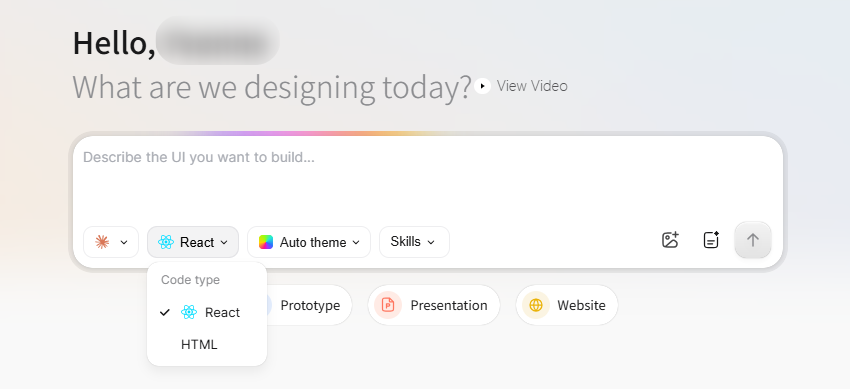
Paico’s React output gives developers a starting point for interface code. It still needs to be integrated with the application’s data, state and business logic.
Try a page concept in Paico by describing its main task and required content. Then edit the draft to match the decisions your team makes. Try Paico.
Part 4. Core Advantages of Paico: Tailoring AI-Generated UI to Real-World Development
While the market sees a growing number of AI design tools, enterprise teams and software developers care most about whether generated outputs suit production realities. Simply generating a static visual image is not enough. Design tools must solve real challenges in design efficiency, prototype validation, and front-end handoff.
The key advantage of Paico AI lies in its focus on practical use after generation alongside AI-generated UI creation. Users can build pages rapidly through natural language descriptions for product discussions and validation, while continually refining design direction based on real user feedback.
Use the generated alternatives to make a particular decision, such as whether navigation belongs at the side or above the content. Generating more screens is not useful if the team is no closer to choosing a direction.
Part 5. Where GenUI is useful today
GenUI is most useful when a visible draft helps answer an unresolved design question. Try it for an early page concept or a second layout direction, then refine the result around the user’s task.
Judge its value by how much useful work remains after generation. A fast first draft can still take substantial effort to adapt; there is no single speed multiplier that applies to every project.
To try this approach, choose one page you need to design and describe its main task in Paico. Use the result to decide what the screen should contain and what needs to change.
FAQs about GenUI and AI-Generated UI
Q1. What is the main difference between GenUI and traditional low-code platforms?
Low-code tools commonly start with components and configuration; generative UI tools can start with a description or reference. The distinction is not absolute, because a product may combine both approaches. Choose according to the control you need over the result.
Q2. Can non-designers create production-ready interfaces using GenUI?
Non-designers can use a prompt or sketch to create an initial interface draft. A convincing appearance is not enough to make it production-ready: the team still needs to resolve content, states, responsive behavior and how the interface works in the application.
Q3. How does GenUI improve design-to-code handoffs for software developers?
Generated React code can give developers a starting structure rather than a blank file. They still need to connect data, implement business rules and adapt components to the application. Its usefulness depends on how much of that structure can be retained.