On this page

Scott
Short answer: Product design tools are not interchangeable. A UI maker helps turn a product decision into screens and states; research, inspiration, and 3D tools solve different problems. Start with the decision your team must make next, then choose the smallest connected workflow. Start by reviewing Pixso product design workflow so the comparison stays connected to the actual design-to-review workflow.
A task-based guide to product design tools, separating interface makers from research, inspiration, and 3D applications.
| Task | Evidence | Decision |
|---|---|---|
| Validate an interface flow | UI design and prototyping tool | A polished screen hides an untested interaction |
| Align a team around findings | Research or whiteboard tool | Decisions stay in notes instead of the design file |
| Prepare a buildable state | Design system and handoff tool | Developers reconstruct rules from screenshots |
| Explore physical form | 3D or industrial-design tool | A 3D result is mistaken for a tested UI |
How to use this comparison
- Choose one representative screen or flow with real content, not a blank canvas.
- Record what the tool lets you edit, reuse, review, and hand off without leaving the workflow.
- Separate a tool’s documented capability from what your team still needs to implement, test, or verify.
How to Select a Product Design App
Using the proper tools is the first step in developing fantastic product designs. There are usually preferences for some tools over others, depending on what area of product design you are interested in. When selecting the design app for your project, there are a few things to consider.

- Industry: Various industries call for various tools. Your tool options are constrained by the kind of good or service provided. For instance, a web app creator will favor Pixso over Onshape, 2 tools we’ll discuss later.
- Team size: This is where a tool's collaborative functionality comes into play because a large team will need a platform that facilitates live feedback and accessible communication.
- Budget: One important factor to consider is any tool's price. Pixso (FREE) and other reasonably priced tools might be an excellent choice if you're on a low budget.
- Level of expertise: Some tools take more time to learn, which matters for beginners or people with limited technical experience.
Top 8 Product Design Apps
Many resources are available for product design, but only a select number are user-friendly for specialists and non-experts. Product designs can be created for various objectives, including productivity, drafting, and drawing.
Here is a list of the top 8 apps for product design across all applications:
Pixso
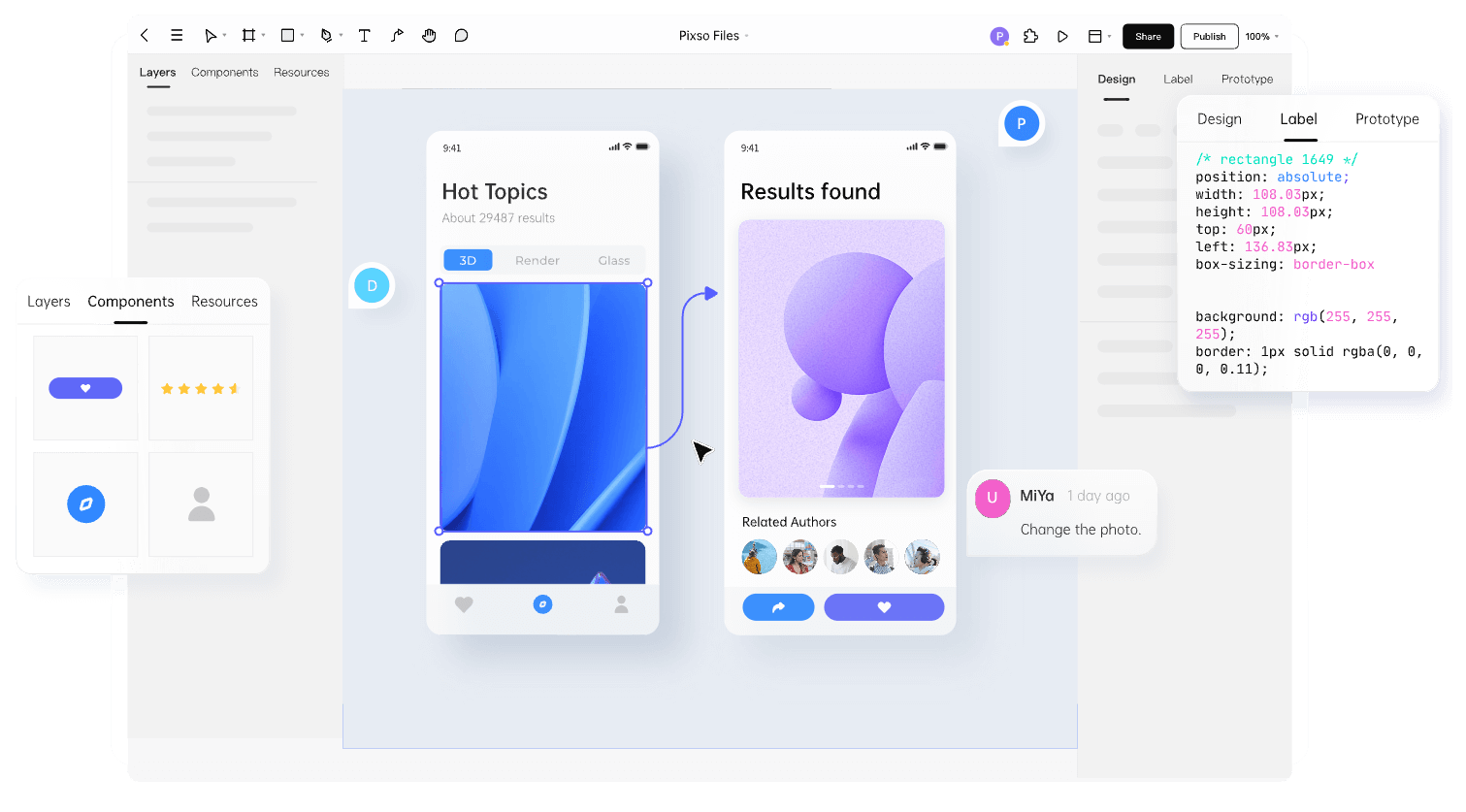
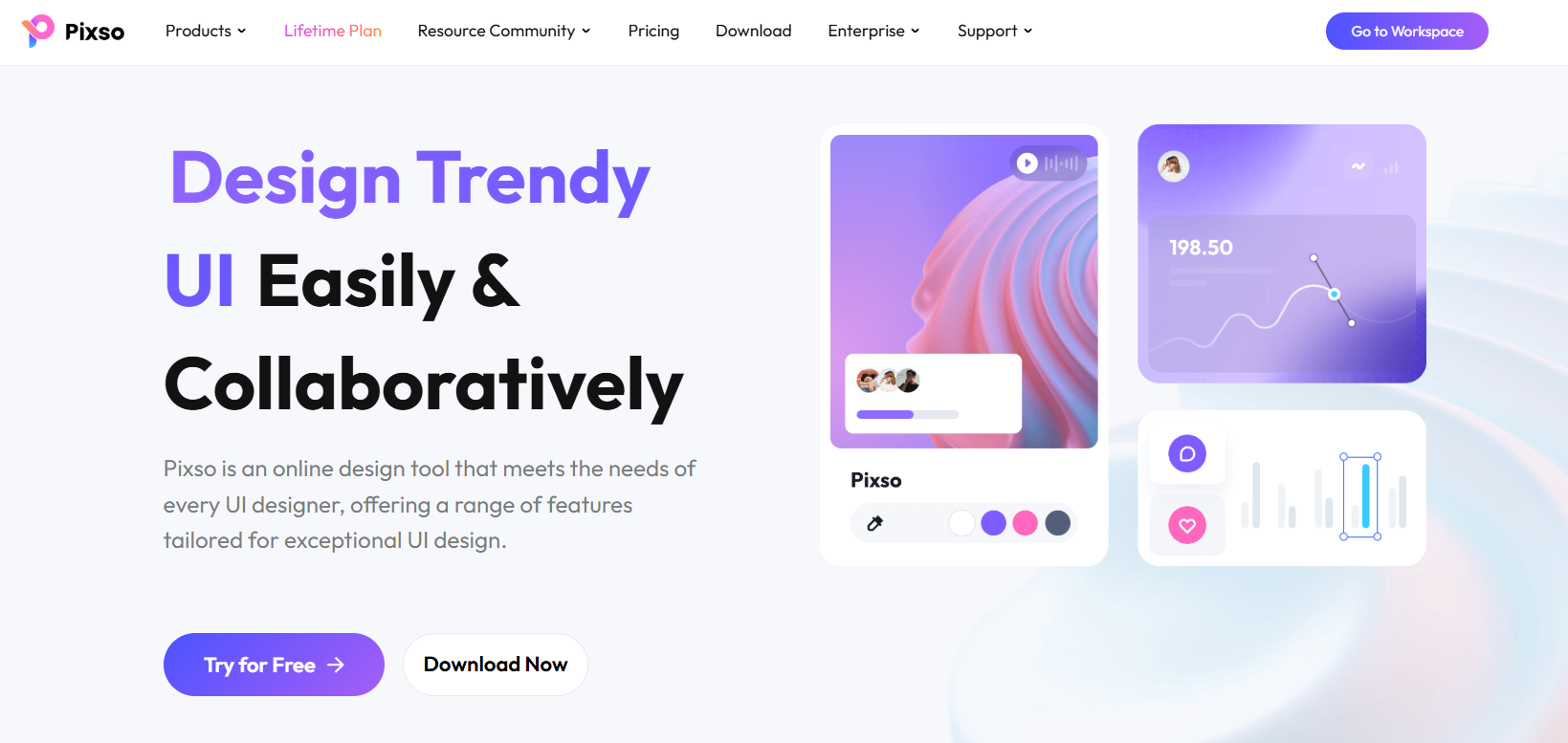
Pixso is a cutting-edge cloud design platform that accelerates the product development process. It is a favorite among designers because it has all the tools required for any product design. It aids designers in creating excellent prototypes that you can use. This enables you to determine whether the product gives you the proper feel. It's a fantastic tool for showing clients what the finished product will look like; you can even show them the prototype on several devices.
Pricing: Verify the current vendor pricing, plan limits, and included collaboration features before making a decision.
- Standard: $1500 per year
- Professional: $2500 per year
- Enterprise: Custom price