Scott
An AI UI design tool turns a product brief, prompt, sketch, or reference into an interface draft. The useful comparison is not a single winner; it is how well each tool supports exploration, editable components, responsive states, review, export, and handoff for the project.
Use the same representative task and acceptance checklist for every tool. Product capabilities, access, pricing, and service status can change, so verify current official details before adoption.
The table below is a starting framework for comparing AI UI design tools by workflow role, not a universal ranking.
| Comparison of AI design tools by workflow role | ||||
| Tool | Workflow role | What to test | Useful task | Review effort |
| Google Stitch | Prompt and visual exploration | Prompt control, visual consistency, editable output | Early layout directions | Verify in current product |
| v0 | Code-oriented exploration | Code structure, components, handoff changes | Developer-led UI concepts | Compare with project standards |
| Lovable | Application prototyping | Editable screens, data assumptions, implementation path | MVP exploration | Review before deployment |
| Pixso AI | AI-assisted interface drafting | Prompt revision, components, states, collaboration | Team design exploration and handoff | Check current workspace |
| Mockitt AI | Interactive prototyping | Link flows, interaction states, review access | Prototype validation | Test with representative users |
| Paico | Cross-platform design generation | Responsive output, brand controls, editability | Multi-device design directions | Review before reuse |
| Pencil | Interaction and visual exploration | Motion, layout behavior, content states | Marketing and interaction concepts | Check behavior manually |
1. Google Stitch: prompt-based visual exploration
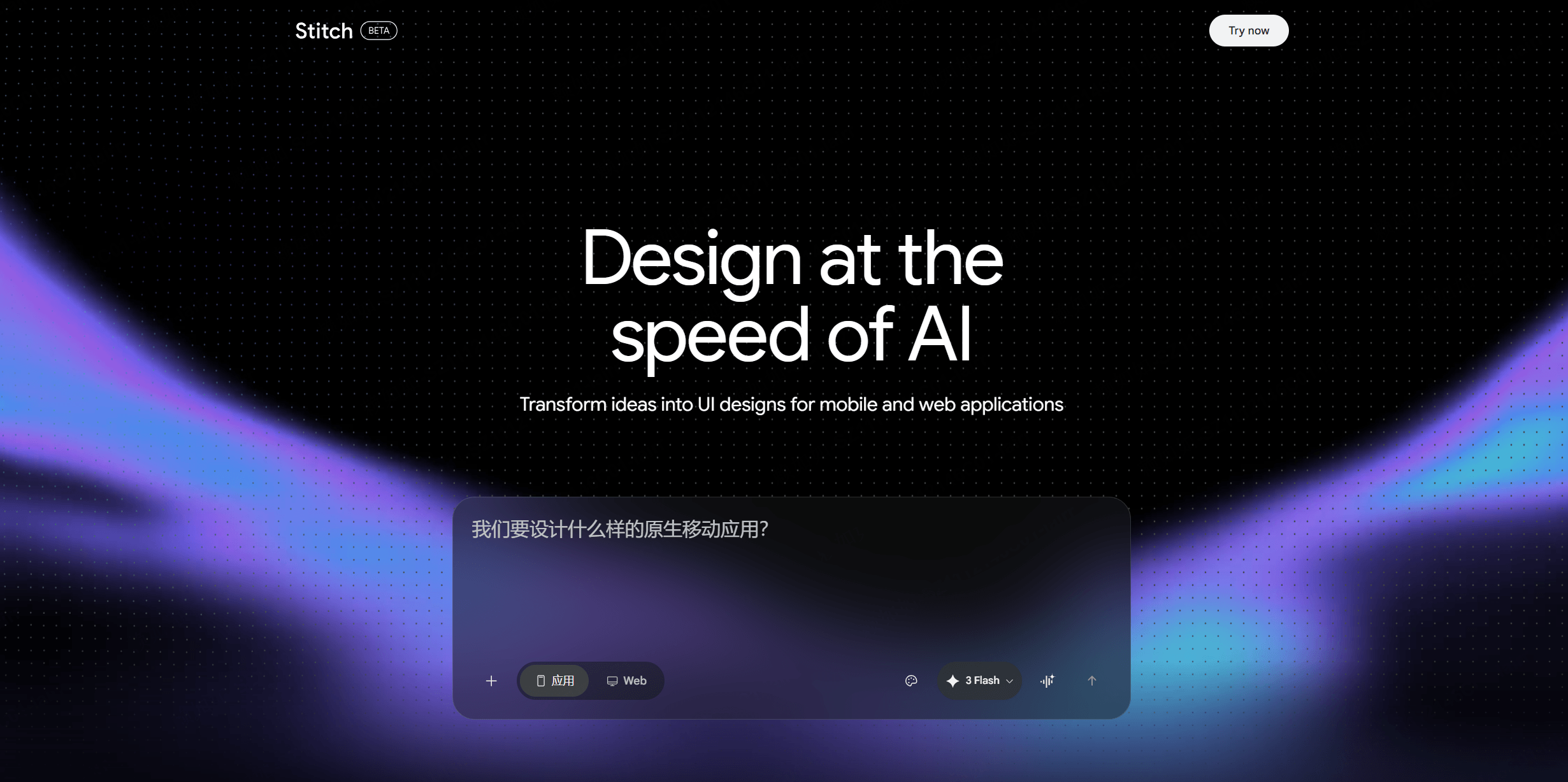
Google Stitch can be evaluated as a prompt-based visual exploration workflow. Test how it handles a short brief, reference material, layout constraints, and edits after the first draft rather than assuming the initial output is ready to ship.
- Prompt control: Record which inputs produce a usable hierarchy and which require manual correction.
- Visual consistency: Check whether repeated screens keep the same type, spacing, component, and state rules.
- Editable output: Confirm the available export, editing, and handoff path before using a draft in a team workflow.
2. v0: code-oriented interface exploration
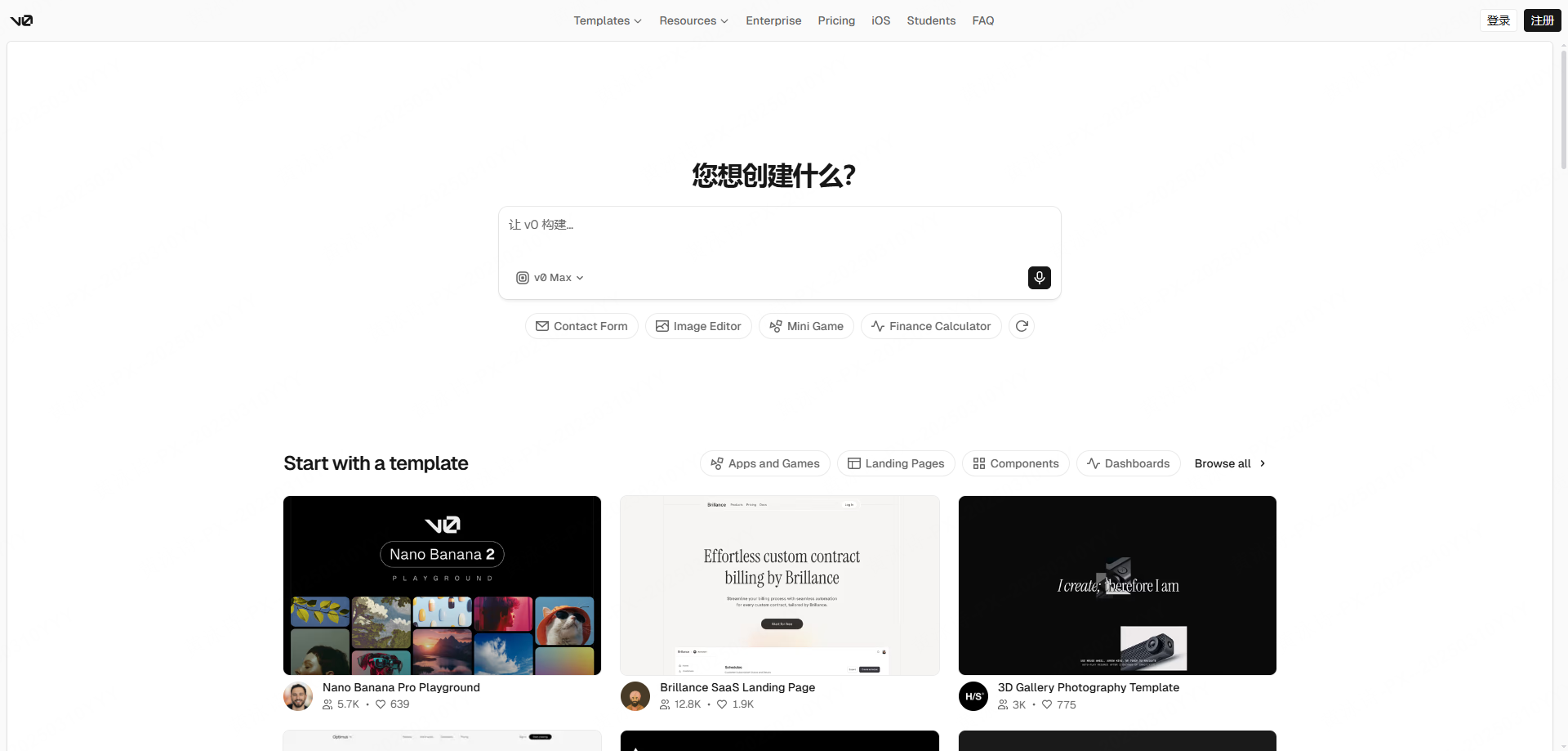
v0 can be evaluated when a team wants to explore an interface together with an implementation direction. Compare the generated structure with the project's code standards and keep a human review step for behavior, accessibility, and maintainability.
- Code inspection: Check structure, dependencies, naming, and the amount of refactoring required by the project.
- Iteration control: Test how changes to spacing, content, and states affect the generated result.
- Design-system fit: Compare tokens, components, and responsive behavior with the team's existing standards.
3. Lovable: application prototyping
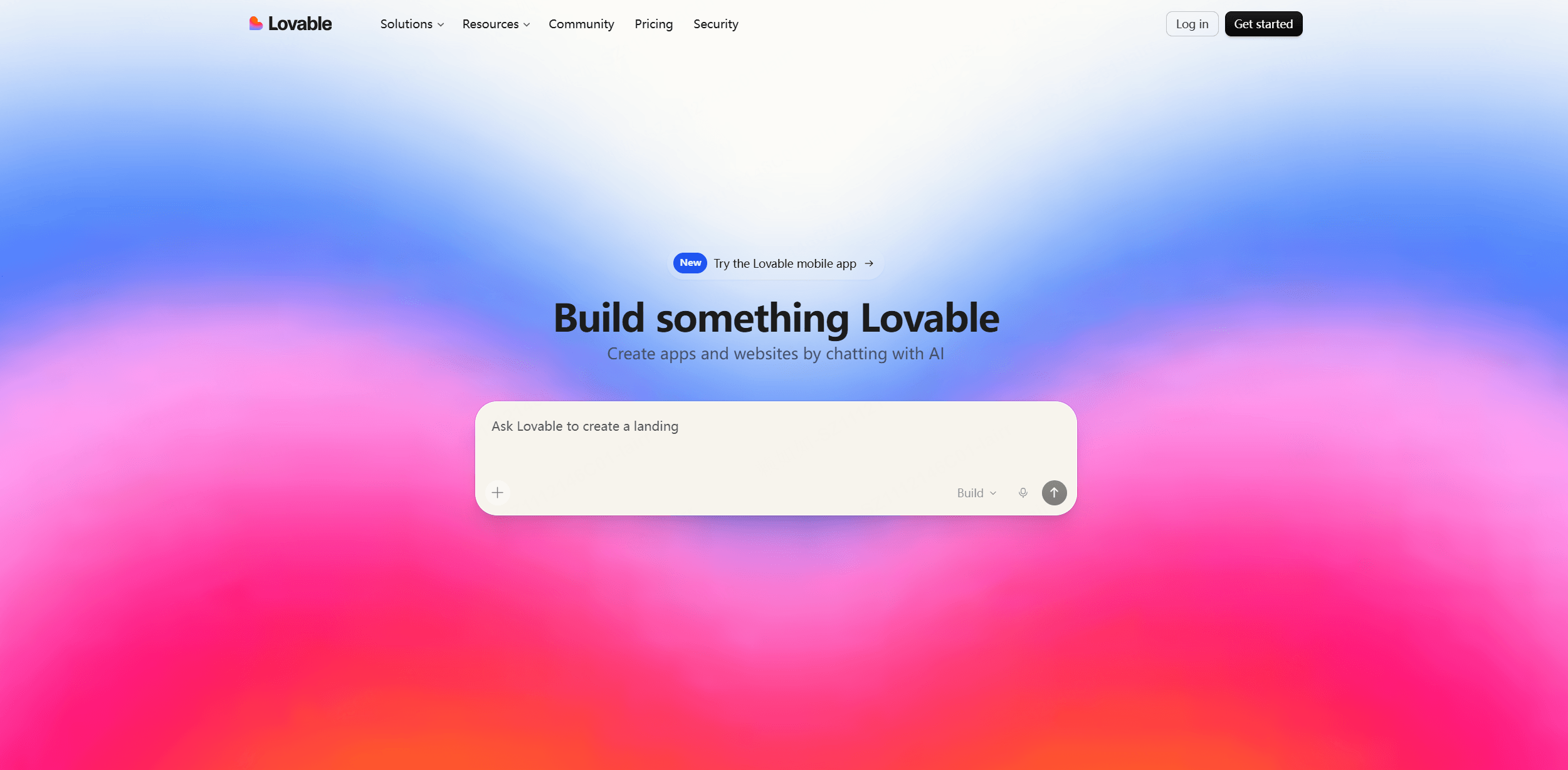
Lovable can be evaluated for application prototyping when the team needs to connect interface ideas with data or interaction assumptions. Treat the result as a prototype until the implementation, security, and content requirements have been reviewed.
- Workflow scope: List which screens, data assumptions, and interaction states are represented by the prototype.
- Prompt iteration: Record what changes after each instruction and which parts still need manual editing.
- Review before sharing: Check content, permissions, accessibility, and environment settings before inviting users to test.
4. Pixso AI: AI-assisted interface drafting
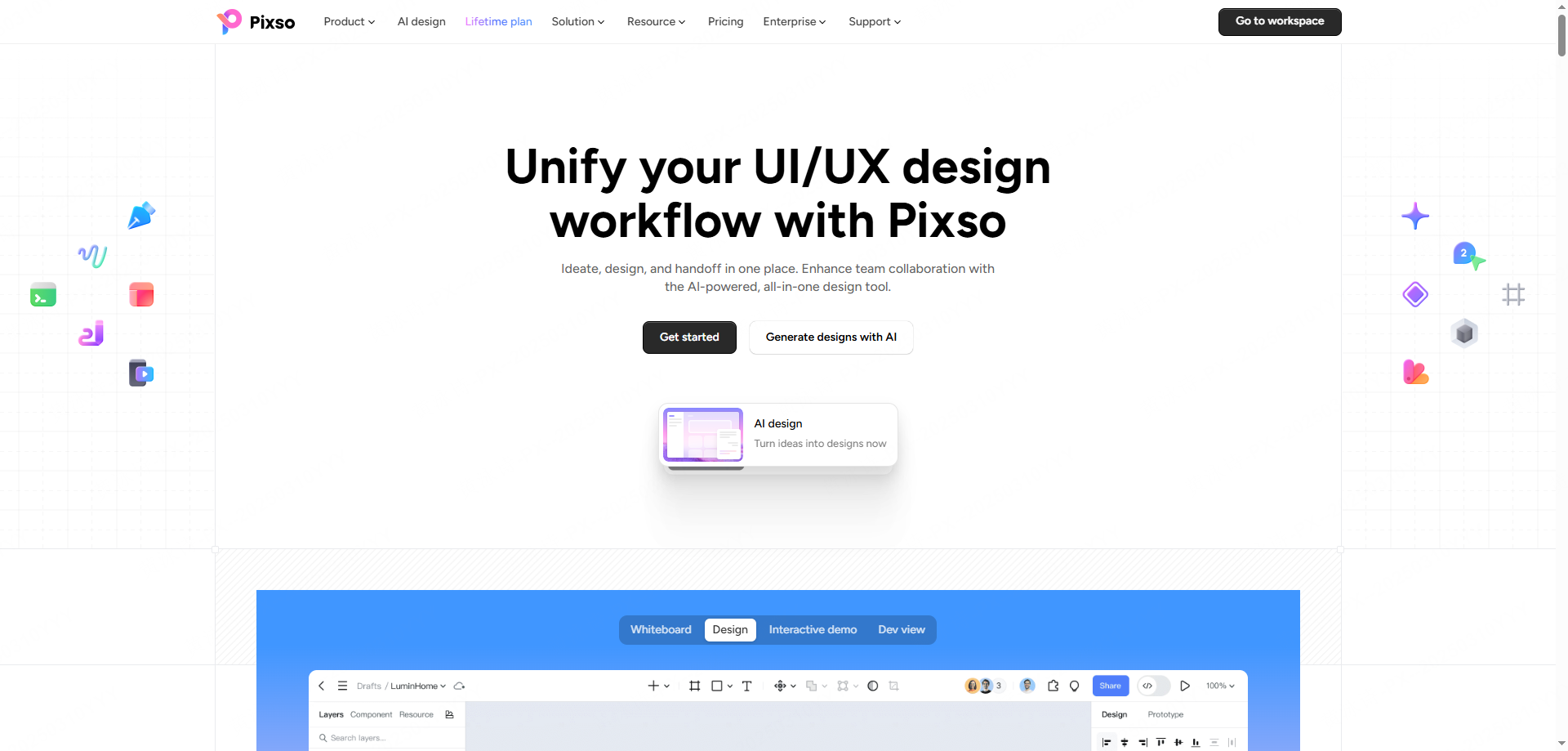
Pixso AI can be evaluated as part of a shared interface-design workflow. Start with a real brief, then check how the draft can be edited, connected to components, reviewed with teammates, and prepared for handoff in the current workspace.
- Prompt revision: Keep the brief, assumptions, and changes that lead from the first draft to the reviewed interface.
- Component and state checks: Confirm that repeated patterns, responsive layouts, and empty, loading, error, and success states remain editable.
- Team handoff: Test comments, permissions, inspection, exports, and the current workspace conditions before implementation.
5. Mockitt: interactive prototyping
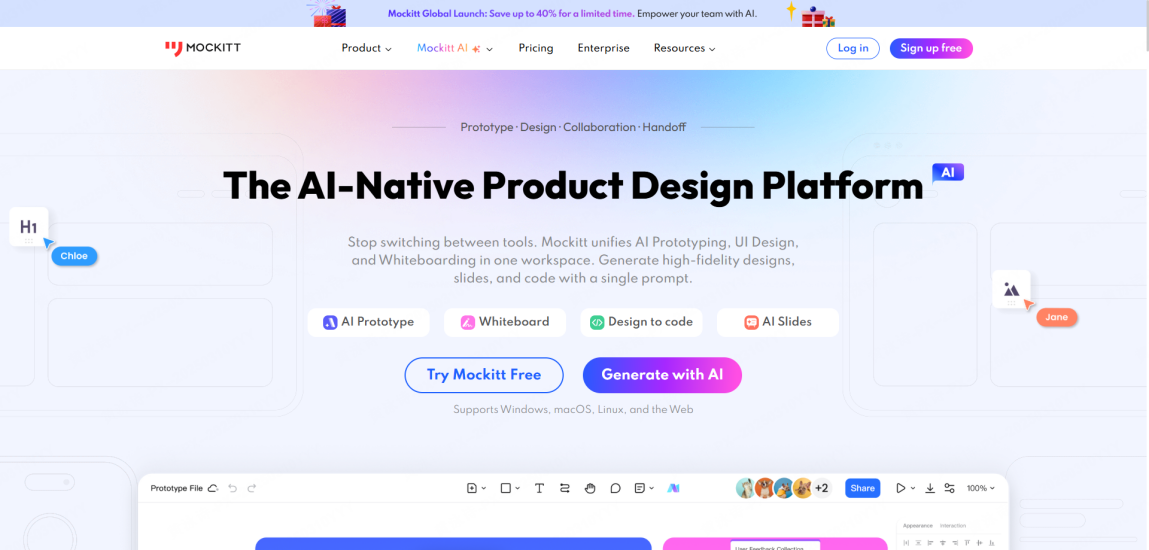
Mockitt can be evaluated when a team needs to turn interface ideas into an interactive prototype. Test whether the link flow, states, review access, and handoff notes cover the task you need to validate.
- Flow coverage: List the entry, decision, completion, and recovery states represented by the prototype.
- Interaction review: Check whether transitions, focus states, errors, and content changes behave as expected.
- Shared feedback: Confirm who can comment, inspect, edit, and receive the prototype for review.
6. Paico: cross-platform design generation
In a multi-device workflow, Paico can be evaluated for responsive design directions and brand controls. Check the current output, editing path, and review requirements before reusing a generated screen.
- Responsive output: Compare web, mobile, and tablet layouts with the same content and state inventory.
- Brand controls: Check how type, color, spacing, and repeated components can be reviewed and edited.
- Handoff path: Confirm which assets, notes, and editable structures a developer or designer receives.
7. Pencil: interaction and visual exploration
Pencil can be evaluated for interaction and visual exploration, especially when timing or motion is part of the design question. Review the result against the product's content, accessibility, and implementation constraints.
- Interaction timing: Check how motion responds to clicks, swipes, focus, and reduced-motion preferences.
- Layout reuse: Test whether a visual direction can be adapted to the required content and breakpoints.
- Human review: Compare the generated direction with brand, accessibility, and implementation requirements.
A review workflow for AI UI design tools
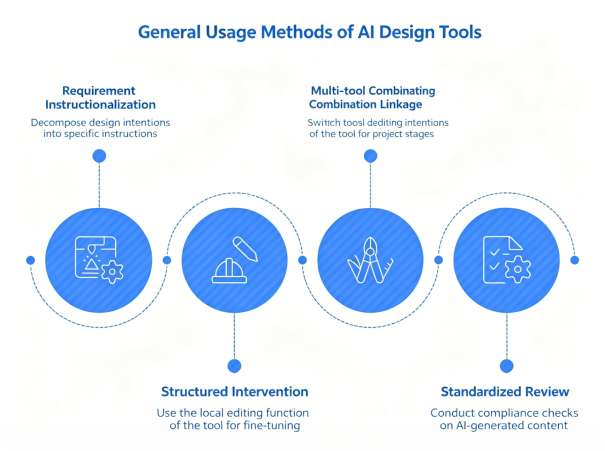
Use a repeatable review workflow so an AI draft can be judged against the same product requirements:
- Define requirements: Break down your design intent into specific prompts (e.g., "Healthcare tablet app," "Minimalist style," "Dashboard with real-time charts").
- Structural intervention: Use local editing features for fine-tuning. Adjust layout skeletons first, then interaction logic, and leave color/text details for last.
- Cross-tool workflow: Use the tool that fits the current task, then move the draft into the team's established component, review, and handoff workflow.
- Compliance review: Always check for font licensing, icon consistency, and responsive behavior at extreme breakpoints to meet commercial standards.
FAQ
Q1: Can developers actually use the code generated by AI?
Generated code quality varies by task and project constraints. Review structure, dependencies, accessibility, security, and business logic before treating it as implementation input.
Q2: Can I build an app with Lovable if I don’t know how to code?
Some tools can help non-developers explore an application workflow, but the current product, access, security, and deployment conditions still need to be checked before launch.
Q3: Which tool should I choose?
Choose by task: compare prompt exploration, editable output, component and state support, review access, export, handoff, and the people who will maintain the result.
Q4: Will AI lead to homogenized design?
AI can repeat familiar patterns, so designers still need to set the product direction, test alternatives, and review hierarchy, accessibility, and interaction behavior.
AI UI design tools are most useful when they shorten exploration without removing design judgment. For a shared workflow, review the Pixso AI UI workflow against your own brief, state inventory, and handoff requirements.
How to evaluate an AI UI design tool
Use the same prompt and acceptance checklist for every tool. Review hierarchy, responsive behavior, components, content states, editability, export, and how much manual refinement the result needs.
AI output is a draft, not a production guarantee. Keep a human review step for accessibility, interaction behavior, brand requirements, permissions, and technical handoff. Compare the Pixso AI UI workflow with the UI design maker workflow and your actual project requirements.
![[Ultimate Guide] Adaptive Web Design VS Responsive Design](https://pixso.net/assets/media/adaptive-web-design-cover-adc36662b7b63061.webp)