On this page

Scott
A heuristic evaluation is an inspection of an interface against established usability principles. Reviewers examine a task, identify specific design conditions that could cause difficulty, and explain what should change first. The useful output is a prioritized set of findings with evidence and proposed fixes, not a single score for the entire product.
For an early design, use a UX design workspace with editable screens and contextual feedback to keep the affected interface and proposed change together. Evaluate what the design actually shows; distinguish those observations from predictions about how users will respond.
Know what this method can tell you
In a heuristic evaluation, the reviewer inspects the design. In usability testing, a participant attempts a task while a researcher observes. Inspection can reveal that a form discards entered information; testing can show how people notice and recover from that behavior. The methods complement one another, but they do not produce interchangeable evidence.
Nielsen Norman Group's method guide recommends independent reviews before consolidating the findings. It also makes clear that inspection does not replace research with users. A familiar evaluator can still overlook a problem or misjudge its effect on a new user.
The worked example here is an illustrative account-signup design for a shared-workspace service. A new member enters a name, work email and password, accepts the terms, and submits the form. The design currently shows no clear submission state and clears the form after a failed attempt. These are example conditions, not findings from a live customer study.
Define a task and inspect a reproducible version
Write one task before reviewing screens: “Create an account using an eligible work email and reach the email-confirmation step.” Specify the starting point, device and account conditions. A new member on mobile may face a different problem from an existing administrator on desktop.
Identify the design or build being inspected. Save the relevant screen version and note which paths work. A static mockup can reveal ambiguous labels and missing information, but it cannot establish actual keyboard focus or server behavior. For an unavailable path, record the design gap instead of pretending it was exercised.
Give reviewers the same task and constraints, including important product rules. In this example, the service accepts work emails, requires agreement to terms and sends a confirmation email. Knowing those constraints helps reviewers suggest a useful correction rather than removing a necessary step.
Use principles as questions about the task
Nielsen's ten usability heuristics cover feedback, familiar language, control, consistency, error prevention, recognition, efficiency, visual focus, recovery and help. They are broad principles; the reviewer still has to explain how a particular interface creates difficulty.
Walk through the whole signup once to understand the route. Then return to the points where the person makes a decision or needs feedback. Ask practical questions:
- After selecting “Create account,” can the member tell whether the request is being processed?
- Does “Work email” explain an actual eligibility rule, or leave the person to discover it after submission?
- If a submission fails, are the name and email still available to correct or retry?
- Does the email-confirmation screen say which address received the message and how to correct a mistake?
These questions lead to different findings even when they occur in the same form. Do not flag a control simply because it differs from another app. Describe the task-related cost. A familiar pattern can still be wrong for the current constraints, and an unusual pattern may have a defensible purpose.
Write a finding that another person can reproduce
“The signup is confusing” does not give a designer enough information to act. Capture the triggering action, visible result, likely consequence and relevant principle. Keep the proposed correction separate, because several designs may solve the same problem.
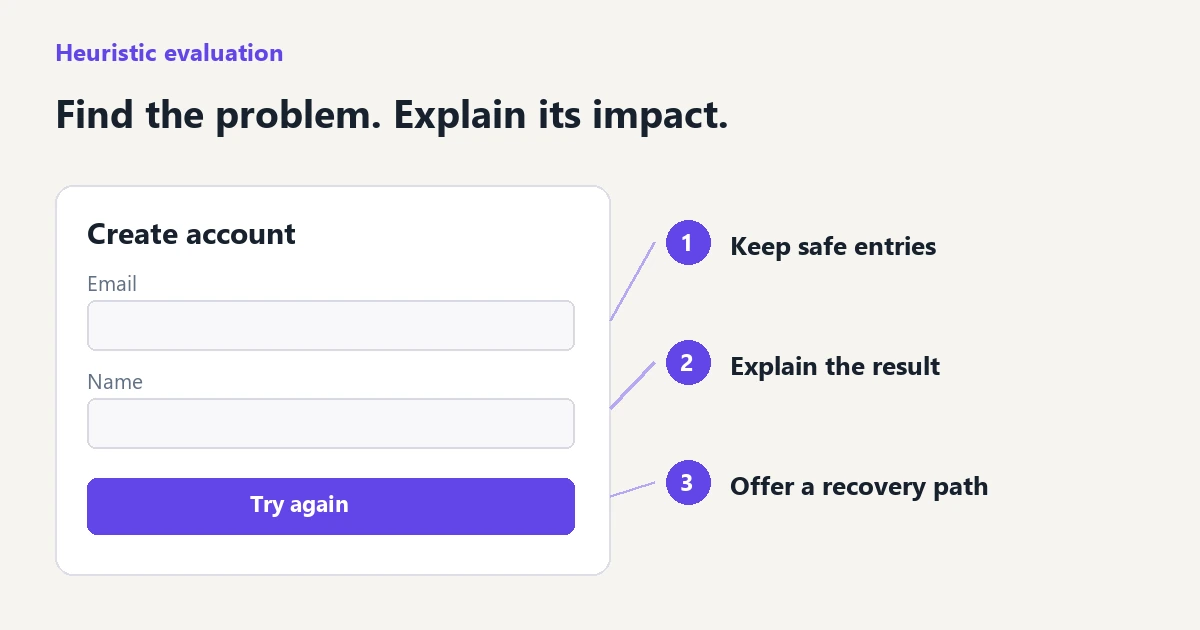
Finding S-02 — entered details disappear after a failed submission. In the error-state design, selecting “Try again” returns to a blank signup form. The member must enter the name and work email again. This creates avoidable rework during recovery. Preserve the non-sensitive entries and explain whether an account was created before asking the person to retry.
The observed condition is the blank error-recovery form in the design. The predicted effect is rework; its actual frequency in production is unknown. Do not write “most users will abandon signup” without evidence. Also avoid recommending that every password be retained: sensitive input and security requirements need their own treatment.
Attach the relevant screen or state, and identify the source version. If another reviewer cannot find the issue, clarify the path before debating its severity. A screenshot that only shows the normal state cannot demonstrate what happens after a failed submission.
Assign severity with a reason
Nielsen's severity guidance considers frequency, impact and persistence. Keep those factors visible rather than averaging unrelated interface qualities into a percentage. Where frequency is unknown, state the condition that exposes the issue, such as every failed submission.
Use a short scale consistently. One practical adaptation is: 0, not a usability issue; 1, cosmetic; 2, a recoverable interruption; 3, substantial difficulty with the task; 4, the task is blocked or the consequence is unacceptable. The number helps organize discussion; the explanation determines whether the rating is useful.
| Example finding | Initial severity | Reason and first response |
|---|---|---|
| No visible submission state | 2, provisional | The member cannot tell whether to wait. Show processing feedback; investigate duplicate-submission behavior separately. |
| Name and email disappear after failure | 3 | Every failed attempt requires repeated input. Preserve safe entries and make the retry state explicit. |
| Confirmation screen has no way to correct the email | 3, or 4 if no recovery route exists | A mistyped address can strand the member. Provide a correction route and confirm whether any alternative recovery is available. |
These ratings belong to this example's conditions. Do not copy them into another product without checking the available recovery paths. Fixing a low-effort cosmetic issue first may be convenient, but it should not hide a blocked primary task. Keep implementation effort separate from user impact.
Combine independent reviews without losing evidence
Let each reviewer finish before reading everyone else's notes. When consolidating, merge findings that describe the same condition and consequence. “Form loses data” and “retry clears email” may be one problem; a missing processing state and an unclear eligibility rule are separate problems even though they share a screen.
Keep useful differences. One reviewer may have followed the ordinary route while another opened the error path. If severity ratings disagree, compare those conditions first. A high rating based on a nonexistent recovery path should be reconsidered; a low rating based only on the happy path should be reconsidered too.
Assign one person to the next decision for each accepted finding. That decision may be a design change, a technical investigation or a research task. Keep rejected findings with a brief reason so the same preference does not repeatedly return as a supposed usability defect.
Verify the correction and the remaining uncertainty
For S-02, prepare the failed-submission state with the name and email still present, a clear explanation of what happened and a retry action. Then follow the route again. Check that the correction did not create a contradictory state: the screen should not simultaneously say an account exists and offer to create the same account again.
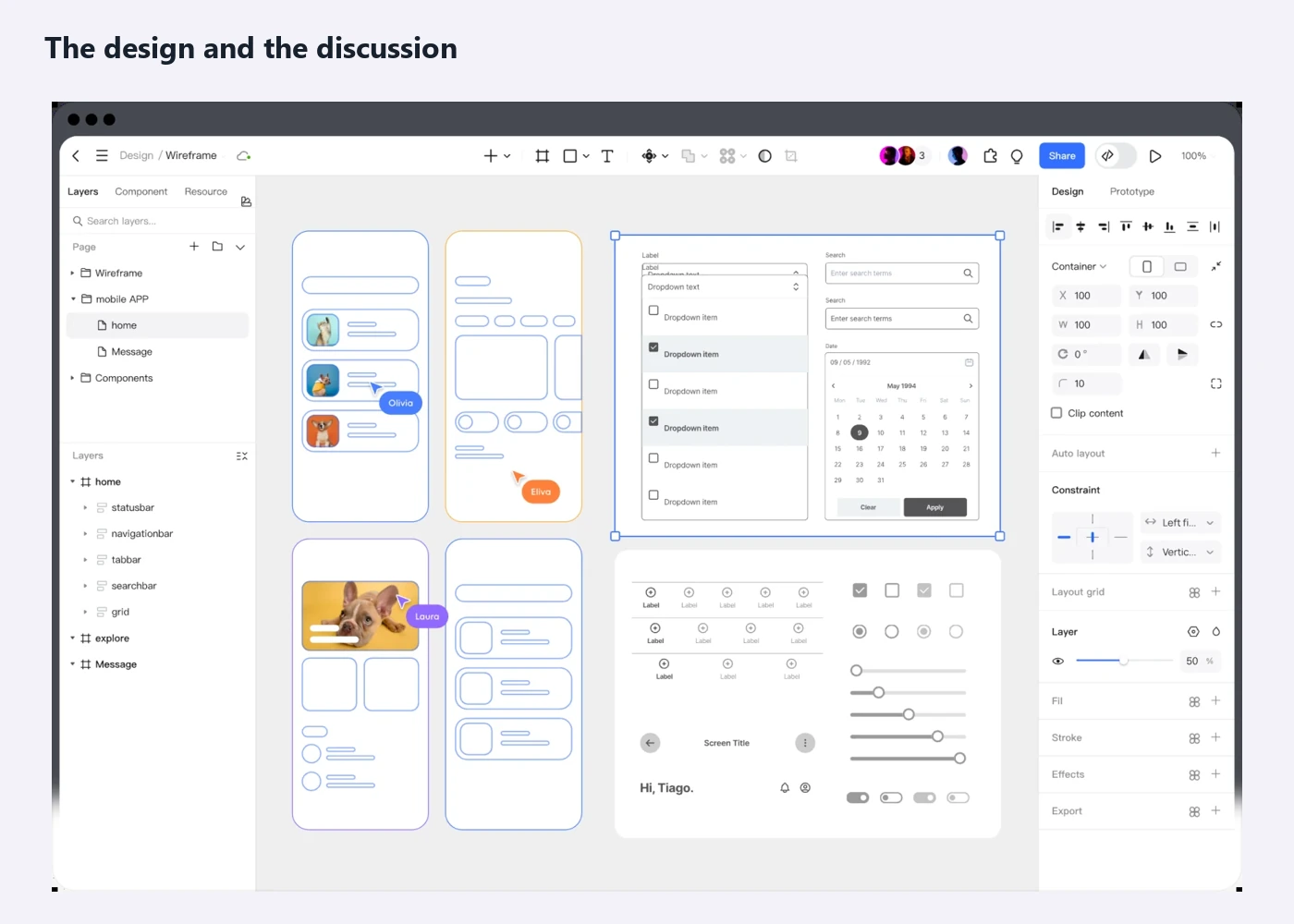
Pixso can keep the original and revised screens editable, connect the intended prototype route and hold comments at the relevant locations. Use those materials to agree on the behavior. The prototype demonstrates the proposed interaction; a working build is needed to verify real submission, data handling and recovery behavior.
Once the design issue is addressed, investigate the important predictions through structured usability testing. In this example, ask participants to recover after an unsuccessful signup attempt without telling them which control to use. Observe whether the explanation and next action make sense, instead of asking whether the revised screen looks clearer.
Close a finding when there is evidence for the agreed correction. A resolved comment is a record of discussion, not proof that the implementation works. The final review should leave the team with a small set of changes it can explain, the evidence behind them and the questions that still need users or a running product to answer.
![[NEW] How to transfer photo styles with an AI photo editor](https://pixso.net/assets/media/ai-image-style-transfer-9fe25f62d2130e50414c-b771b1704762f9a3.webp)