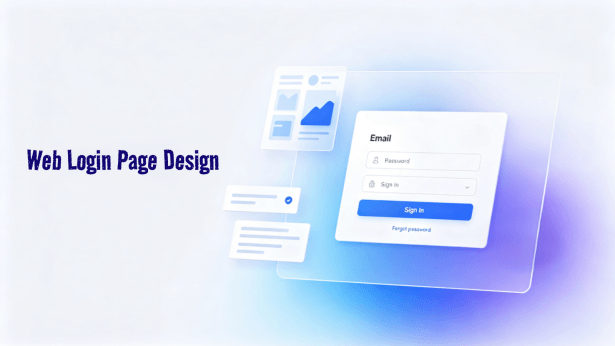
A web login page design shapes the first impression users have when interacting with your product. Whether organizing input fields or fostering trust, every visual element plays a critical role in user conversion and retention.
In this comprehensive guide, we dissect the 3 core functional modules of effective login screens, reveal rules for achieving the best login web page design, and introduce top free online design tool choices with prebuilt templates to help you create secure, professional login web pages.

Click here to get Web login page design template
1. 3 Core Functional Modules of Web Login Pages
Web login pages serve as the primary gateway to your digital product. Their structural design directly governs how easily users authenticate. Here is a breakdown of the 3 primary modules:
(1) Authentication Area
The main goal of this area is allowing users to enter credentials efficiently and accurately. Input fields for usernames and passwords form the anchor of the page.
Optimal layouts align fields vertically with clear labels and touch friendly heights around 44 to 48 pixels. Verification codes or security prompts should be visible without overwhelming the layout, typically placed directly below the password field.
(2) Trust Building Area
Security badges, SSL lock icons, and privacy assurances alleviate security concerns and build confidence. These elements are usually positioned near the primary call to action button or in the footer.
In addition, providing third party single sign on options like Google, Apple, or GitHub simplifies authentication. These buttons should have slightly lower visual weight than the main submit button while remaining easily clickable.
(3) Secondary Action Area
This module balances edge case requests like password recovery with primary growth goals like new user signups.
A clear forgot password link is essential, usually placed below or to the right of the password field as a secondary action. For growth oriented products, a distinct registration link or button offers high contrast against the submit button to guide new visitors.
2. Rules for High Converting Web Login Page Design

To deliver the best login web page design, teams should follow user centered design principles:
- Minimalist Layout: Remove navigation bars, promotional banners, and unnecessary links to keep users focused solely on logging in.
- Brand Consistency: Use brand colors, logos, and typography to instill familiarity and trust.
- Clear Guidance and Feedback: Provide clear input labels, helpful placeholder text, and real time error validation so users can fix mistyped credentials instantly.
- Mobile Responsiveness: Ensure input zones and touch targets are easy to tap on mobile screens through flexible responsive layouts.
- Visual Hierarchy: Give the main submission button the highest visual weight using primary brand colors. Secondary actions like password retrieval and account creation should remain visually subordinate.
- Fast Loading Performance: Ensure web login page design assets are optimized so pages load instantly and prevent user dropoff.
- A B Testing: Perform A B testing on button colors, copy, and form arrangements to continuously refine conversion rates.
Using Pixso as your free online design tool allows you to implement these best login web page design rules seamlessly while leveraging prebuilt UI components.
3. Recommended Free Web Login Page Design Tools
Selecting the right design tool is vital for translating login page requirements into production ready interfaces. Below are top free online design tool solutions for designing login web pages:
(1) Pixso

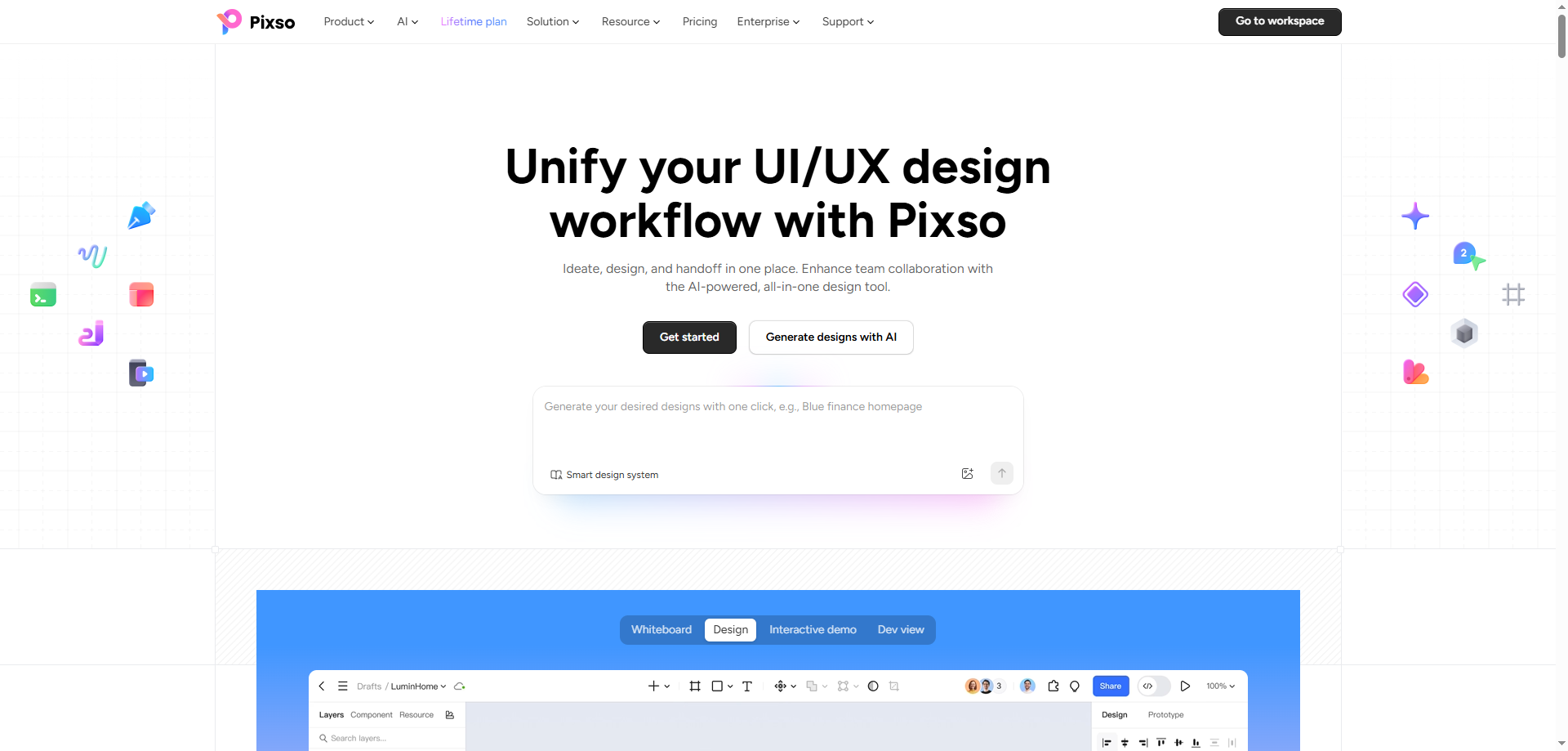
Pixso is an all in one cloud based product design platform tailored for brainstorming, UI UX design, interactive prototyping, and automated developer handoff. Powered by built in Pixso AI, it provides a complete product creation workflow directly in the browser without requiring software installation.
- All in One Product Workflow: Unifies digital whiteboards for early ideation, vector UI design, high fidelity interactive prototyping, and dev delivery into a single workspace, eliminating tool switching across product teams.
- AI Powered Design Efficiency: Leverages Pixso AI to automate repetitive design tasks, remove image backgrounds, generate initial UI drafts, and execute bulk adjustments, allowing designers to focus on creative innovation and detail refinement.
- Seamless Design to Code (D2C) Handoff: Bridges the gap between designers and developers by automatically translating visual UI components into clean, inspectable code, dramatically reducing delivery time and communication friction.
- Real Time Collaboration and Resource Community: Enables multi user co editing, shareable preview links, automated version control, and instant access to a vast community library filled with customizable UI kits and icon sets.
- High Performance and Flexible Licensing: Smoothly handles complex design files with hundreds of thousands of layers while offering a generous free plan for individual creators alongside enterprise solutions with dedicated deployment and SDK integrations.
(2) Adobe XD

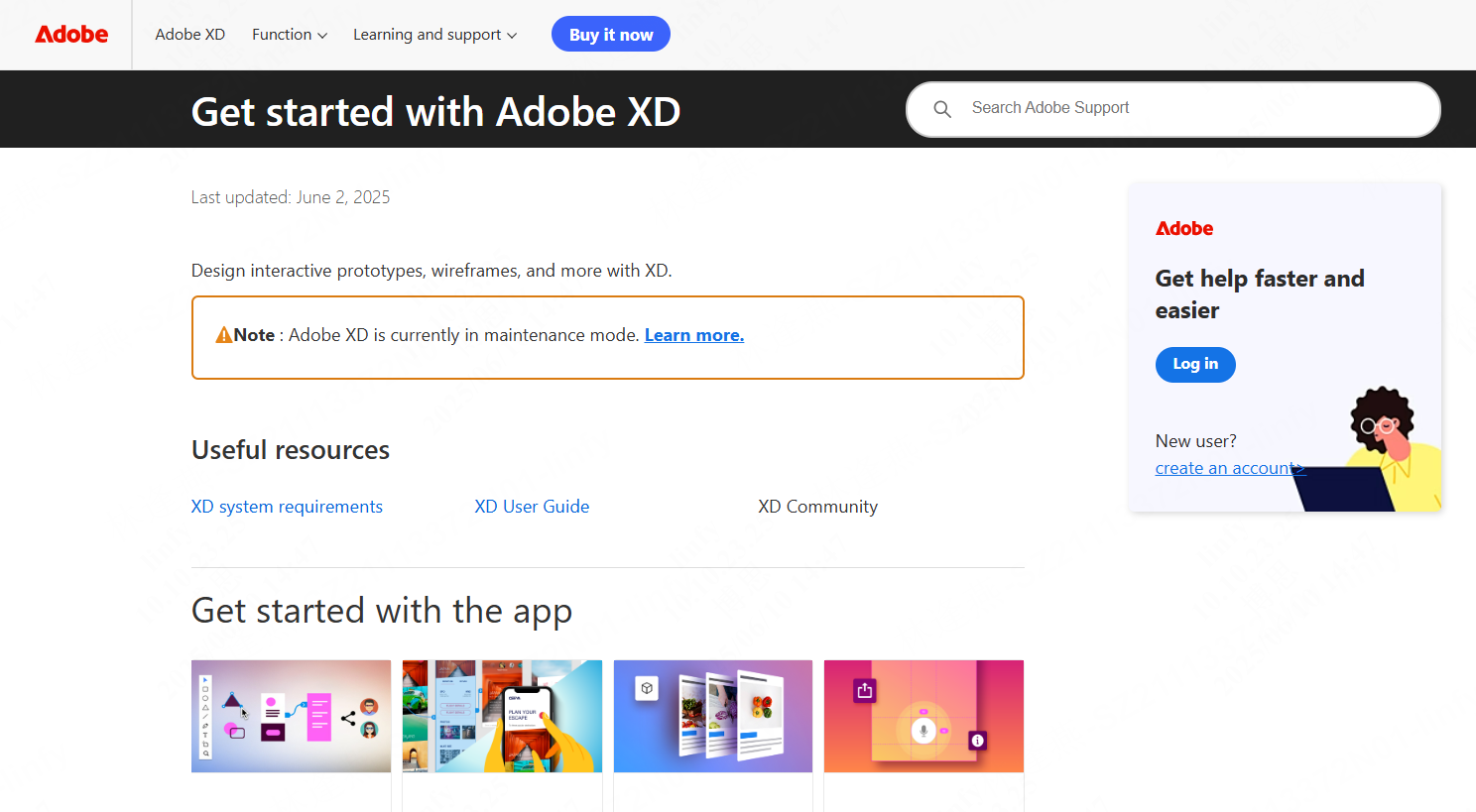
Adobe XD combines vector layout and interactive prototyping capabilities, making it ideal for designers creating animated login web pages within the Adobe ecosystem.
- Usability and Compatibility: Clean vector canvas requiring desktop app installation on Windows or macOS, with seamless creative cloud asset syncing.
- Templates and Resource Community: Includes built in UI kits with additional resources available via Adobe Stock, though direct community templates are less extensive compared to Pixso.
- Collaboration and Version Control: Supports cloud document sharing, team commenting, and recent version history tracking.
- Performance and Responsive Design: Features auto flex controls for device screen adaptation.
- Free Policy: Starter plans allow limited project creation, while full batch exports require a Creative Cloud subscription.
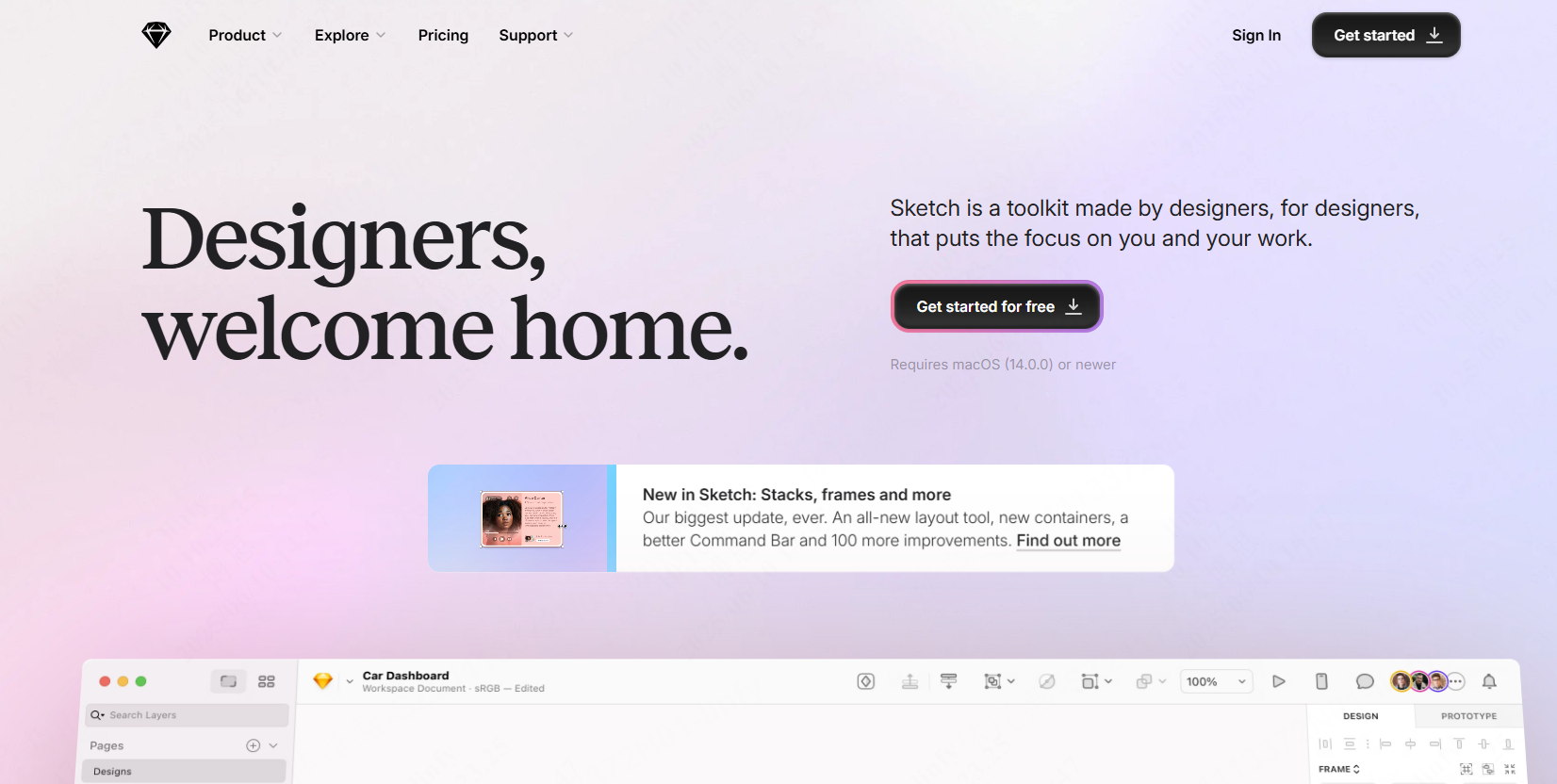
(3) Sketch

Sketch is a macOS vector design editor recognized for lightweight performance and reusable Symbol component libraries.
- Usability and Compatibility: macOS exclusive desktop application requiring third party plugins for advanced web prototyping.
- Templates and Resource Community: Offers downloadable login templates across official and community design channels.
- Collaboration and Version Control: Requires cloud plugins or third party integrations for real time team collaboration and version history.
- Performance and Responsive Design: Uses Symbols and smart layout rules to maintain rapid canvas performance during high fidelity iteration.
- Free Policy: Offers a free trial with basic features, requiring a license purchase for full plugin access and cloud publishing.
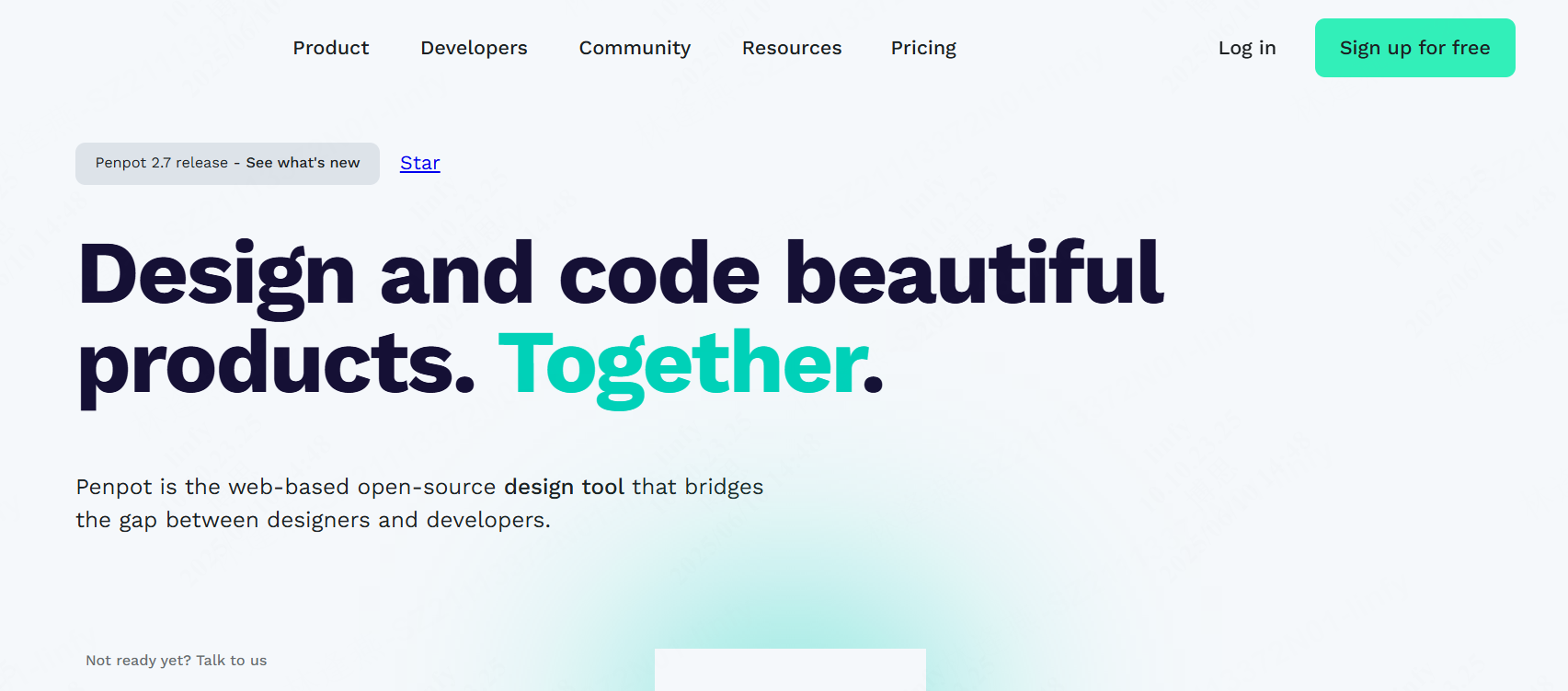
(4) Penpot

Penpot is an open source web based design platform built on open web standards like SVG, ideal for teams prioritizing data privacy and self hosting.
- Usability and Compatibility: Completely browser based and cross platform, providing a design environment built on open standards.
- Templates and Resource Community: A growing open source community offers foundational UI kits and login templates.
- Collaboration and Version Control: Supports real time team editing and basic revision history.
- Performance and Responsive Design: Supports CSS flex layout grids, with canvas speed depending on self hosted or cloud infrastructure.
- Free Policy: 100% free and open source for cloud use or self deployment.
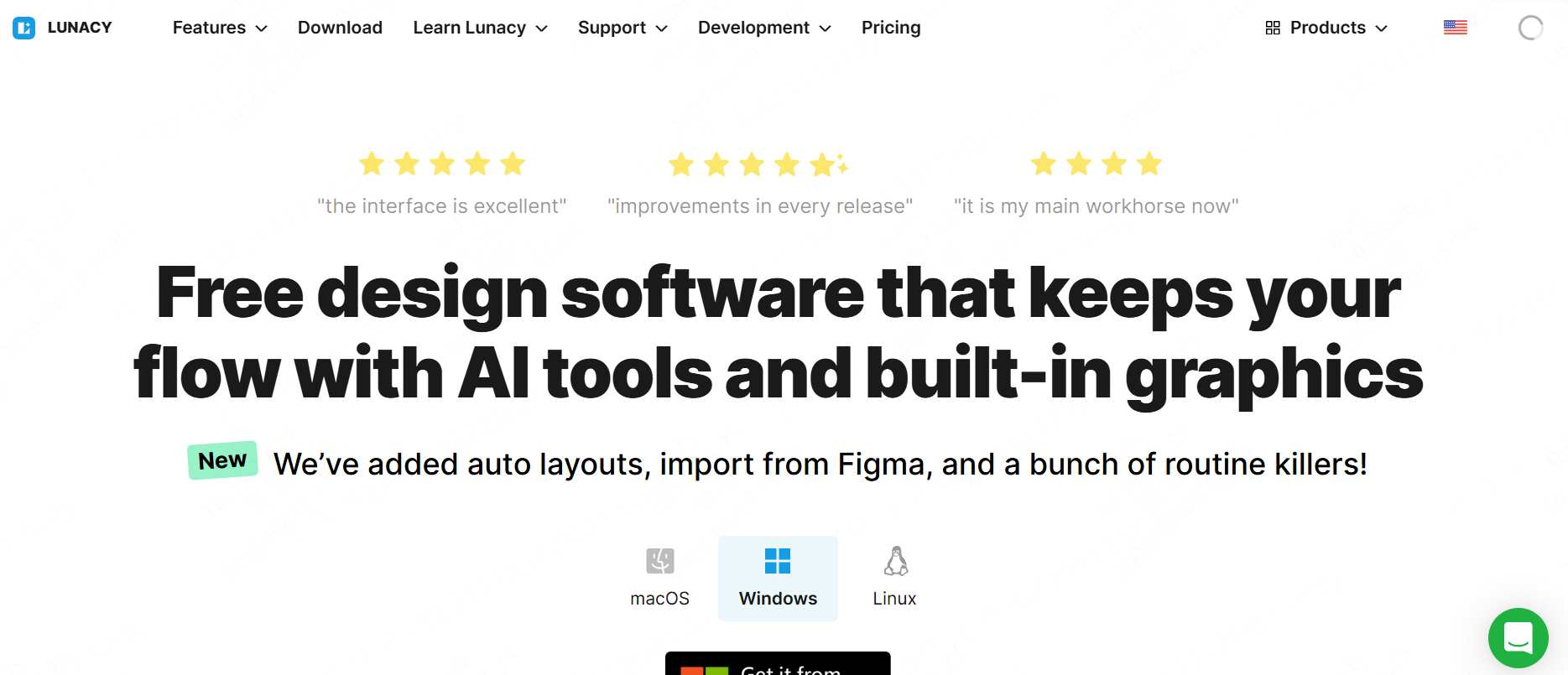
(5) Lunacy

Lunacy is a free native desktop design app for Windows and cross platform environments, featuring full compatibility with Sketch file formats.
- Usability and Compatibility: Native desktop performance with offline editing and native Sketch file import support.
- Templates and Resource Community: Built in asset libraries providing icons, photos, vector illustrations, and basic UI layouts.
- Collaboration and Version Control: Primarily desktop focused with manual file versioning and cloud sharing features.
- Performance and Responsive Design: Supports auto layout for responsive mobile and web interfaces.
- Free Policy: Core vector editing and asset access are completely free, with optional paid upgrades for cloud storage and AI utilities.
| Product | Rating | Key Features | Templates & Resource Library | Collaboration & Version Control | Free Plan Policy |
| Pixso | ★★★★★ | Online collaborative design; supports full workflow (prototyping, UI, handoff/specifications); auto-layout for multi-device adaptation; built-in massive free templates. | Rich community resources, including login templates for industries like e-commerce and finance; supports one-click reuse. | Multi-user real-time collaboration, auto-saves version history, link sharing and commenting. | Free forever for individuals with comprehensive basic features; Enterprise version offers a free trial and supports on-premise deployment. |
| Sketch | ★★★★☆ | Vector tool exclusive to macOS; lightweight and efficient; strong component reusability; ideal for Apple ecosystem design. | Rich official and third-party (Dribbble) resources, though mostly English templates. | Requires Abstract plugin for collaboration; version control requires payment. | Free version supports basic features; full version requires purchasing a license. |
| Adobe XD | ★★★☆☆ | One-stop tool in the Adobe ecosystem; excels at interactive design and dynamic effects; seamlessly integrates with Photoshop/Illustrator. | Built-in small selection of templates; additional resources need to be purchased from Adobe Stock; high quality but limited quantity. | Supports team sharing, up to 10 version history rollbacks, and comment feedback features. | Free personal plan limited to 3 projects; advanced features require a subscription. |
| Penpot | ★★★☆☆ | Open-source and free web-based tool; supports SVG standards; focuses on data privacy and self-hosting. | Community resources are growing rapidly; basic templates available, though less abundant than mainstream tools. | Supports real-time collaboration and basic version history; features are continuously iterating. | Fully open-source and free; allows self-hosted servers or the use of free cloud services. |
| Lunacy | ★★★☆☆ | Windows alternative to Sketch; compatible with Sketch files; focuses on graphics and UI design. | Built-in icon and illustration asset library; offers basic UI templates; moderate amount of resources. | Weak collaboration features; relies on third-party cloud storage; versioning requires manual management. | Core features are free; paid plans upgrade AI features and asset storage; free plan is sufficient for daily use. |
4. Free Web Login Page Design Templates Recommended
To kickstart your web login page design project, Pixso offers a variety of free templates that can be customized instantly on the canvas:
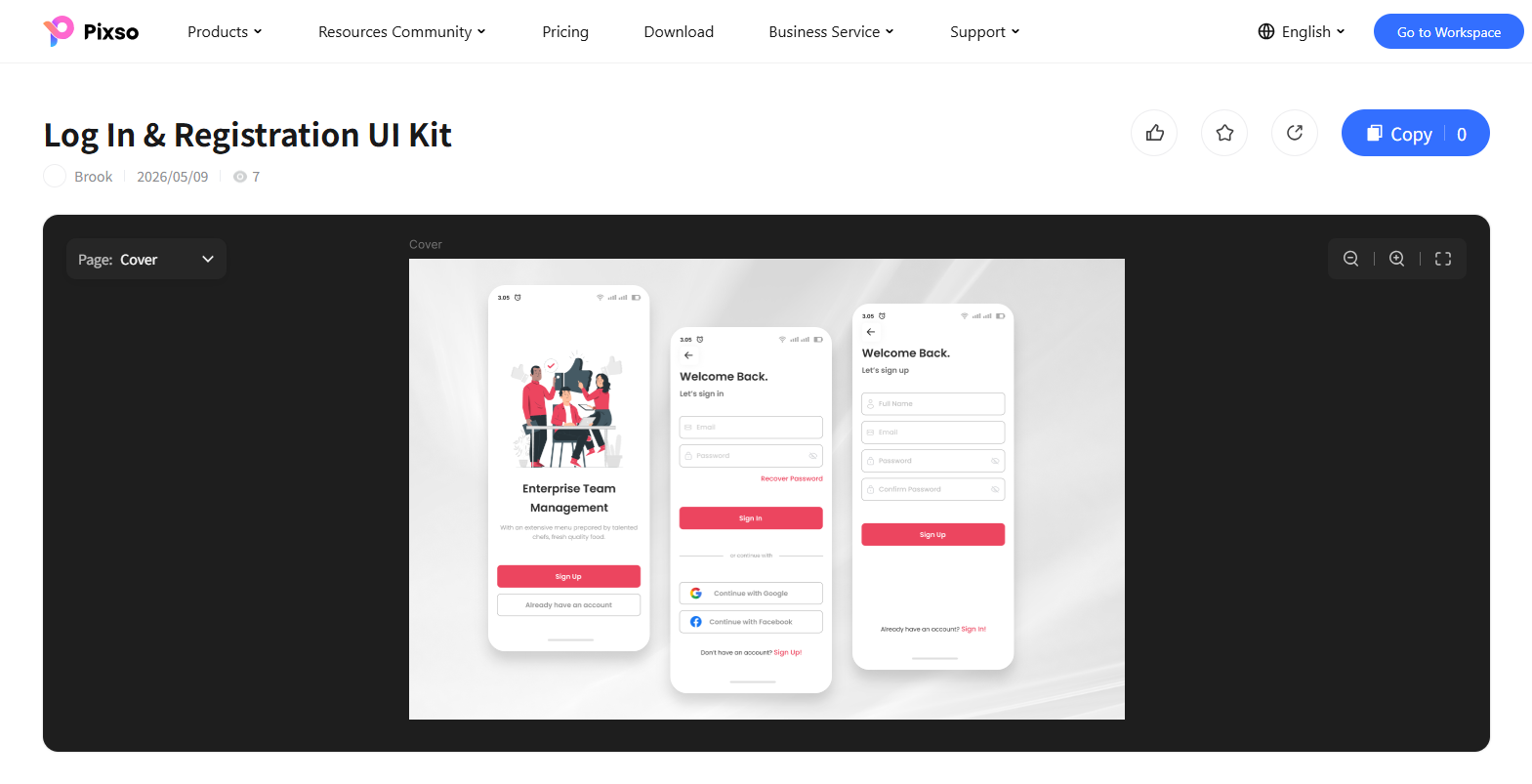
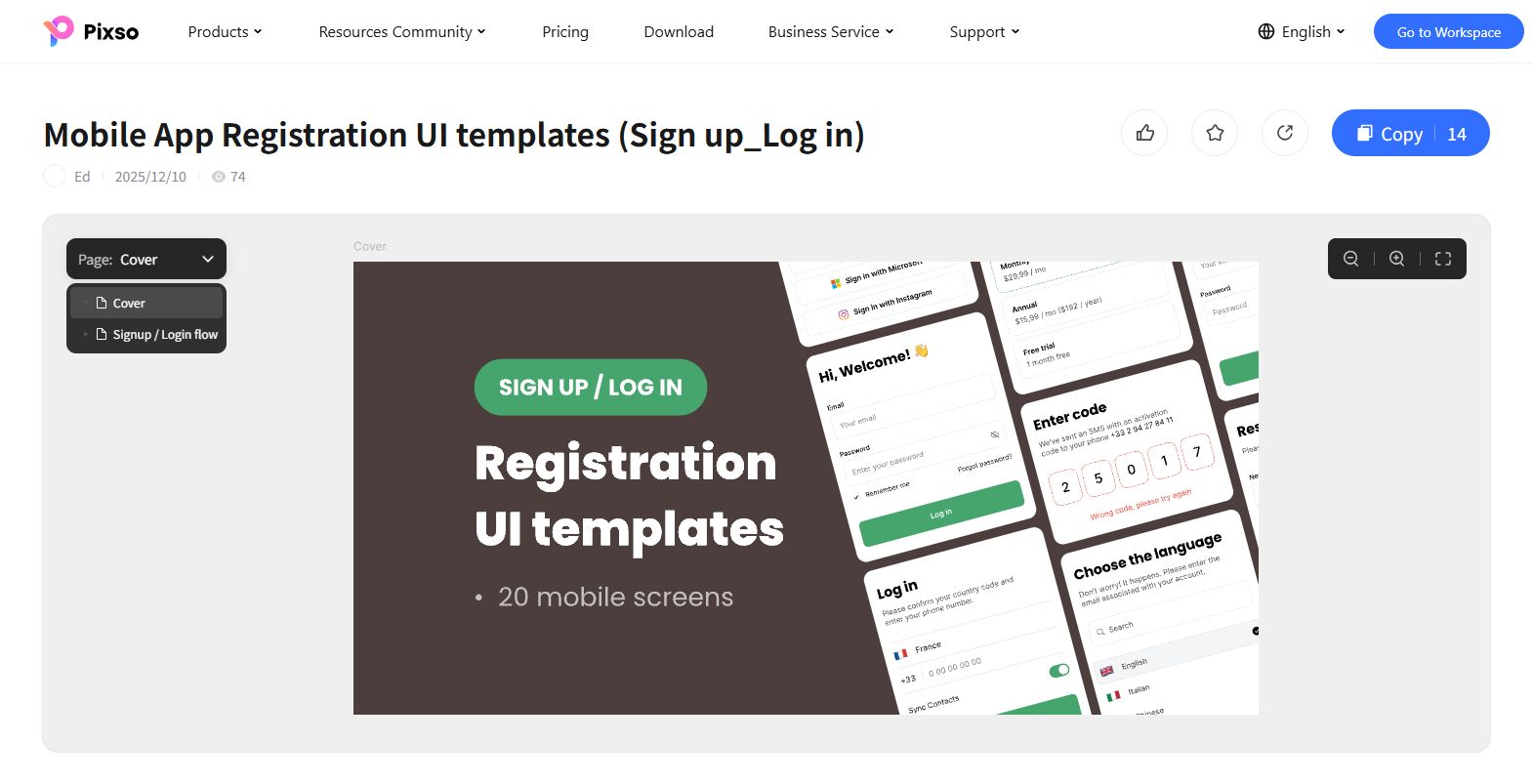
(1) Mobile App Registration UI Template
This template features a collection of 20 mobile screens for registration and log-in flows. The screens organize social sign-on buttons, phone authentication fields, and SMS verification code inputs. The design pairs a dark backdrop with clean white cards and vibrant green accents. It is ideal for mobile applications, iOS and Android onboarding, and digital products.

(2) YoFit Mobile Log In & Sign Up Template
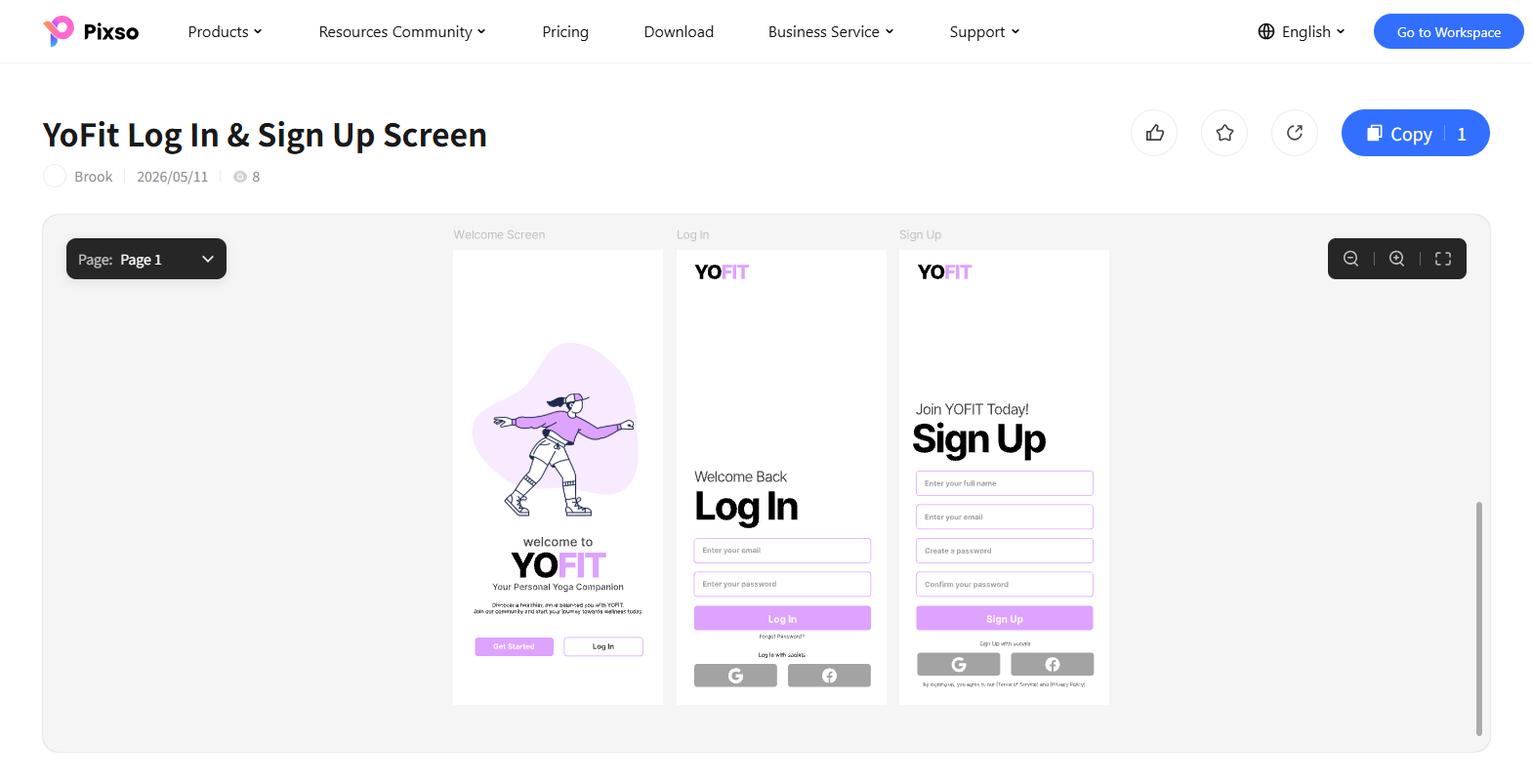
Designed for health and wellness applications, this template offers a clean onboarding flow with a soft purple accent theme. It features a welcome screen with custom yoga illustrations alongside streamlined log-in and sign-up pages. The layout organizes email, password, and social login buttons for quick user access. It is ideal for fitness apps, yoga companion tools, and digital wellness platforms.

(3) Dark Mode Project & Leads Management Template
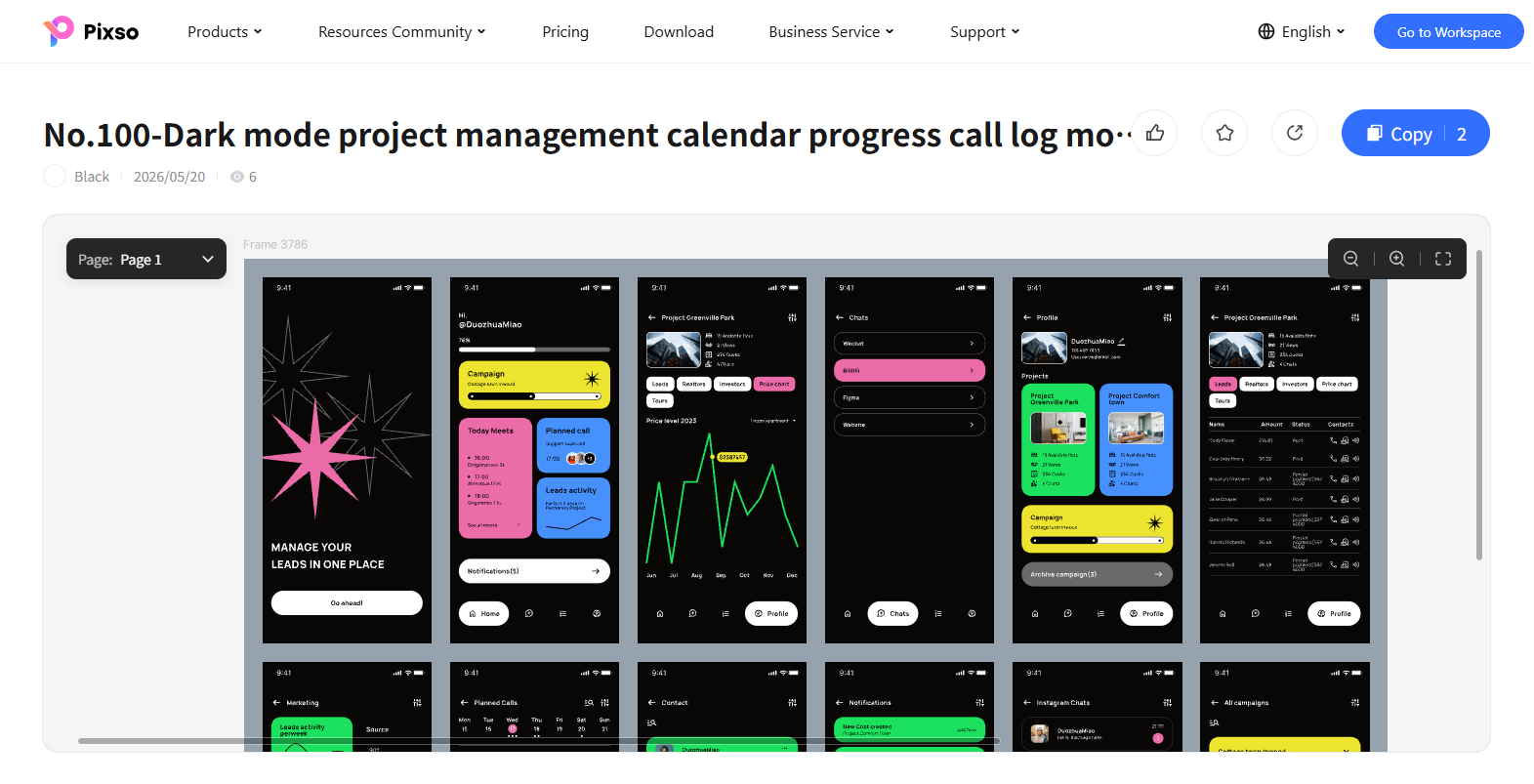
Featuring a sleek dark mode with vibrant neon accents, this layout highlights project tracking and lead management. The screens organize analytics dashboards, calendar schedules, contact lists, and campaign progress cards. It incorporates interactive charts, task progress sliders, and real-time notification feeds. It is tailored for mobile CRM tools, project management apps, and productivity dashboards.

FAQ
Q1: How do passkeys and passwordless authentication impact web login page design?
Passwordless options such as biometric Passkeys and email magic links simplify login web pages by eliminating traditional password fields altogether. When implementing passwordless flows, the interface should prioritize a single primary email or username prompt accompanied by clear secondary options for users who still prefer traditional passwords or hardware security keys.
Q2: What accessibility considerations are essential when designing login web pages?
Accessible login forms must support full keyboard navigation, clear ARIA labels for screen readers, and high color contrast ratios for input borders and text. Designers should also avoid relying solely on color to indicate form errors, using explicit inline text messages and aria live regions to assist users with visual or cognitive impairments.
Q3: How can design teams prevent bot attacks on login pages without harming user experience?
Traditional image CAPTCHAs introduce friction that lowers conversion rates. Modern web login page design integrates invisible bot detection systems or risk based challenges that trigger verification only after multiple failed login attempts. This protects application security while keeping the initial login flow effortless for legitimate users.
Conclusion
A web login page design is far more than a simple pair of input fields; it is a critical touchpoint for building user trust, streamlining authentication, and driving conversions. By understanding core functional modules, adhering to user centered design rules, and leveraging a free online design tool like Pixso, teams can produce high converting login web pages efficiently.
Explore Pixso today to access free login templates and transform your UI design workflow!