Pixso products and Paico AI
Design & collaboration
Create designs and app interfaces with natural language.
Pixso AI
What do you want to create?
Work with AI coding tools
Bring design context into code so canvas and development stay connected.
Find design resources
Learn & use
Develop & extend
Design collaboration for enterprise teams
Browse practical design guidance, product insights, and case studies from Pixso.
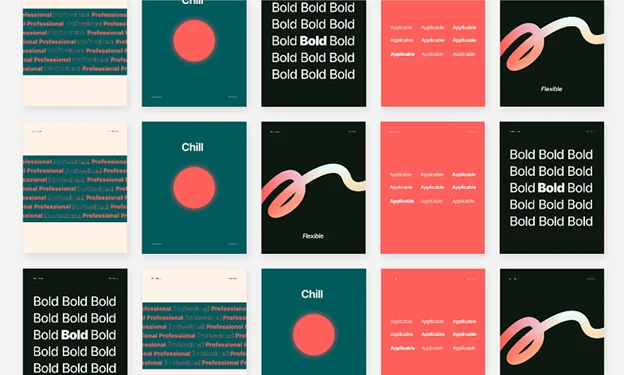
Choose Google Fonts using real content. Compare headings, body text, language coverage, loading requirements, and font pairings in a design file.
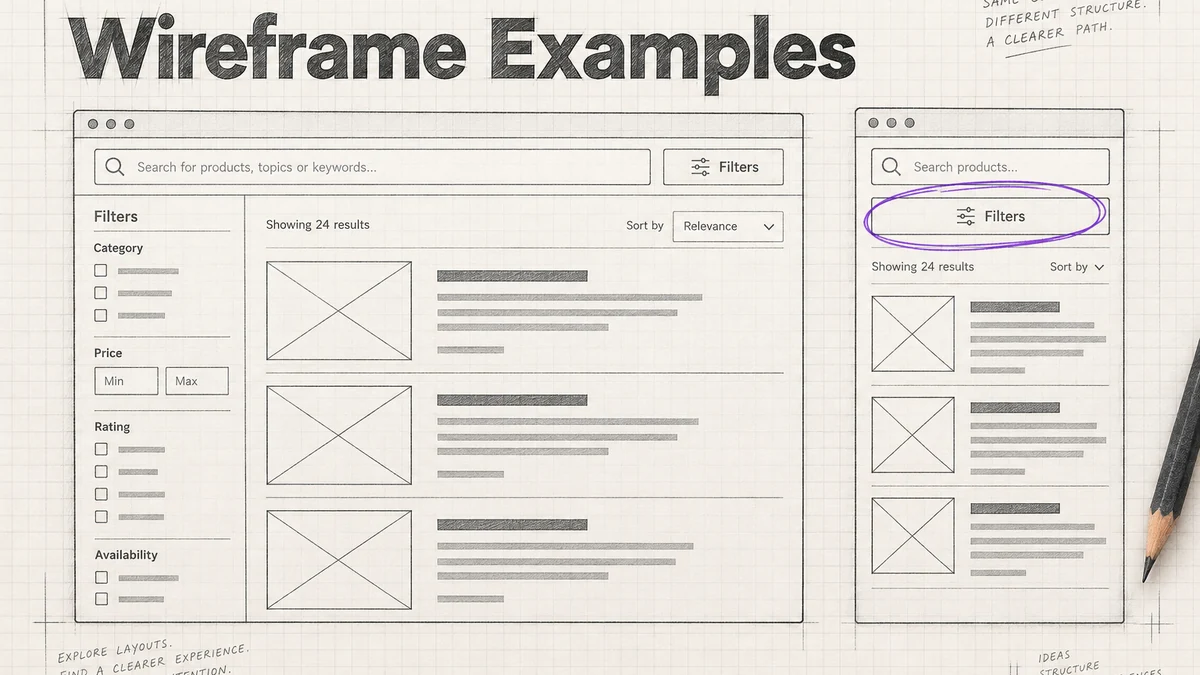
Study checkout, search, onboarding and dashboard wireframes; learn what to annotate, compare alternatives and move from structure to visual design.
Learn what a prototype is, when to use one, how fidelity changes the question, and how teams turn feedback into design decisions.
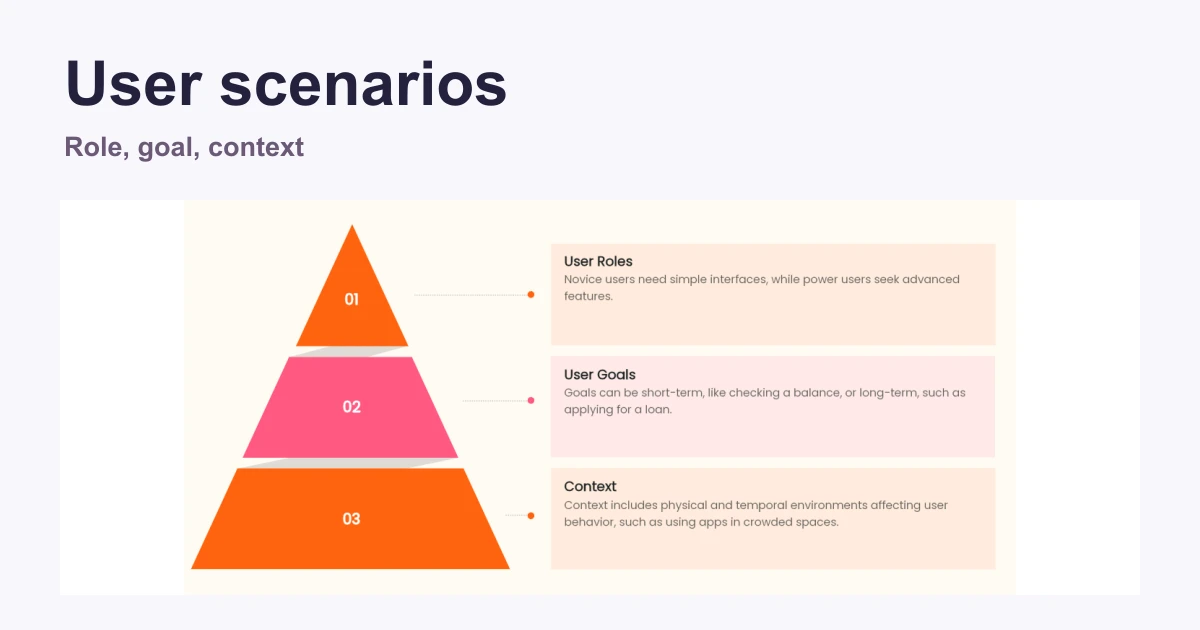
Write useful user scenarios from goals, context, and evidence. Follow an appointment-rescheduling example from a short narrative to screens and a prototype task.
Choose line height for body copy, headings, and compact UI. Compare real text at narrow widths and check that spacing changes do not hide content.
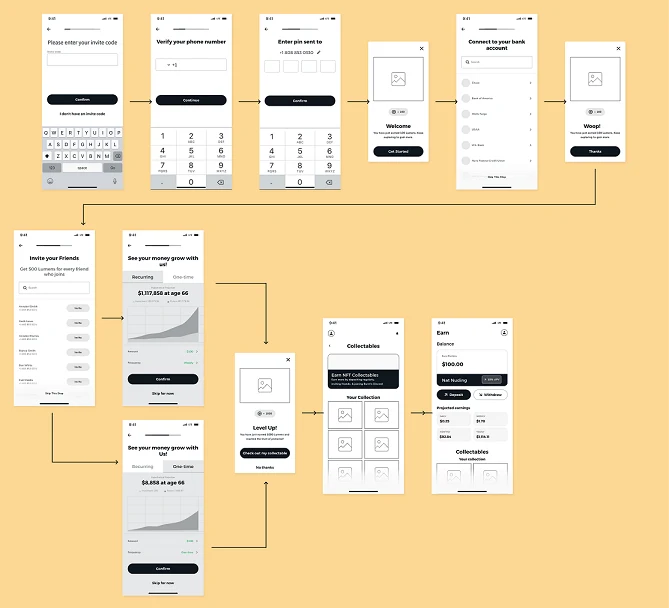
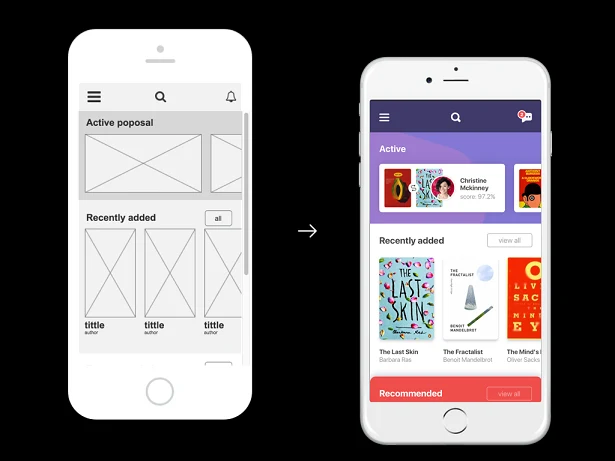
Create a mobile app wireframe with a clear task, realistic content, recognizable controls, and the transitions needed for a useful design review.
Page 6 of 16
Create Files
Resource Community
Version History
User Guide