Pixso products and Paico AI
Design & collaboration
Create designs and app interfaces with natural language.
Pixso AI
What do you want to create?
Work with AI coding tools
Bring design context into code so canvas and development stay connected.
Find design resources
Learn & use
Develop & extend
Design collaboration for enterprise teams
Browse practical design guidance, product insights, and case studies from Pixso.
Turn evidence about a real task into a design requirement, an interface decision and a test. Follow a library-renewal example through five connected stages.
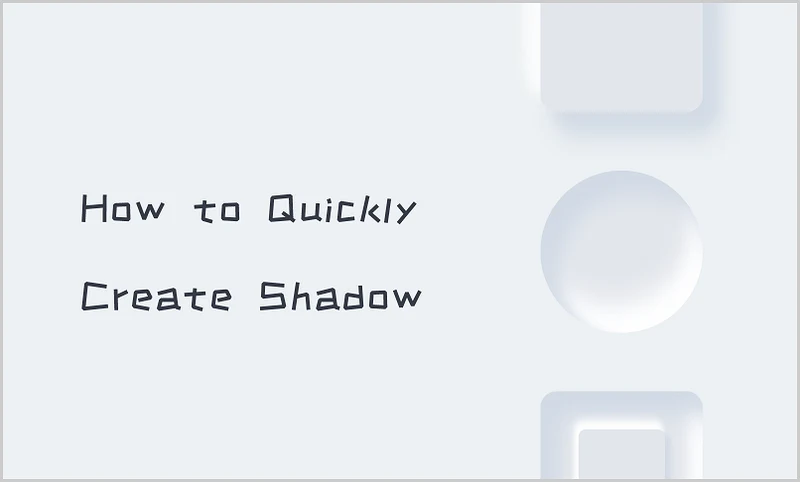
Shadows add a realistic feel to an image when created right. This step-by-step guide explores how to make beautiful shadows quickly in PS easily.
Learn when low- and high-fidelity wireframes are useful, what each should prove, and how to move from structure to a testable prototype.
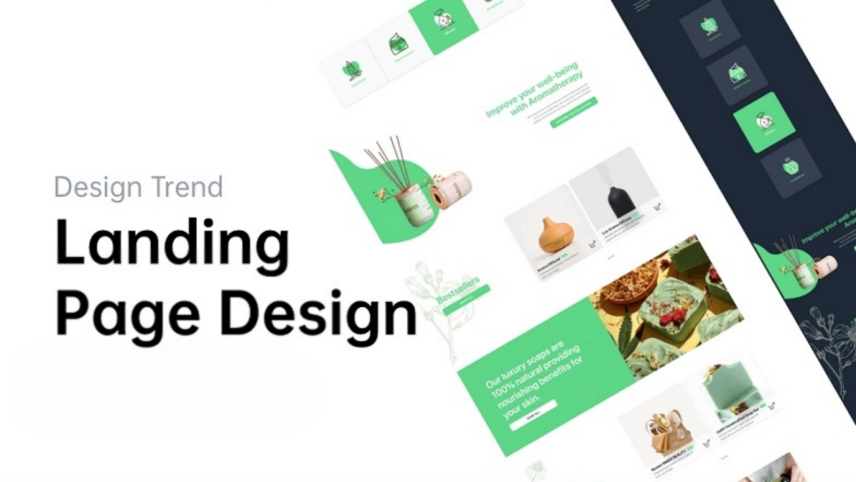
Turn an offer into a clear landing page with relevant evidence, a predictable call to action and a complete registration flow.
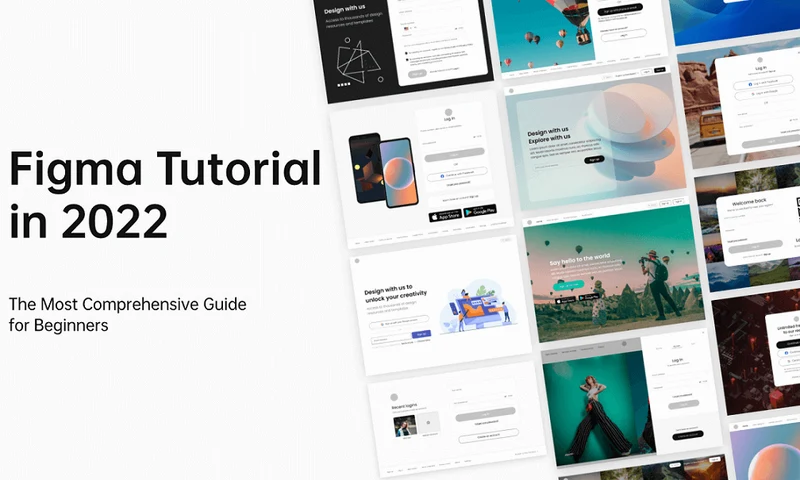
In this blog, we will explore the Figma plugins that you must have in your Figma app.
Design tablet interfaces for changing window sizes, touch and keyboards. Work through a guest check-in flow and learn from five tablet UI examples.
Learn the core concepts behind collaborative interface design—frames, components, prototypes, and handoff—using a workflow that transfers across tools.
Check the Guide on How to Import Axure Files into Pixso
This post will provide you with a collection of the most often used terms in the world of graphic design, as well as their meanings.
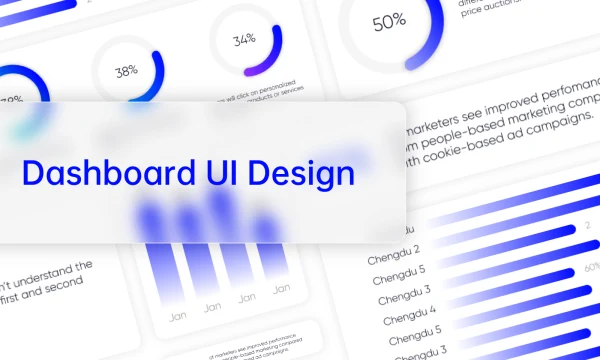
Know Everything About Dashboard UI Design
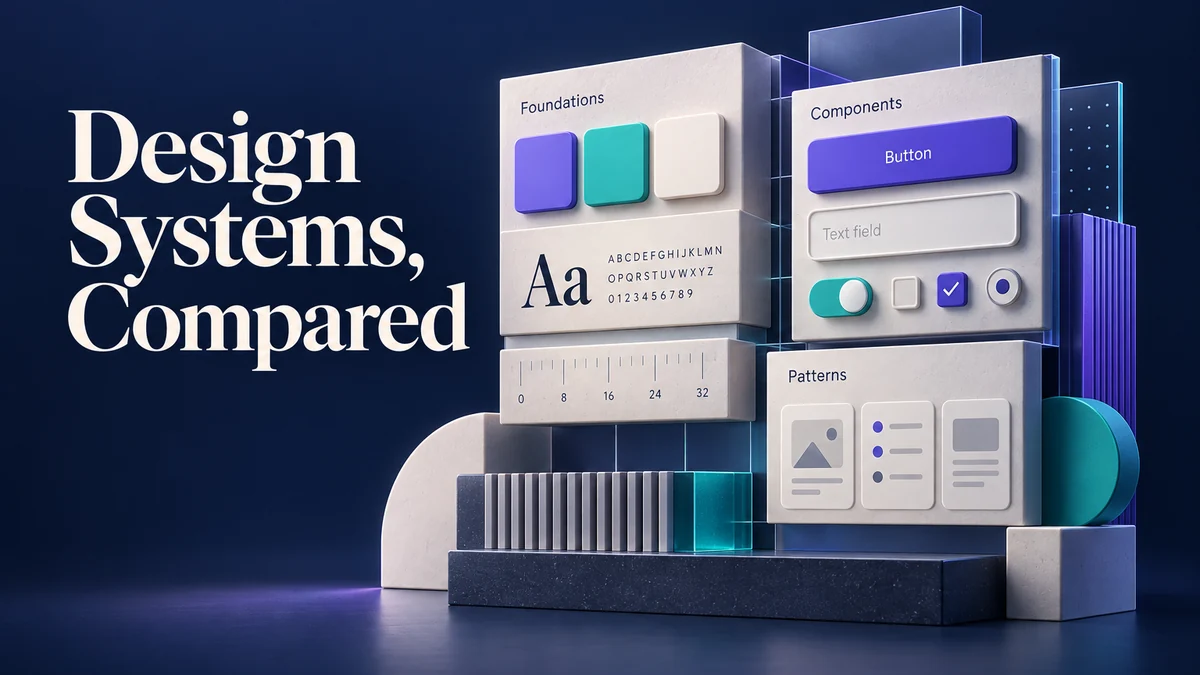
Compare ten public design systems by scope, components, tokens, accessibility and governance; use a pilot checklist to choose responsibly.
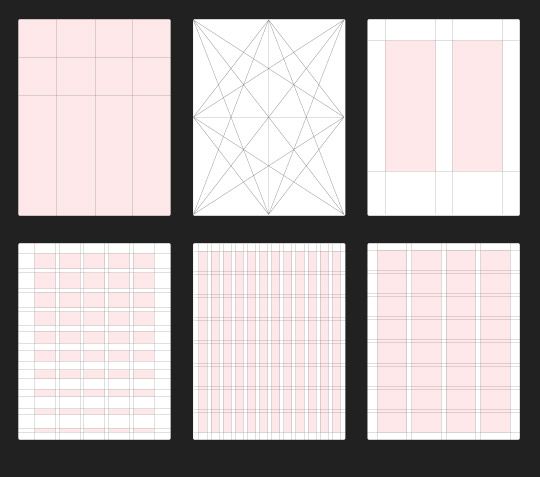
Choose a UI grid around real content. Learn columns, gutters and margins, calculate card widths, and decide when a responsive layout needs fewer columns.
Page 15 of 16
Create Files
Resource Community
Version History
User Guide