Pixso products and Paico AI
Design & collaboration
Create designs and app interfaces with natural language.
Pixso AI
What do you want to create?
Work with AI coding tools
Bring design context into code so canvas and development stay connected.
Find design resources
Learn & use
Develop & extend
Design collaboration for enterprise teams
Browse practical design guidance, product insights, and case studies from Pixso.
This Mockplus review highlights the pros and cons of this UX tool. Its best alternative is Pixso which allows you to create hi-fi prototypes.
10 Innovative Logo Trends
Understand official Ant Design versus third-party Figma kits. Import the right file, customize components and check a form workflow before developer handoff.
Evaluate Pixso, Figma, Sketch, MockFlow, and legacy Adobe XD or InVision work with one shared design-to-handoff benchmark.
In this blog, we will review the Google design system—focusing on Material Design and understanding key principles of effective UI design.
A practical comparison of prototyping tools using one flow, one recovery state, and one review-to-handoff checkpoint.
How to Choose Between Ant Design and Material UI
Choose a collaboration tool by the moments where teams lose context: review, decisions, revisions, and delivery.
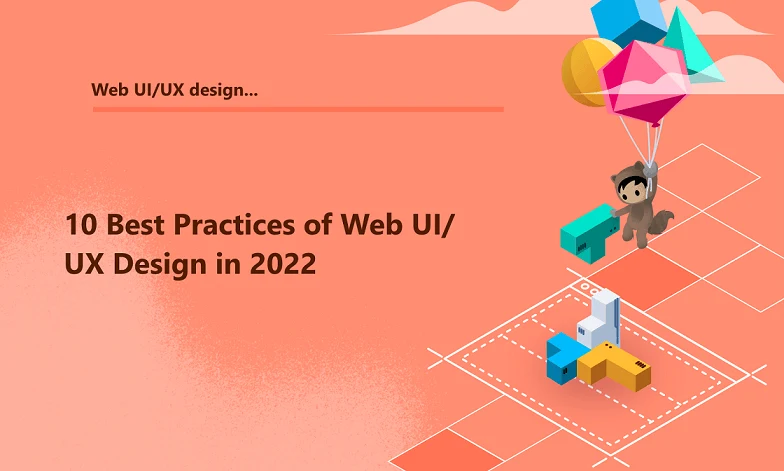
This article lists the 10 best practices of web UI/UX design to help you develop the perfect website for your brand.
Compare five wireframe tools by editing workflow, form interaction, collaboration, and export, with concrete limits drawn from their official product information.
Compare Pixso, Figma, Sketch, Axure, Fluid UI and MockFlow with a checkout task, plus migration guidance for Adobe XD and InVision files.
See what Figma Starter includes, when a team needs paid seats, and how Pixso compares for shared files, history, libraries and developer handoff.
Page 5 of 6
Create Files
Resource Community
Version History
User Guide