Pixso products and Paico AI
Design & collaboration
Create designs and app interfaces with natural language.
Pixso AI
What do you want to create?
Work with AI coding tools
Bring design context into code so canvas and development stay connected.
Find design resources
Learn & use
Develop & extend
Design collaboration for enterprise teams
Explore practical UI/UX guides, product design tutorials, design system examples, prototyping tips, and real-world case studies.
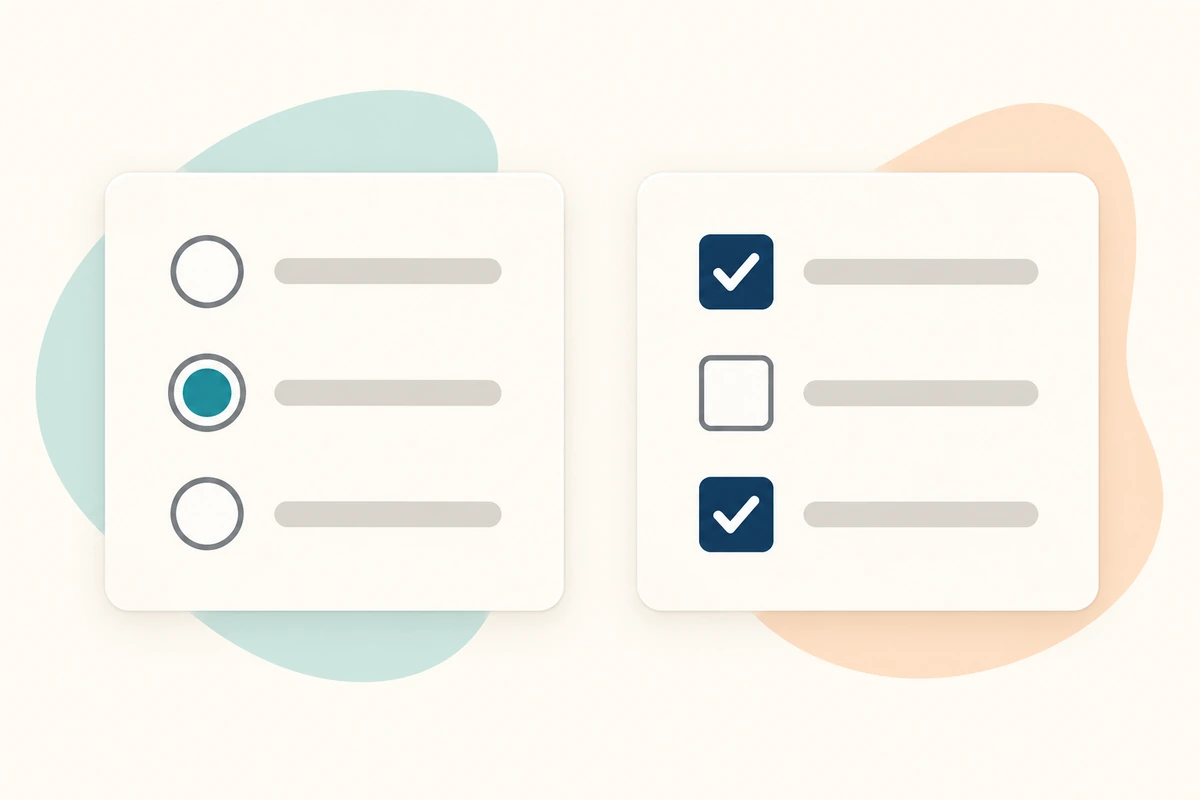
Use a workshop booking form to choose between radio buttons and checkboxes, handle optional answers, and make each group easy to understand.
Turn inconsistent padding and gaps into a reusable spacing system, with a worked project-card example and clear rules for exceptions.
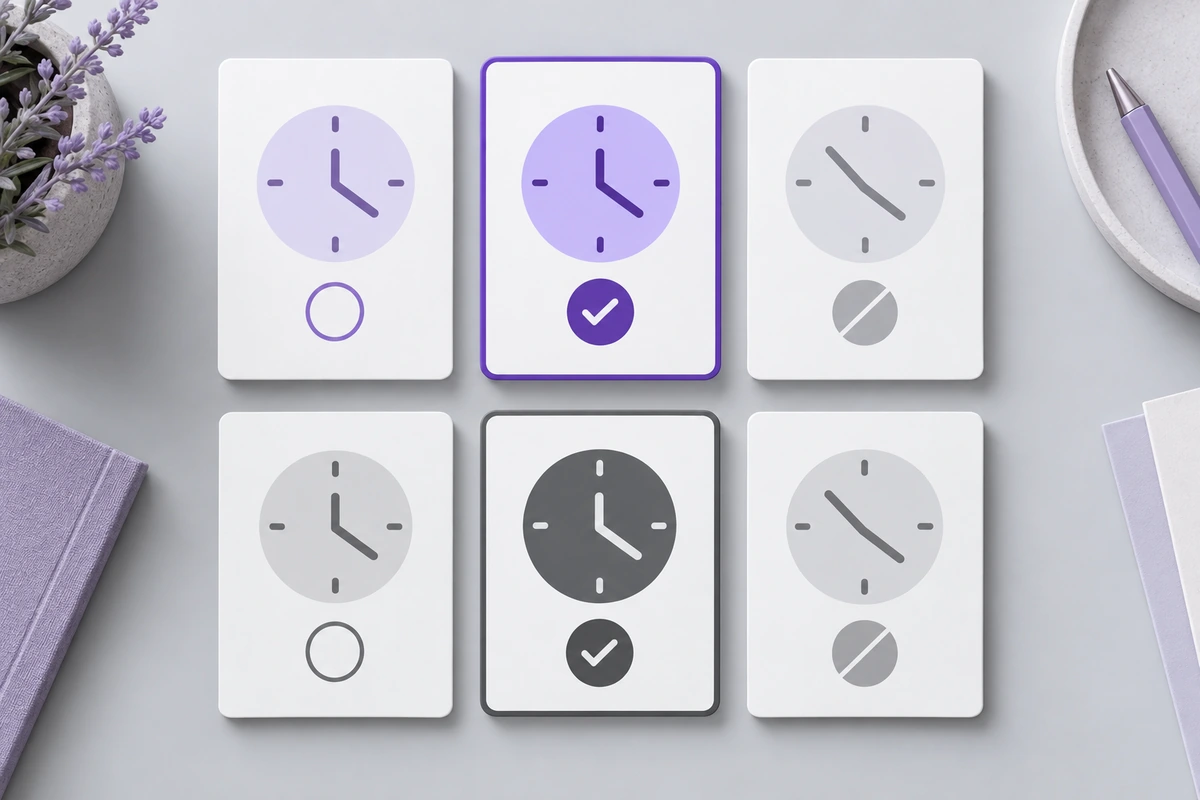
Make appointment availability, selected times, errors, and confirmation understandable with more than color. Build and review one complete booking flow.
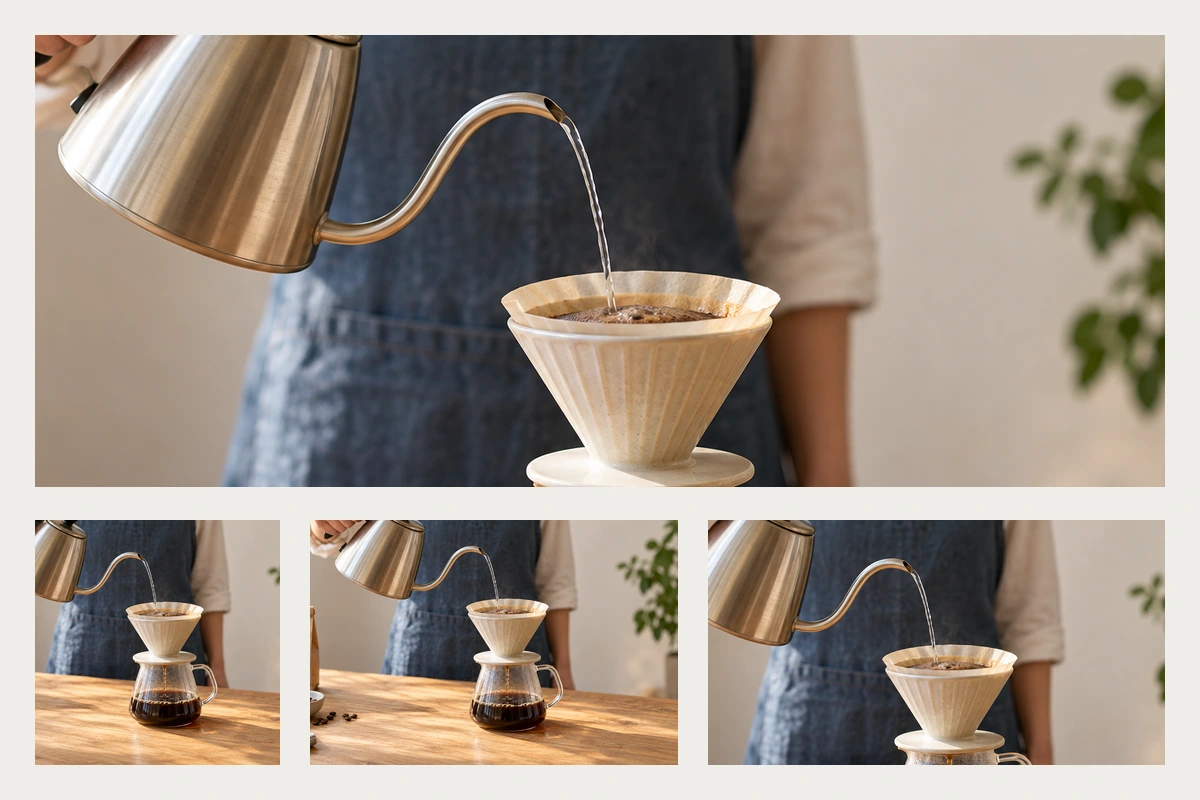
Follow one coffee-workshop image across wide, square, and mobile layouts. Decide what to preserve, when to use another crop, and how to keep page text readable.
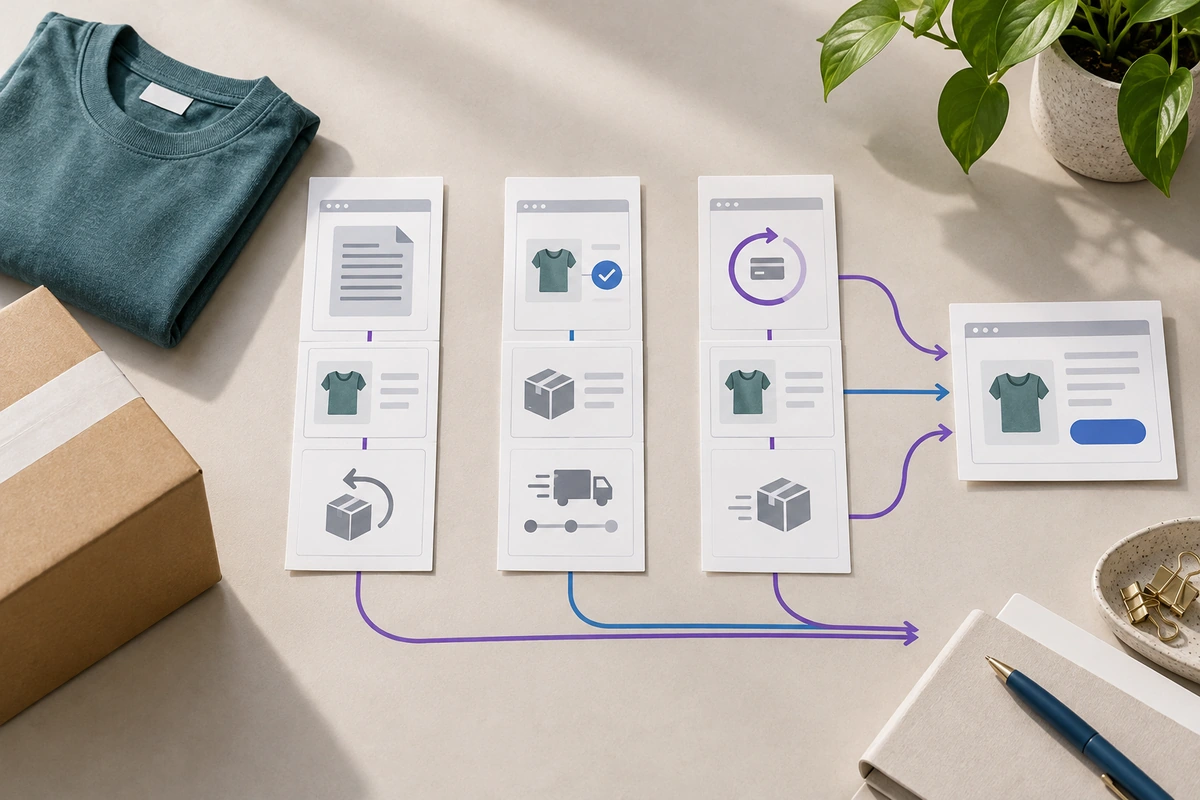
Use a returns-flow example to scope a UX competitive analysis, compare meaningful interactions, and turn observations into a specific design recommendation.
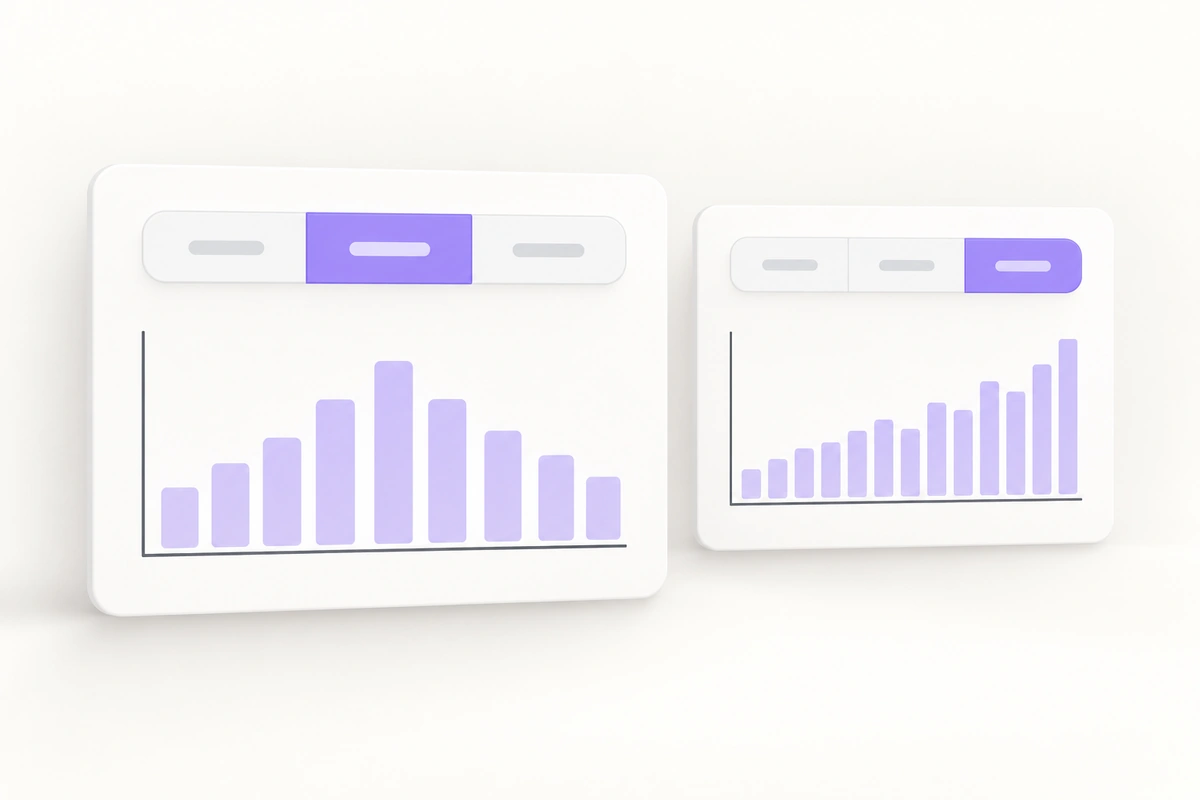
Design a Day, Week, and Month control that keeps the selected range, date caption, and chart results in agreement, from keyboard focus to slow responses.
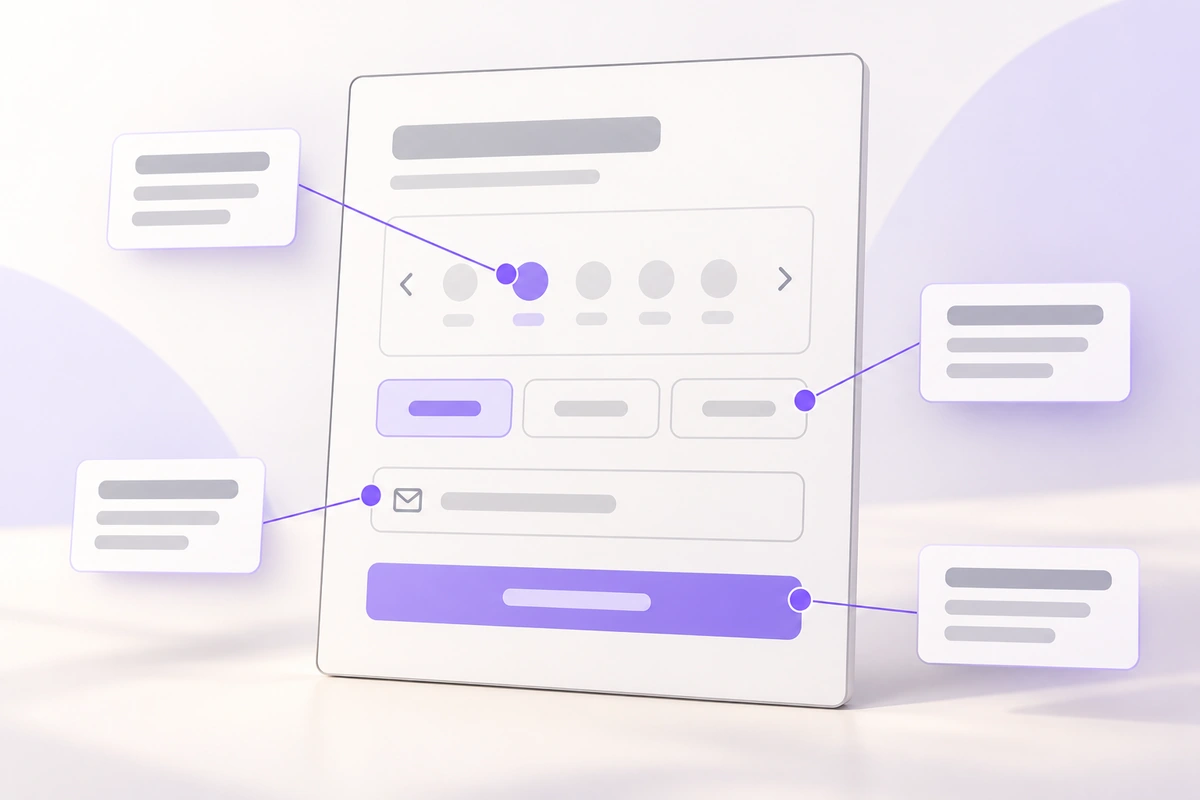
Turn a static booking screen into six precise behavior notes. See what to annotate, where to place it, and when a prototype or comment is more useful.
Build a pickup-location bottom sheet that handles search, the keyboard, draft choices, confirmation, and dismissal without losing the customer's context.
Separate choosing a personal score from reading an aggregate rating. Design the question, scale, unselected state, submission and summary with one support example.
Make code entry understandable across the product and inbox. Plan complete-code paste, destination correction, resend, expiry and confirmed verification together.
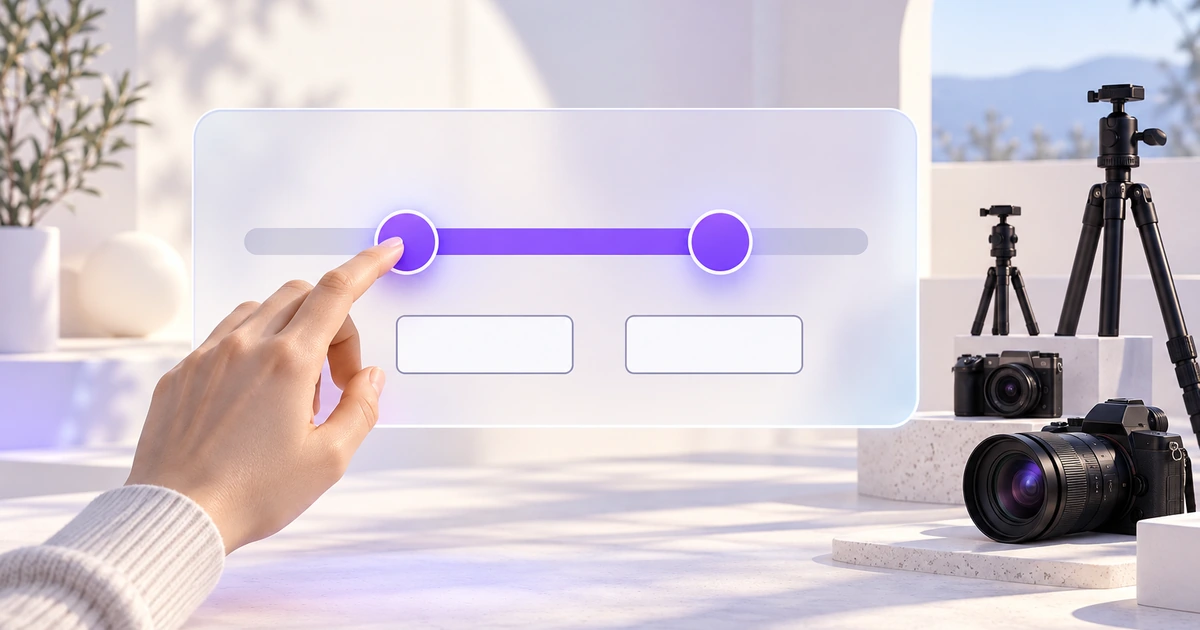
Build a rental-price range that keeps slider handles, exact values and applied results in agreement. Define limits, precision and recovery before styling.
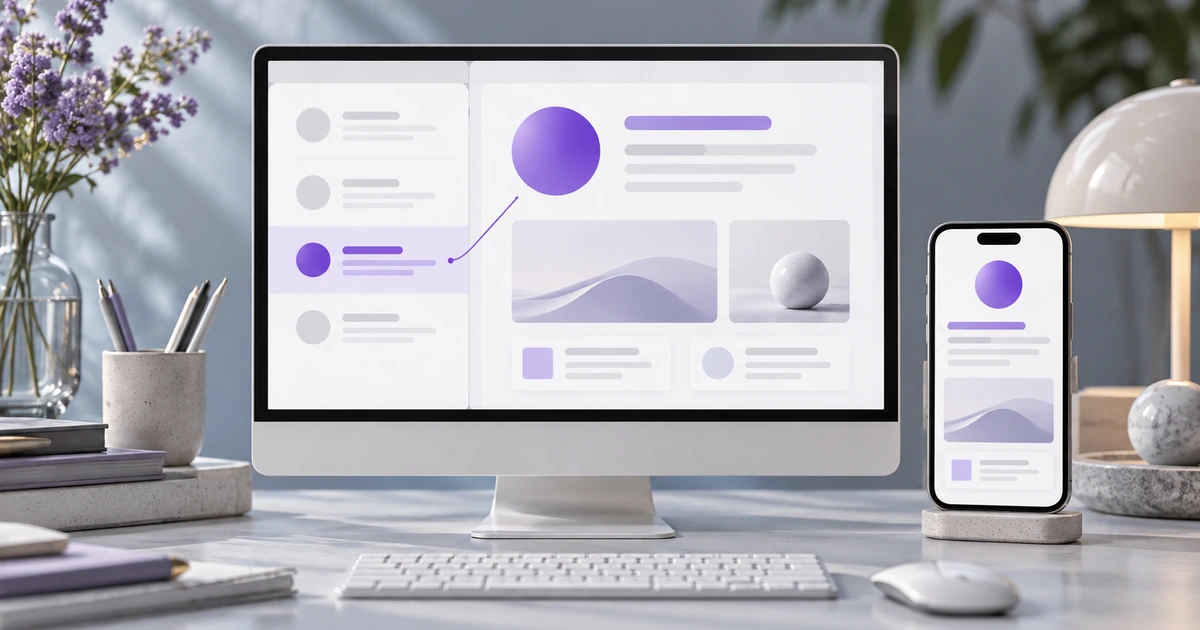
Keep the selected record, list position and detail actions connected. A support-inbox example covers pane sizing, compact navigation, drafts and keyboard context.
Page 2 of 42
Create Files
Resource Community
Version History
User Guide