Pixso products and Paico AI
Design & collaboration
Create designs and app interfaces with natural language.
Pixso AI
What do you want to create?
Work with AI coding tools
Bring design context into code so canvas and development stay connected.
Find design resources
Learn & use
Develop & extend
Design collaboration for enterprise teams
Explore practical UI/UX guides, product design tutorials, design system examples, prototyping tips, and real-world case studies.
Use a four-project portfolio gallery to decide how people browse, select and revisit slides. Compare controls, focus, end behavior and narrow-screen layouts.
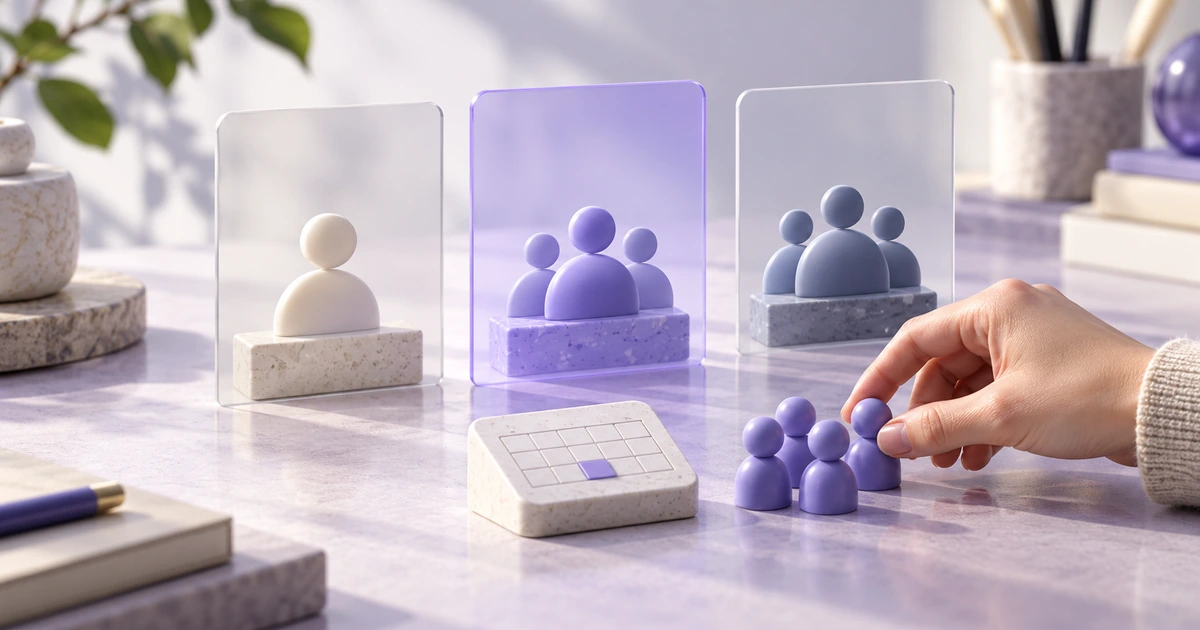
Make plan fit, editor-seat pricing and billing periods understandable. A worked scheduling-product example connects the comparison table to the selected-plan summary.
Make the search field's promise clear: what it searches, what a suggestion does, and what happens when someone presses Enter. A project-library example connects desktop and mobile behavior.
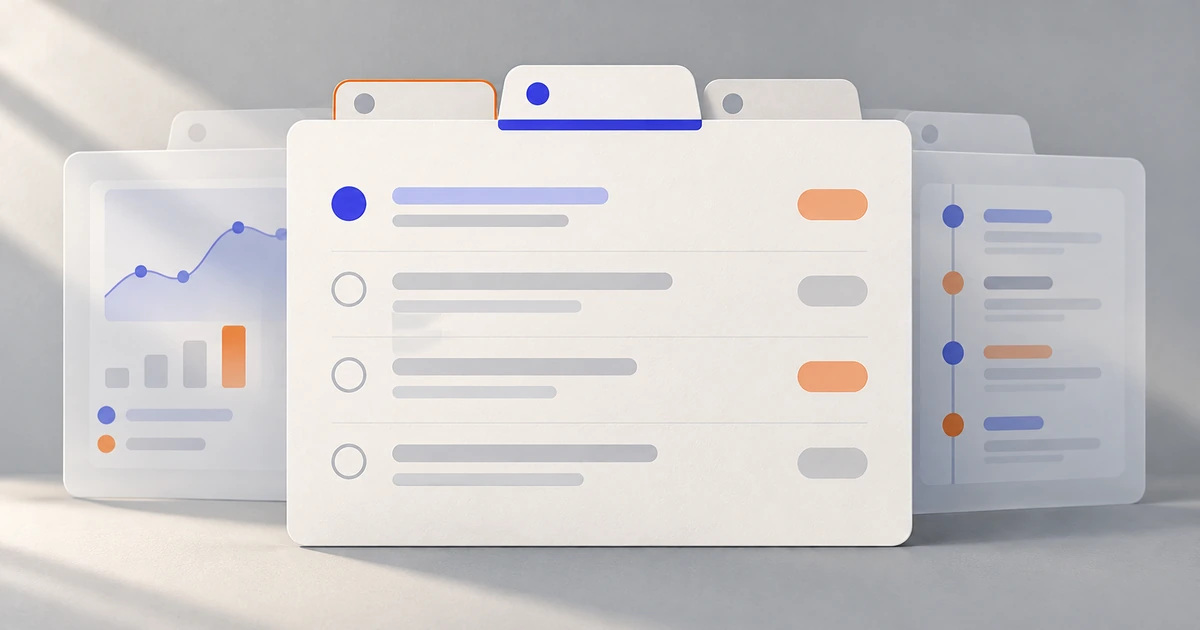
Use tabs for sibling views of one object, not a sequence of steps. A project workspace shows how to separate selection from focus, preserve unfinished work and handle narrow screens.
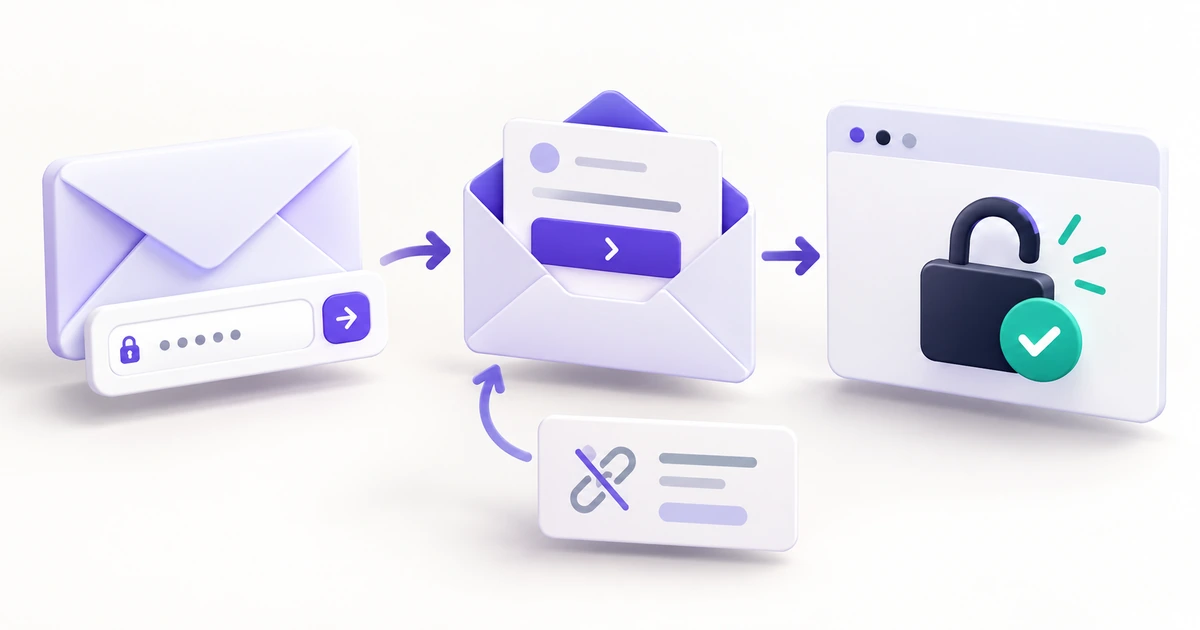
Follow one workspace recovery journey through the inbox, expired and reused links, a new password and normal sign-in—with copy and design decisions for each step.
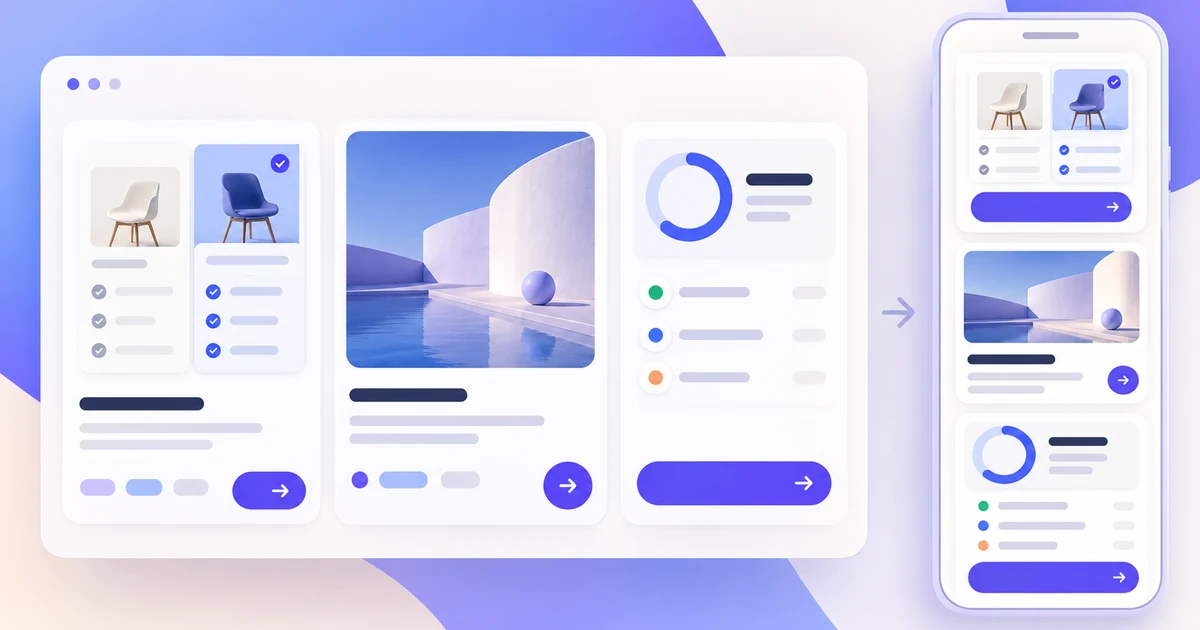
A practical card UI design guide for content hierarchy, action priority, responsive layouts, and loading, empty, and error states.
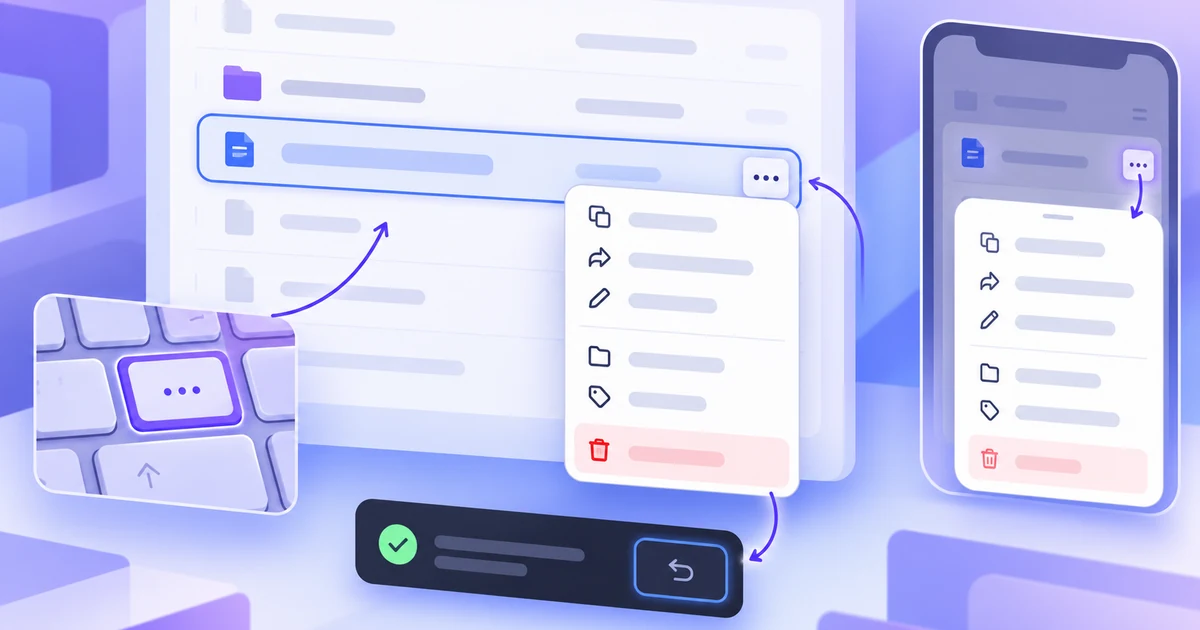
A practical context-menu UX guide for choosing the trigger, action order, placement, responsive fallback, keyboard path, and recovery behavior for secondary actions.
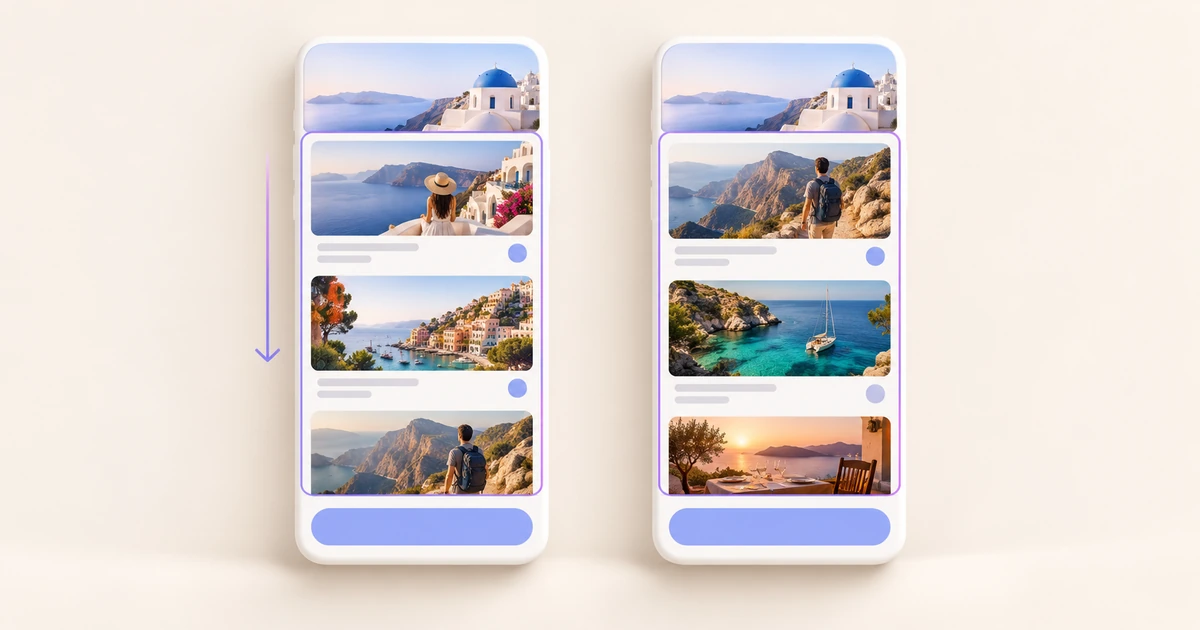
A practical decision guide for collection navigation: match pagination, Load more, or infinite scroll to the way people find, compare, revisit, and complete work.
Build a long activity-booking page in Pixso, set its scroll direction, keep a compact header fixed, and resolve the layout problems that hide content or prevent scrolling.
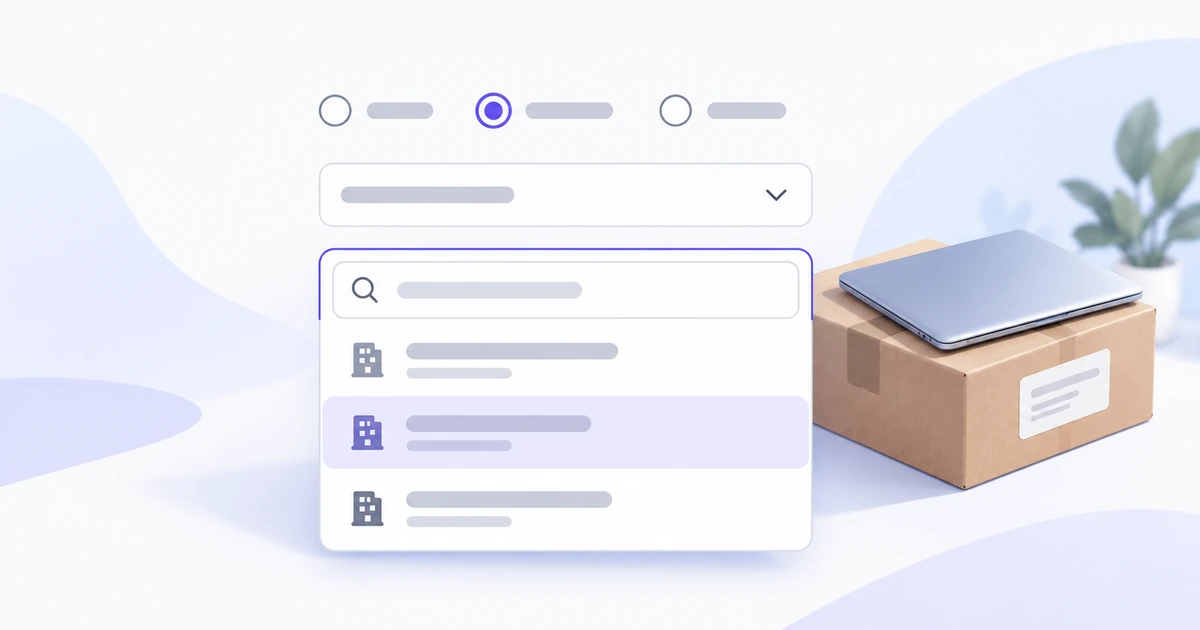
Compare selects, searchable comboboxes, radio buttons, and action menus through one equipment-delivery form, with practical guidance for labels, option lists, and mobile layouts.
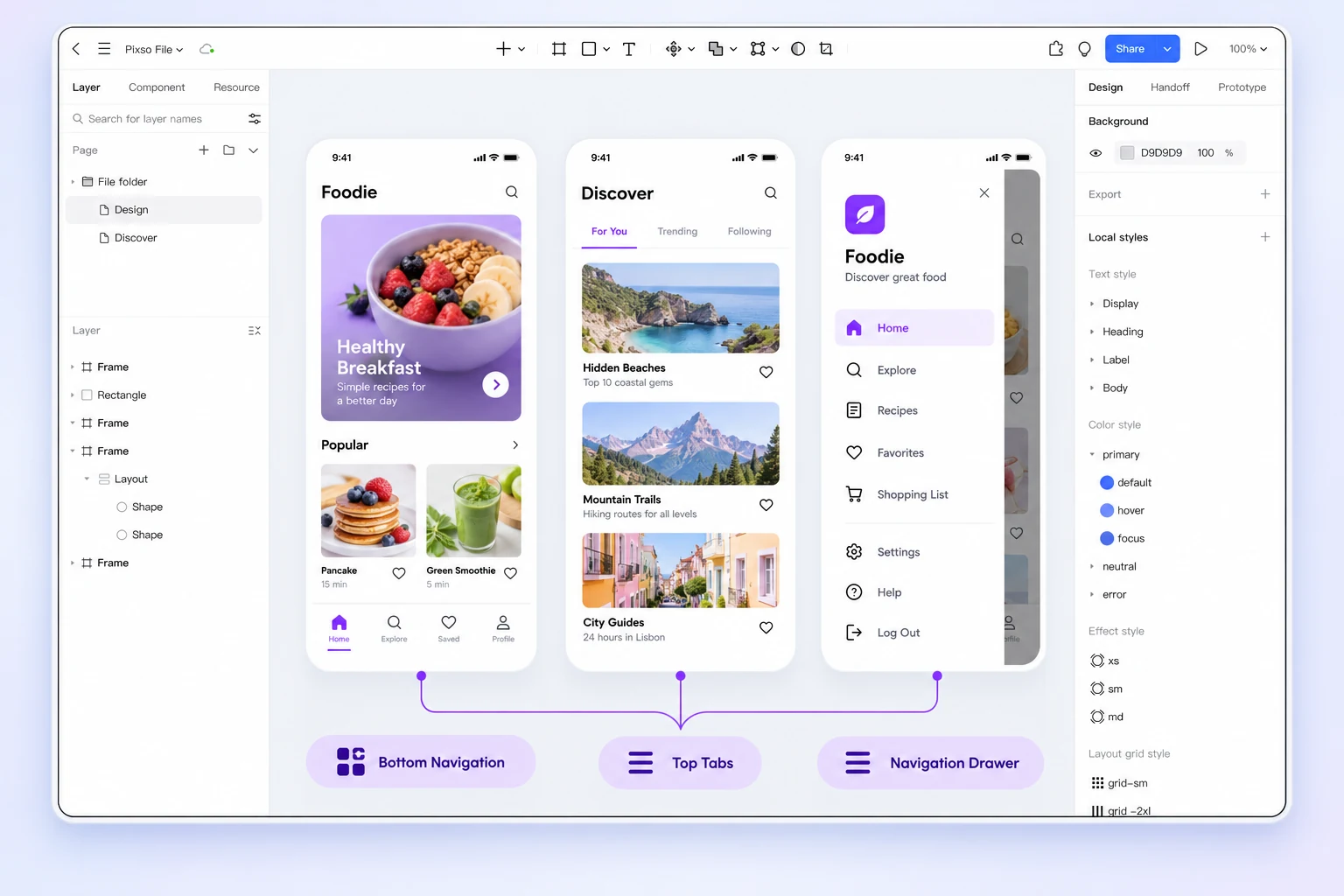
A practical framework for choosing mobile navigation patterns, testing information architecture, and prototyping responsive states without hiding important destinations.
Page 3 of 42
Create Files
Resource Community
Version History
User Guide